



Mob Entity Blocks for Minecraft Pocket Edition 26.1
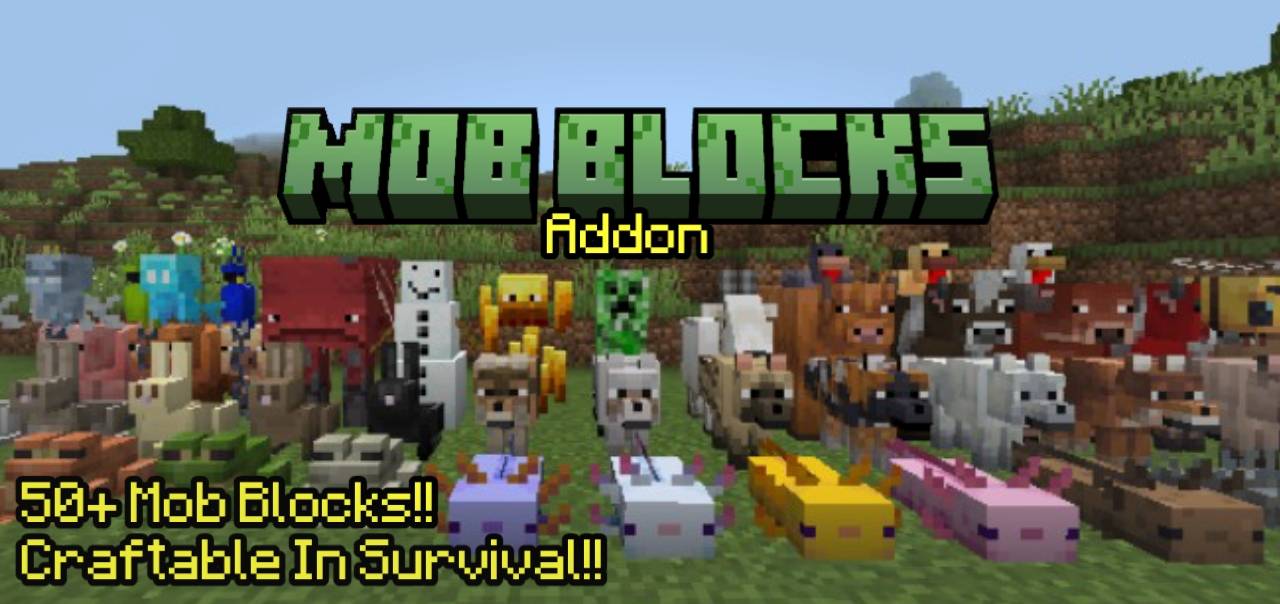
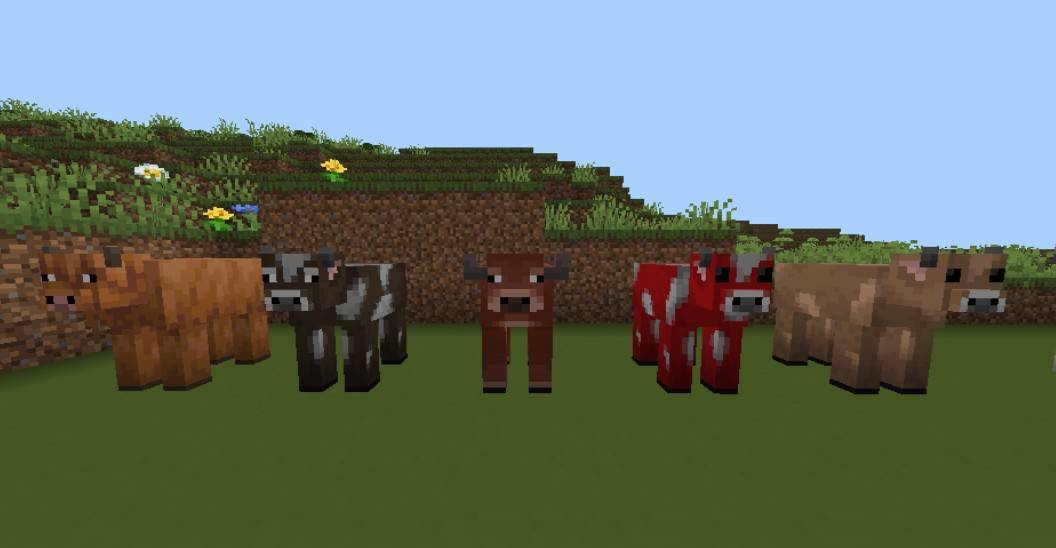
If you want to add more unusual details to building, Mob Entity Blocks is perfect for this task. The add-on introduces 51 decorative blocks styled after different mobs and their variants, making ordinary builds immediately look more interesting.
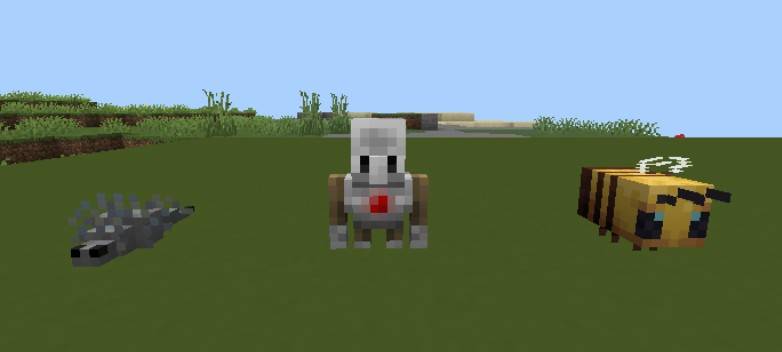
These blocks can be used to decorate bases, create themed rooms, statues, mini-museums, arenas, or simply funny decorations for your area. The add-on fits equally well in Creative mode, where it opens up space for large projects, and in Survival, where every new decorative detail makes the base more cozy and unique.
Installing Mob Entity Blocks:
The first step is to run the downloaded file and import the addon/texture into MCPE.
Second step: open Minecraft Pocket Edition and go to the settings of the world.
Third step: install the imported resource sets and add-ons for the world.
Step four: select the imported resource packages/add-on in each section and restart the mobile client.
Comments (0)