



Modern Furniture for Minecraft Pocket Edition 26.x
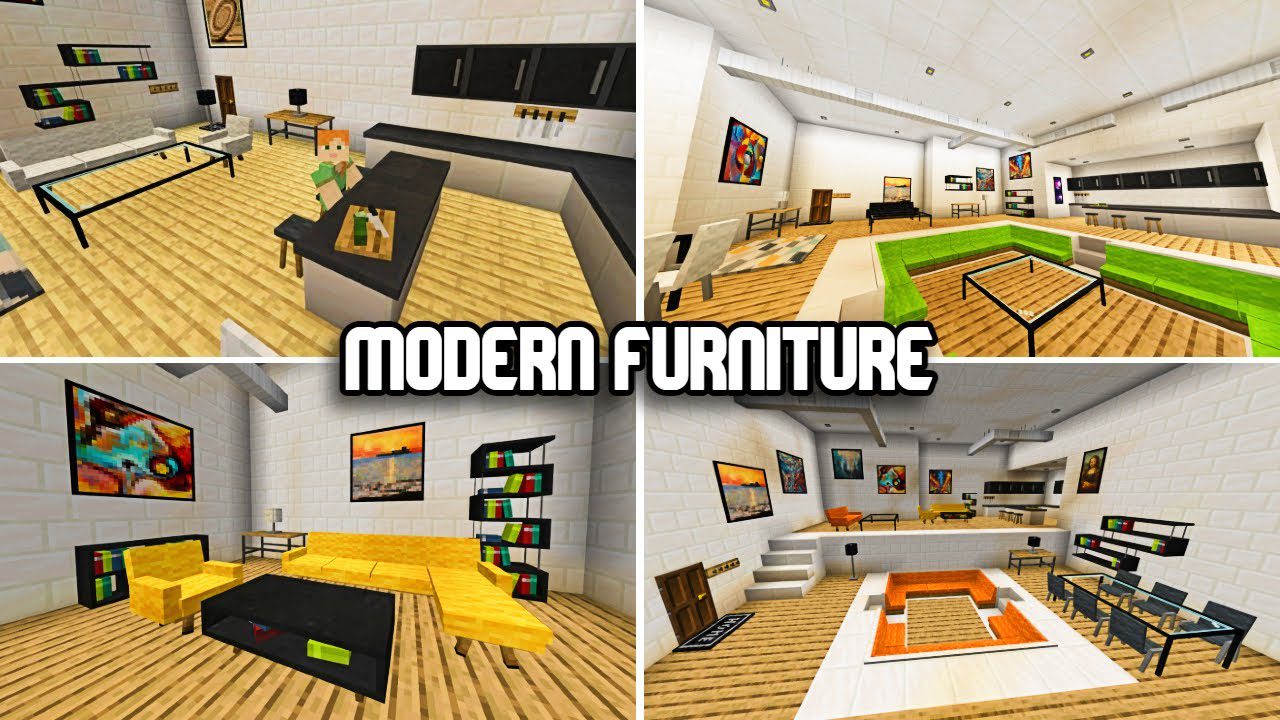
Ordinary buildings look empty inside, even if the house, cafe, or office is built beautifully on the outside. The Modern Furniture mod solves this problem through a large set of decorative items: it includes more than 300 furniture elements, including different color options, bookshelves, frames, and details for decorating rooms.
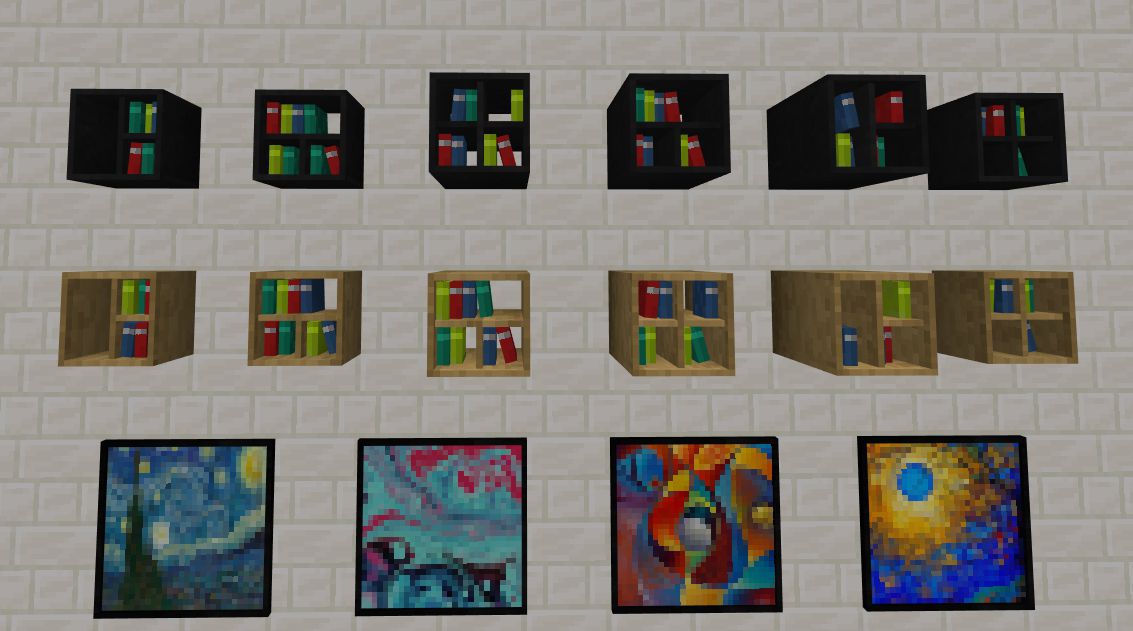
The furniture is made in a modern style, but at the same time it does not overload the game with complex electronic mechanics or overly heavy models. Because of this, the items look good in the blocky world and do not stand out from the overall atmosphere. The kitchen gets its own details, the bedroom becomes cozier, the living room looks complete, and work areas stop being empty.
Installing Modern Furniture:
The first step is to run the downloaded file and import the addon/texture into MCPE.
Second step: open Minecraft Pocket Edition and go to the settings of the world.
Third step: install the imported resource sets and add-ons for the world.
Step four: select the imported resource packages/add-on in each section and restart the mobile client.
Comments (0)