



Nature’s Touch for Minecraft Pocket Edition 26.x
Nature’s Touch changes the appearance of the game world and makes biomes feel more alive. The add-on reworks existing natural areas and introduces 20 new biomes. Among them are a garden biome, rocky forest, sunflower fields, azalea forest, cotton fields, sandy jungle, firefly fields, pink garden, clover fields, lavender forest, autumn forest, meadows, and other regions.
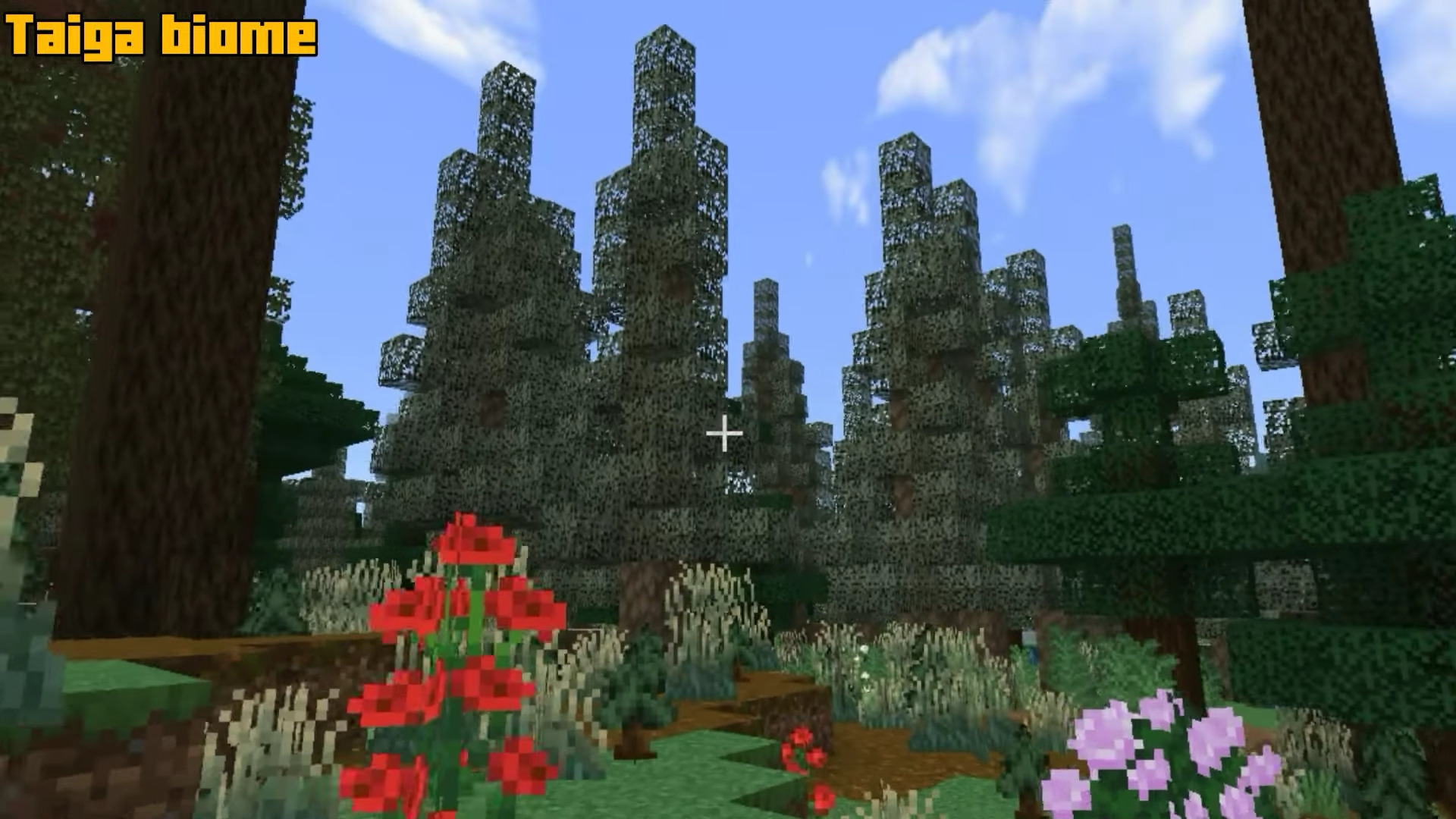
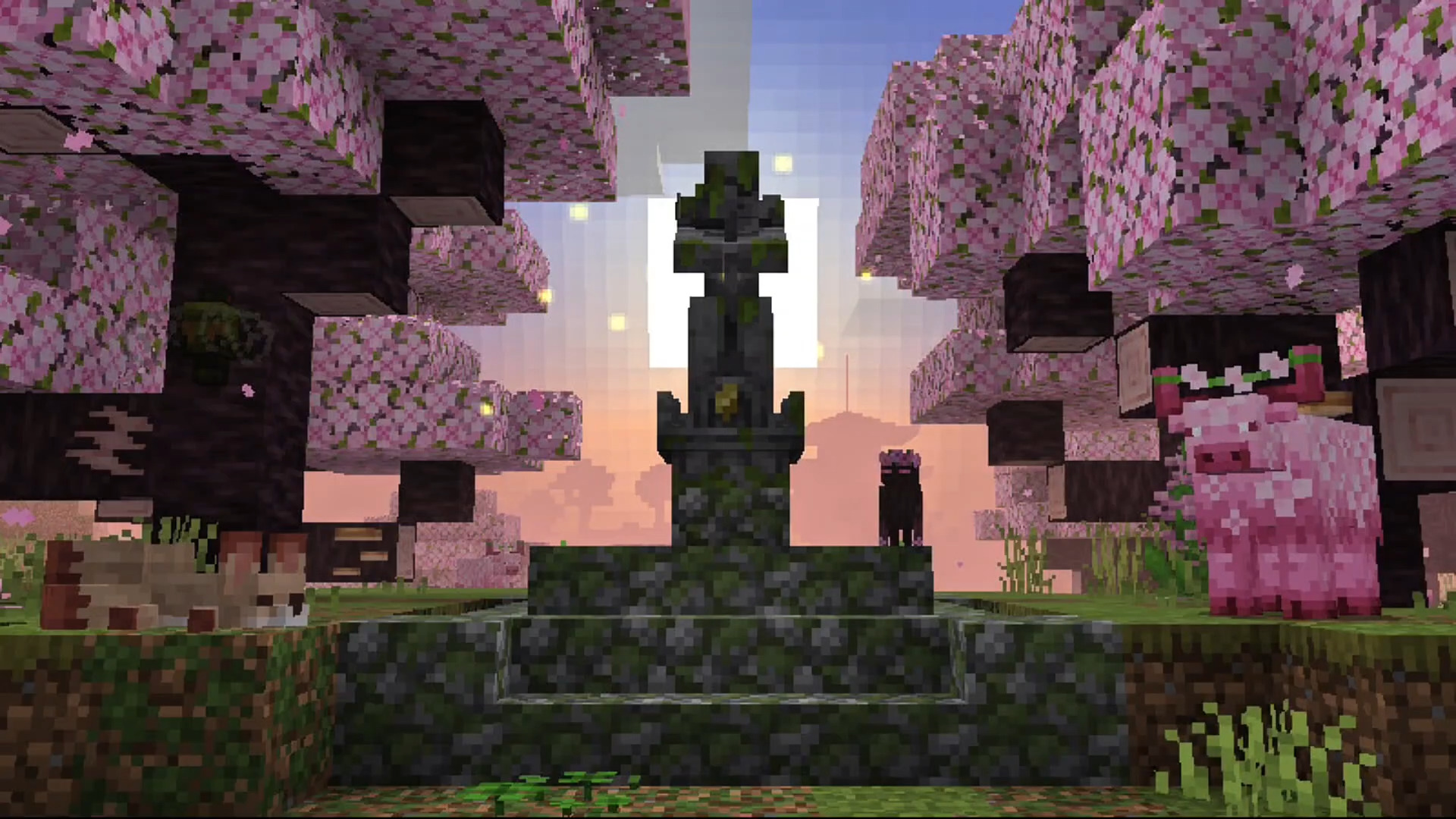
The world becomes filled with new plants, flowers, decorative leaves, tree branches, clover, grass, and fallen leaves. The Pale Garden receives an expansion with polished resin, while new items include scythes, pikes, and resin-coated tools.
Installing Nature’s Touch:
The first step is to run the downloaded file and import the addon/texture into MCPE.
Second step: open Minecraft Pocket Edition and go to the settings of the world.
Third step: install the imported resource sets and add-ons for the world.
Step four: select the imported resource packages/add-on in each section and restart the mobile client.
Comments (0)