



Oresync for Minecraft Pocket Edition 26.1

There are addons that add new items, and there are those that make familiar processes much more convenient. Oresync is exactly from the second category. It noticeably simplifies mining, building, and working with the inventory, taking away from the player some of the repetitive actions that begin to become tiring over time.
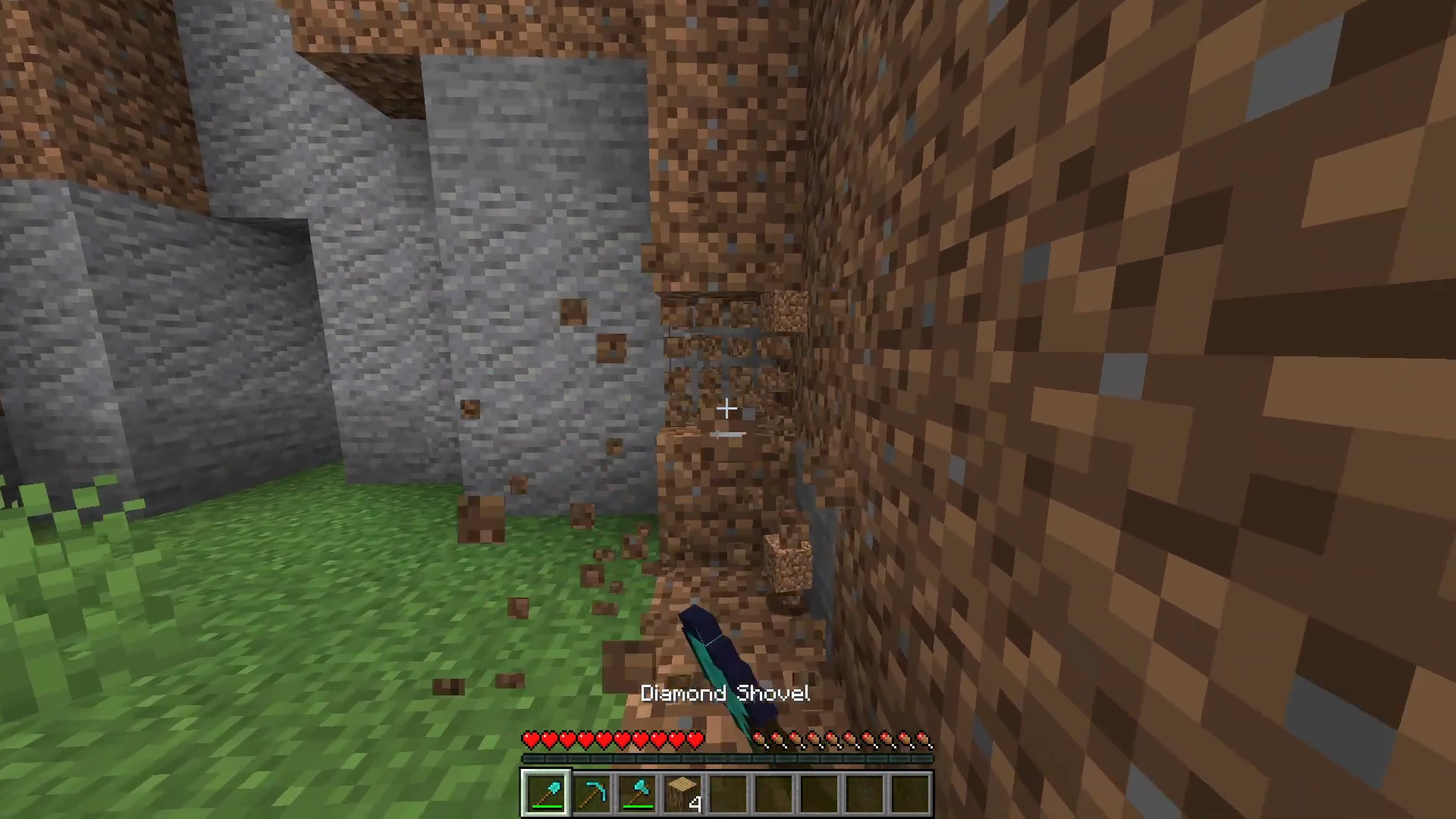
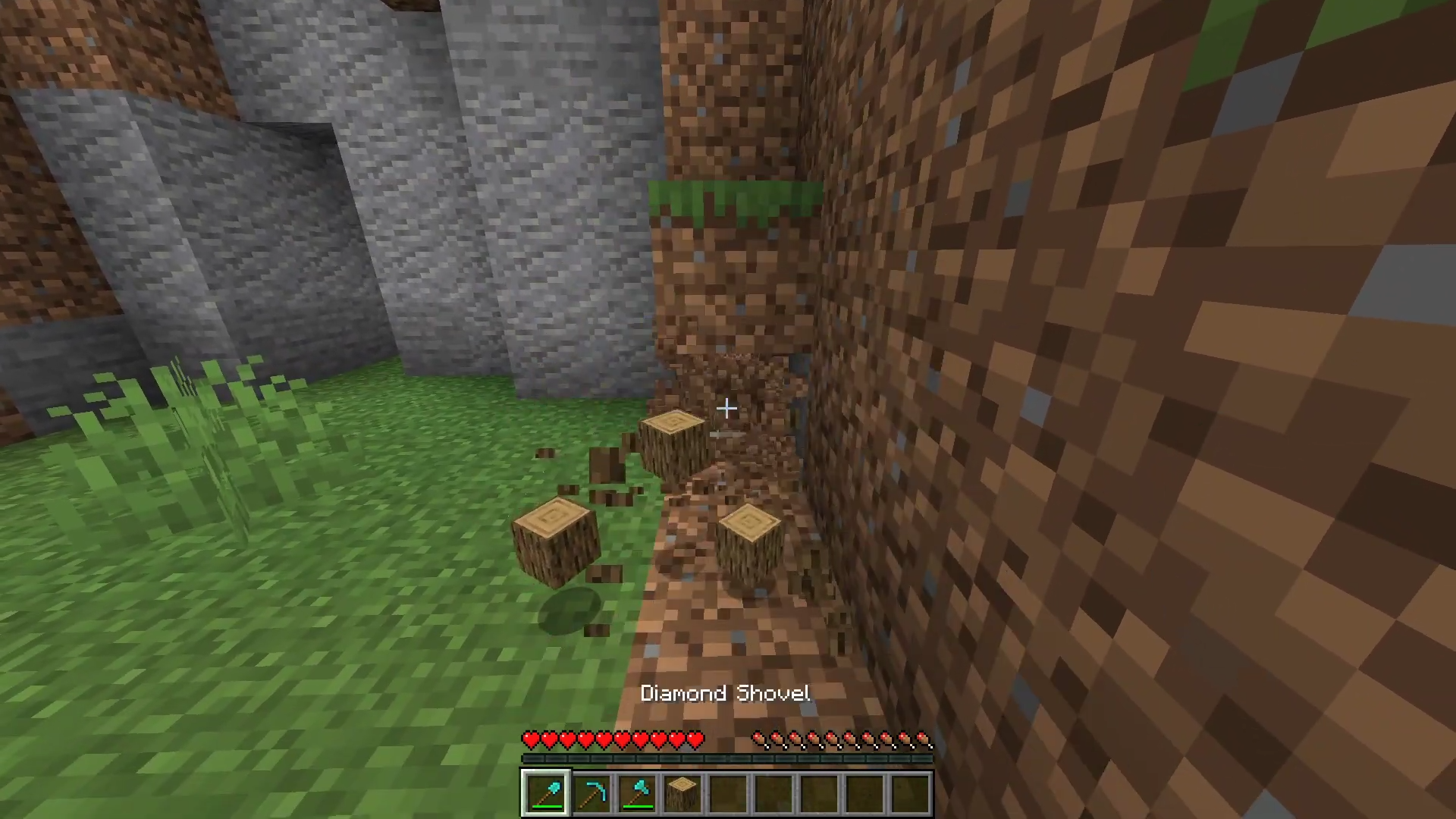
Intelligent mining works well: it is enough to hold Shift to break nearby blocks of the same type faster, without turning the process into endless monotonous clicking. The mod is not limited only to the mine — it helps with automatically replacing broken tools, searching for items in the inventory, and filling materials while building.
Installing Oresync:
The first step is to run the downloaded file and import the addon/texture into MCPE.
Second step: open Minecraft Pocket Edition and go to the settings of the world.
Third step: install the imported resource sets and add-ons for the world.
Step four: select the imported resource packages/add-on in each section and restart the mobile client.
Comments (0)