



OtherWorldly for Minecraft Pocket Edition 26.1
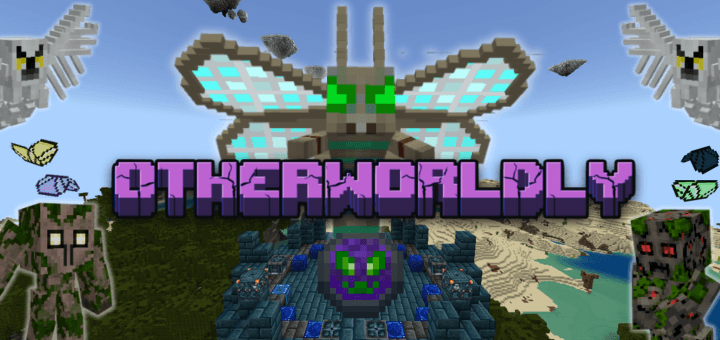
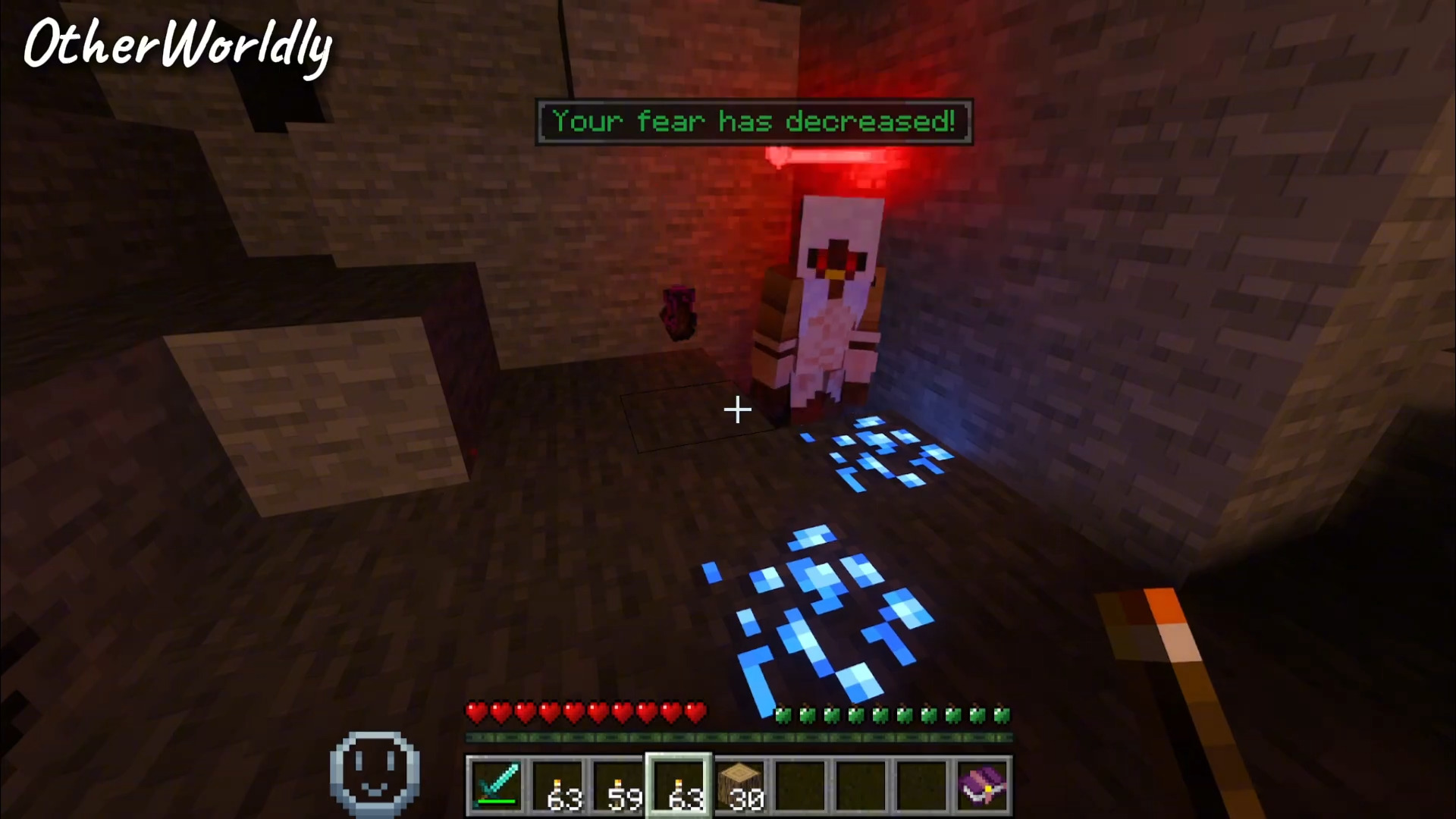
Not everyone needs a calm vanilla mode where, after the first hours of survival, the game becomes predictable. OtherWorldly is designed exactly for those who want more threats, more content, and more reasons to prepare for each new stage. This addon noticeably complicates survival and at the same time fills the world with new bosses, mobs, structures, ores, items, and blocks.
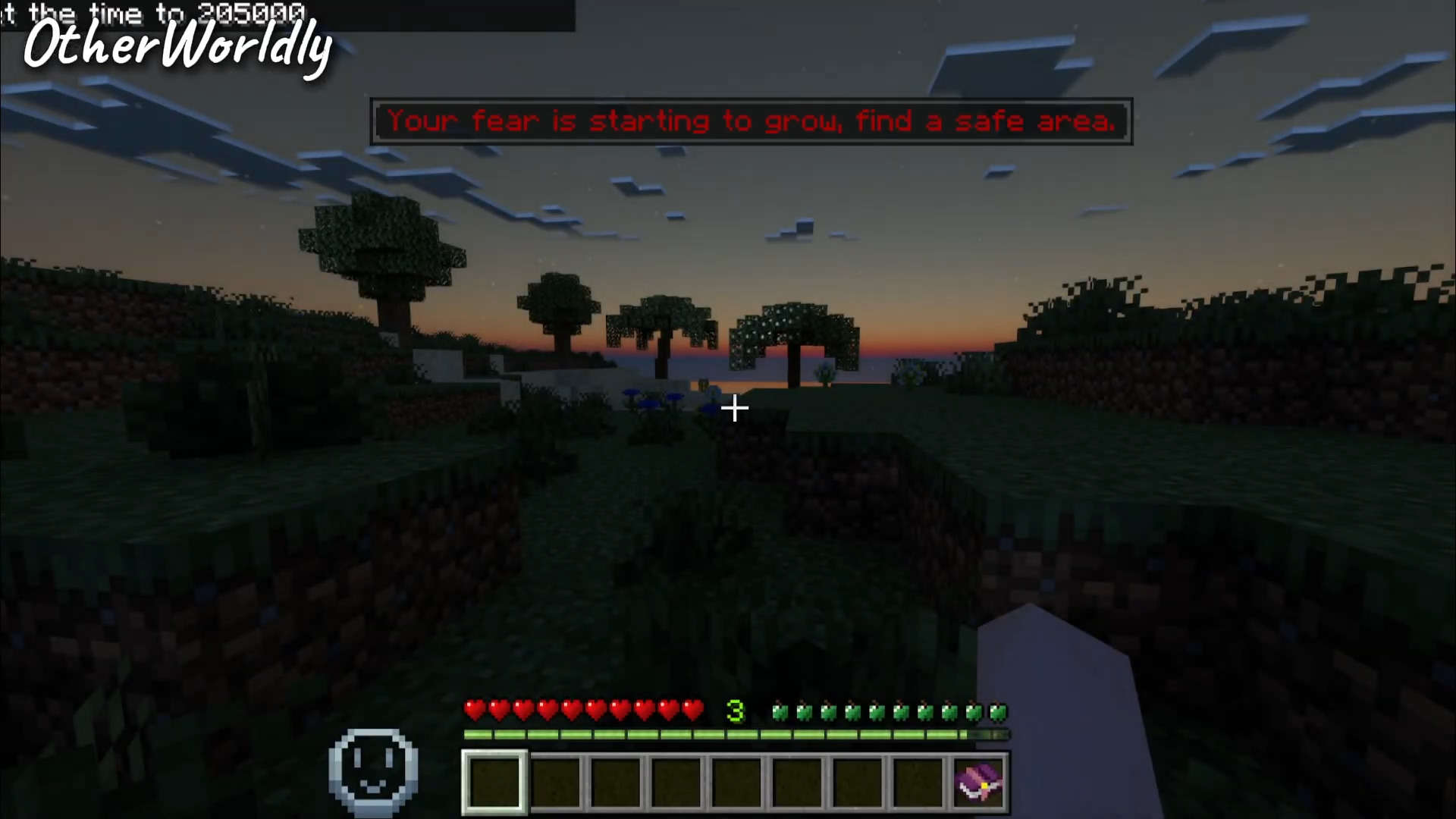
Due to such a volume of changes, familiar progression feels different: resource gathering, exploring territories, and preparing for battles gain more weight. The addon does not just throw new things into the inventory, but makes the game rhythm itself denser and more tense.
Installing OtherWorldly:
The first step is to run the downloaded file and import the addon/texture into MCPE.
Second step: open Minecraft Pocket Edition and go to the settings of the world.
Third step: install the imported resource sets and add-ons for the world.
Step four: select the imported resource packages/add-on in each section and restart the mobile client.
Comments (0)