



Player Gender Reloaded for Minecraft Pocket Edition 26.1
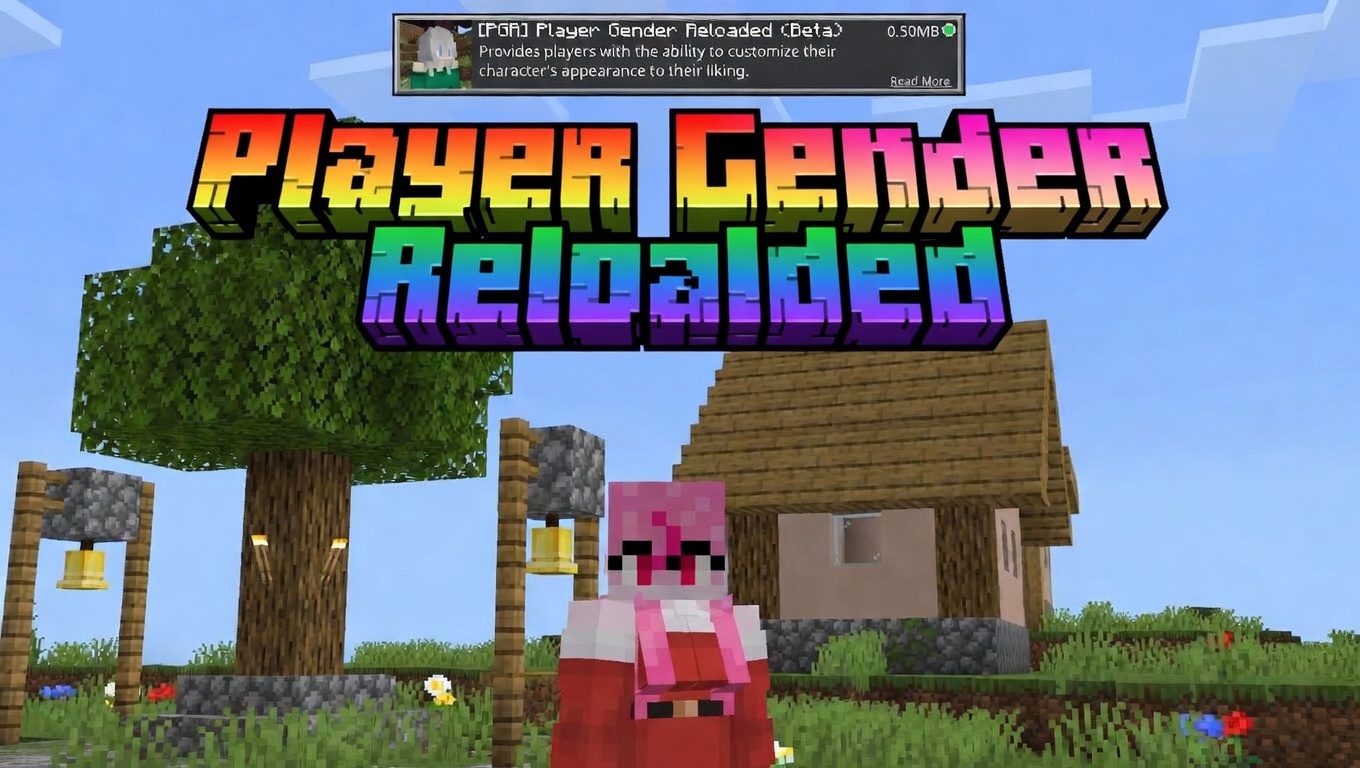
Sometimes an addon is needed not for new biomes or weapons, but for character personalization. Player Gender Reloaded works exactly in this direction, changing the standard player model to a more expressive female version and making the animations noticeably livelier. The addon does not require completely changing the familiar look: it is compatible with regular skins, so you can keep your style and simply use the new model.
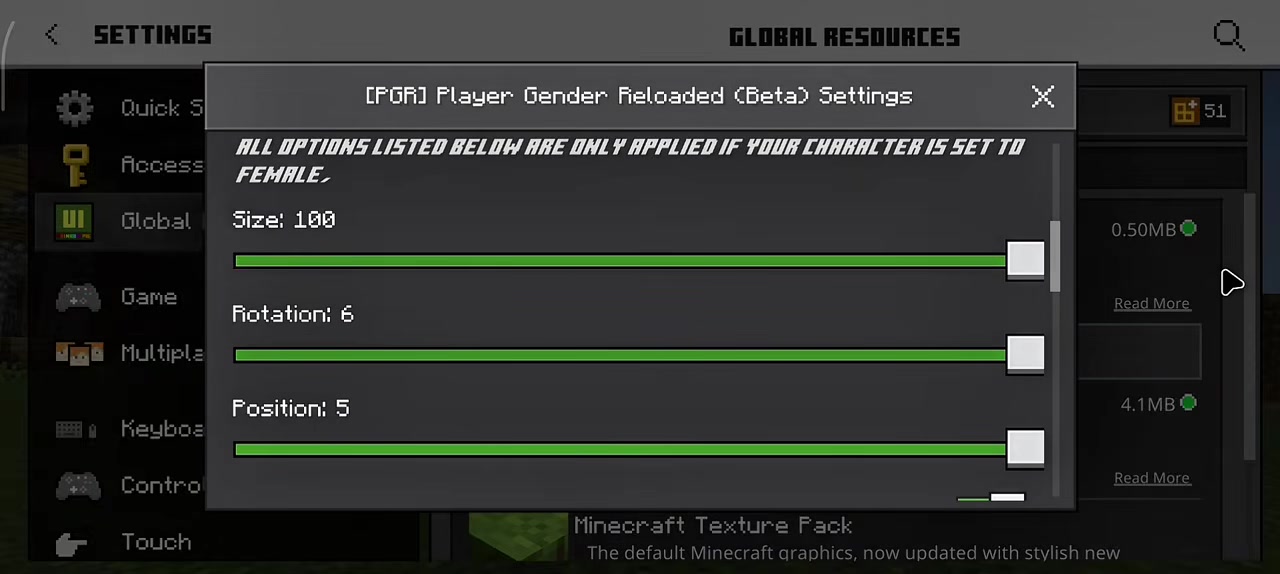
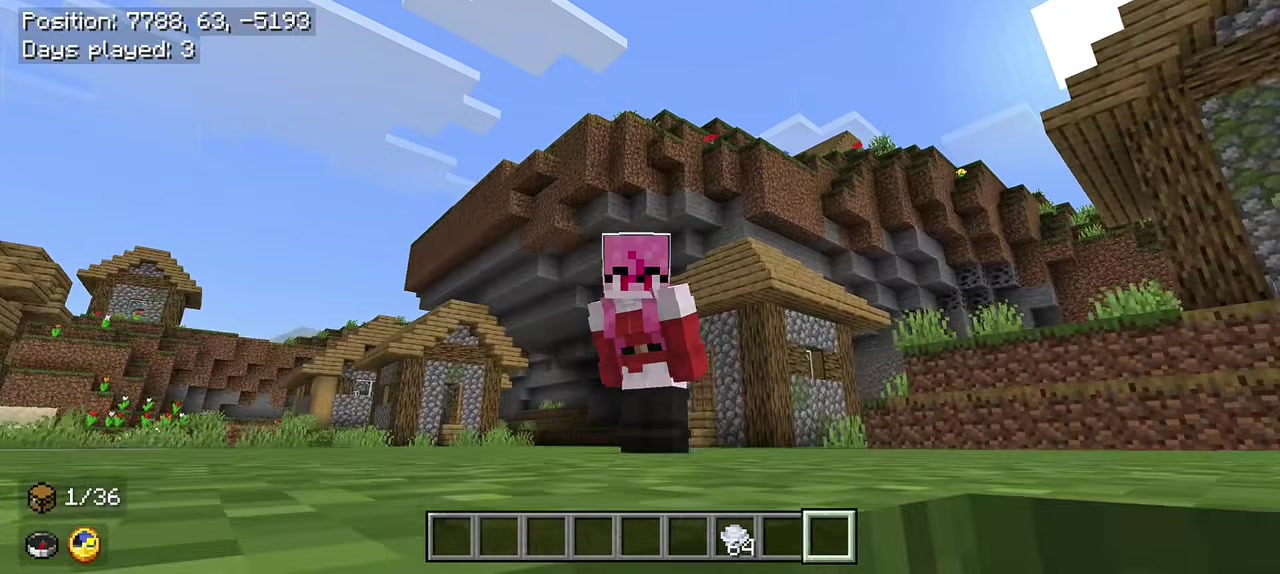
The changes are visible not only to the owner, but also in third person, as well as in multiplayer, so the appearance truly becomes part of the character’s image. The mod makes the visual side of the game more varied and helps adjust the hero’s appearance more precisely to your taste.
Installing Player Gender Reloaded:
The first step is to run the downloaded file and import the addon/texture into MCPE.
Second step: open Minecraft Pocket Edition and go to the settings of the world.
Third step: install the imported resource sets and add-ons for the world.
Step four: select the imported resource packages/add-on in each section and restart the mobile client.
Comments (0)