



Posters+ for Minecraft Pocket Edition 26.1
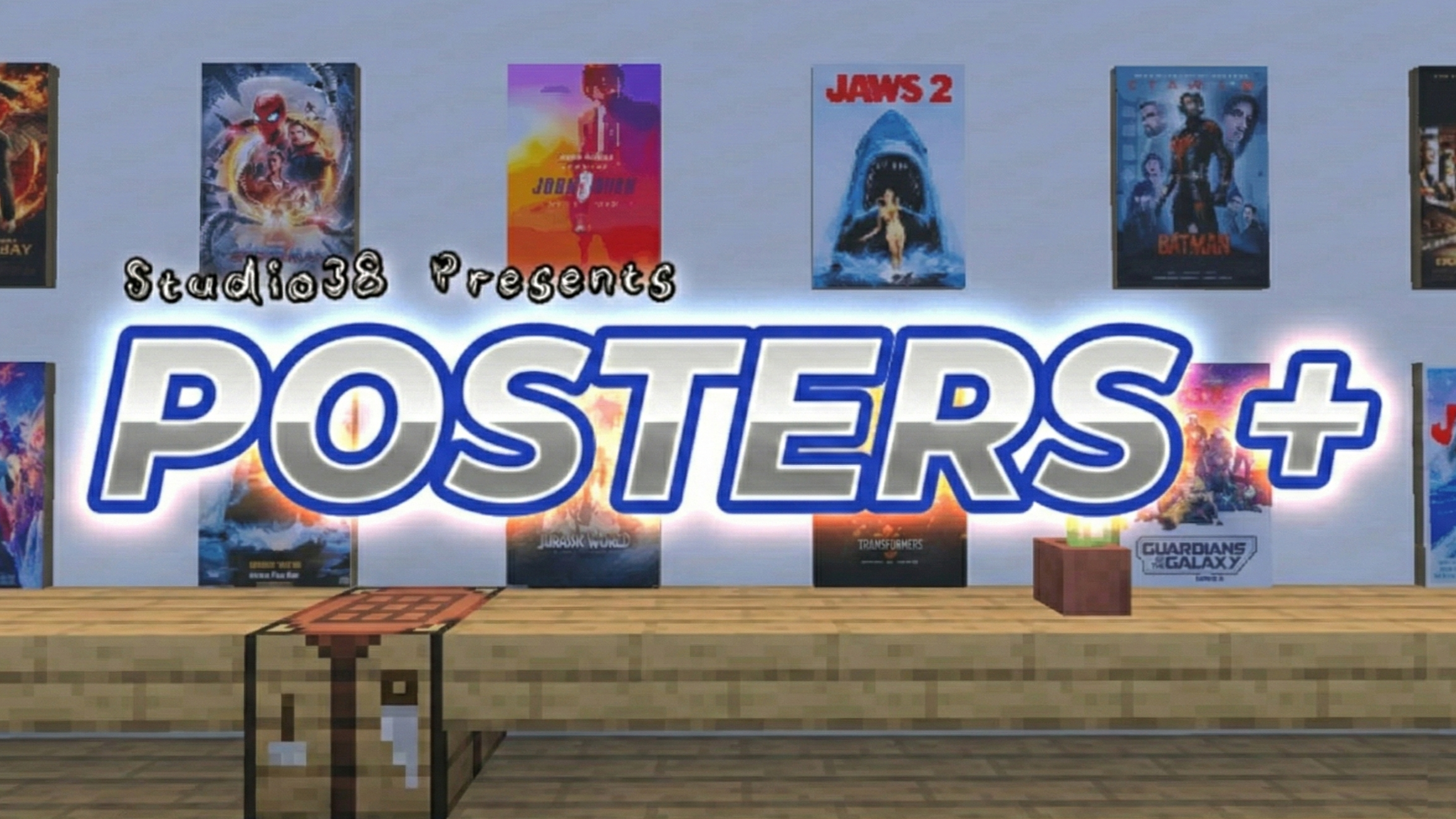
Not every addon has to turn survival upside down to be interesting. Sometimes it is enough to add a simple but addictive goal to the world — collecting. This is exactly how Posters+ works, turning ordinary outings against zombies and skeletons into a hunt for rare posters. The main feature here is not only the drop, but also the feeling of reward: after a successful outing, you return home not just with resources, but with a new decoration for your base.
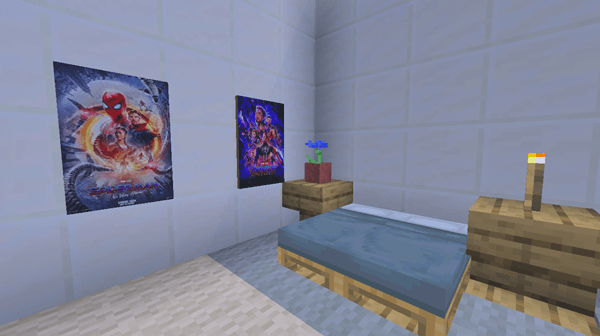
The walls no longer look empty, and the home itself begins to resemble a personal gallery with a movie-like atmosphere. The addon is small in its idea, but very pleasant in its effect: it adds excitement to battles and visually brings the interior to life.
Installing Posters+:
The first step is to run the downloaded file and import the addon/texture into MCPE.
Second step: open Minecraft Pocket Edition and go to the settings of the world.
Third step: install the imported resource sets and add-ons for the world.
Step four: select the imported resource packages/add-on in each section and restart the mobile client.
Comments (0)