



Sculker Weapons and Tools for Minecraft Pocket Edition 26.1

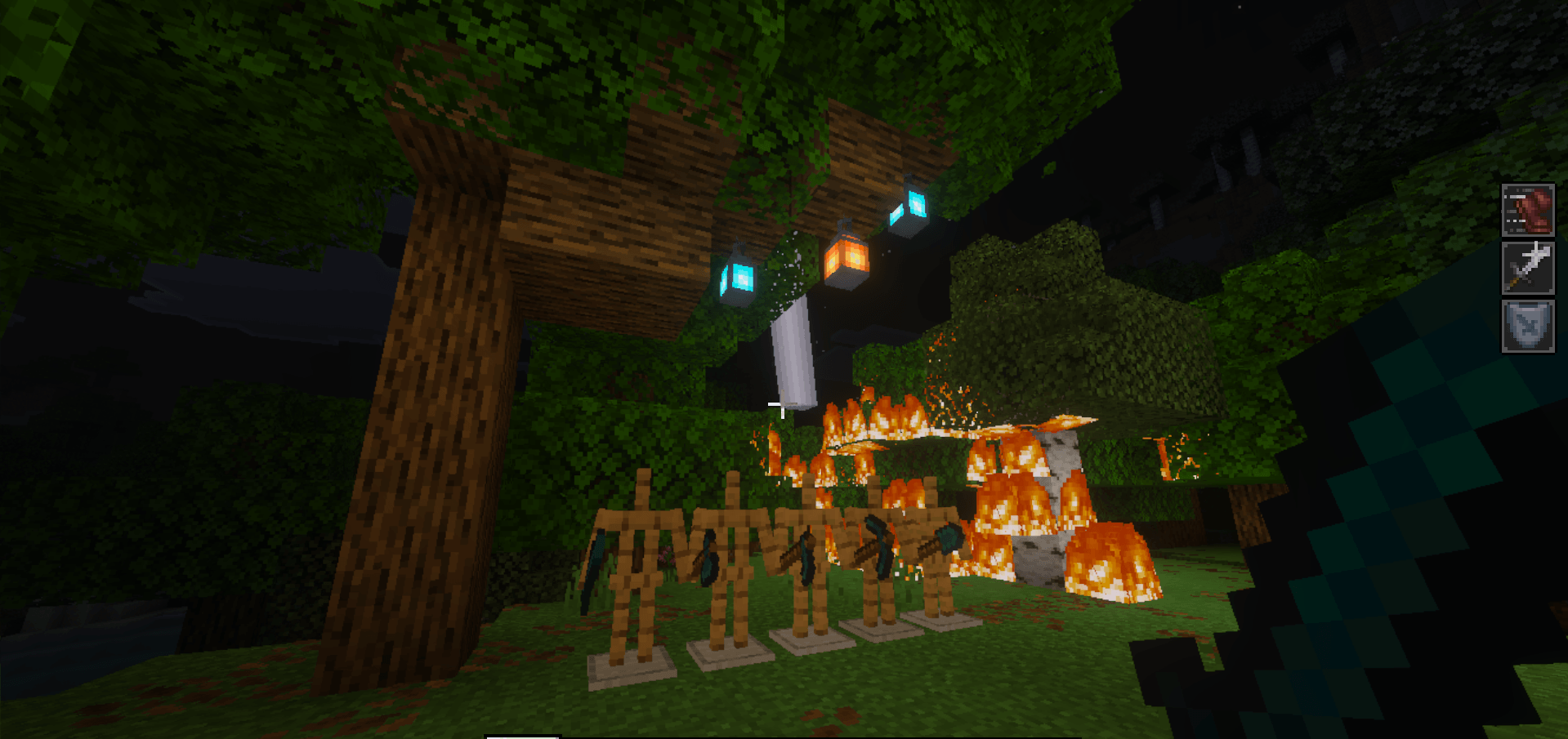
Sculker Weapons and Tools makes equipment feel like more than just a set of items, turning it into a full system with effects and useful bonuses. Even the very idea of weapons and tools connected to sculk energy sounds unusual, and in the game it works even better.
Each item here has its own purpose: the sword strengthens the fighter through speed, strength, and resistance; the pickaxe helps you mine faster in the dark thanks to haste and night vision; the axe is good both for chopping and for combat; and the shovel and hoe add convenient effects for survival. There is also a built-in item menu that can be opened with a Stick or a Clock, which speeds up access to equipment and makes experimenting more convenient.
Installing Sculker Weapons and Tools:
The first step is to run the downloaded file and import the addon/texture into MCPE.
Second step: open Minecraft Pocket Edition and go to the settings of the world.
Third step: install the imported resource sets and add-ons for the world.
Step four: select the imported resource packages/add-on in each section and restart the mobile client.
Comments (0)