



Tremors for Minecraft Pocket Edition 26.1
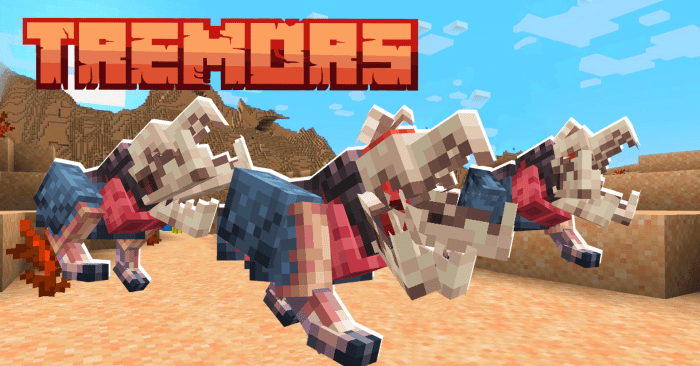
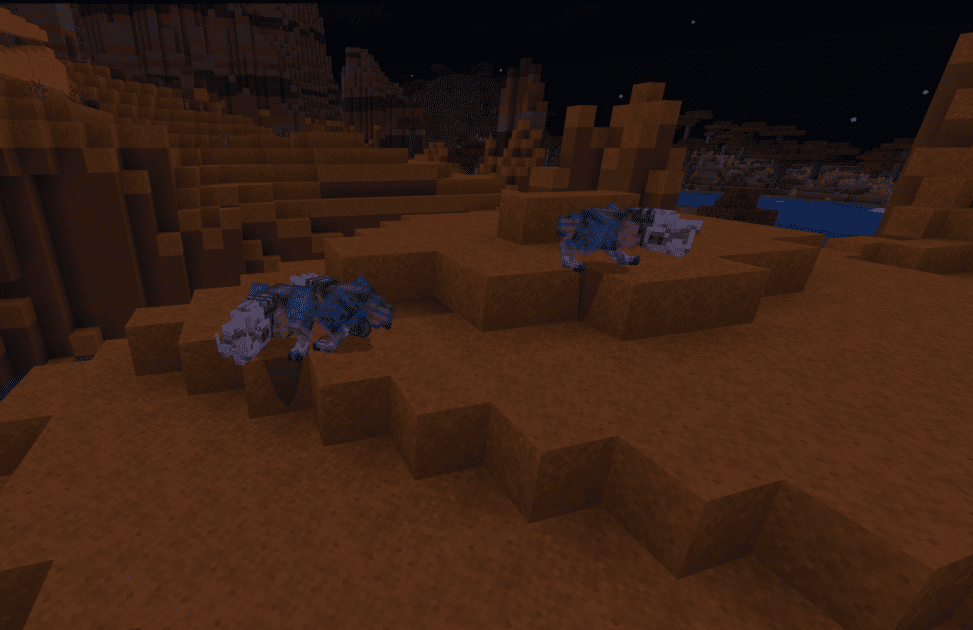
The desert in Minecraft often seems too calm: there is plenty of open space, but almost no real anxiety. Tremors fixes this very directly and effectively by populating the sands with new dangerous creatures. The main idea of the addon is to turn desert biomes into territory where the player no longer feels safe after sunset and generally tries to pay more attention to every movement.
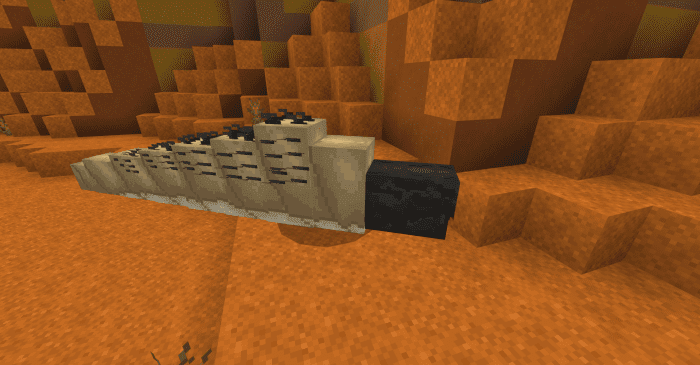
These monsters are not just added for the sake of quantity — they change the perception of the location itself. The desert begins to work as a high-risk zone, and familiar journeys for temples, resources, or villages become much more tense.
Installing Tremors:
The first step is to run the downloaded file and import the addon/texture into MCPE.
Second step: open Minecraft Pocket Edition and go to the settings of the world.
Third step: install the imported resource sets and add-ons for the world.
Step four: select the imported resource packages/add-on in each section and restart the mobile client.
Comments (0)