



Vanilla Waypoints for Minecraft Pocket Edition 26.x
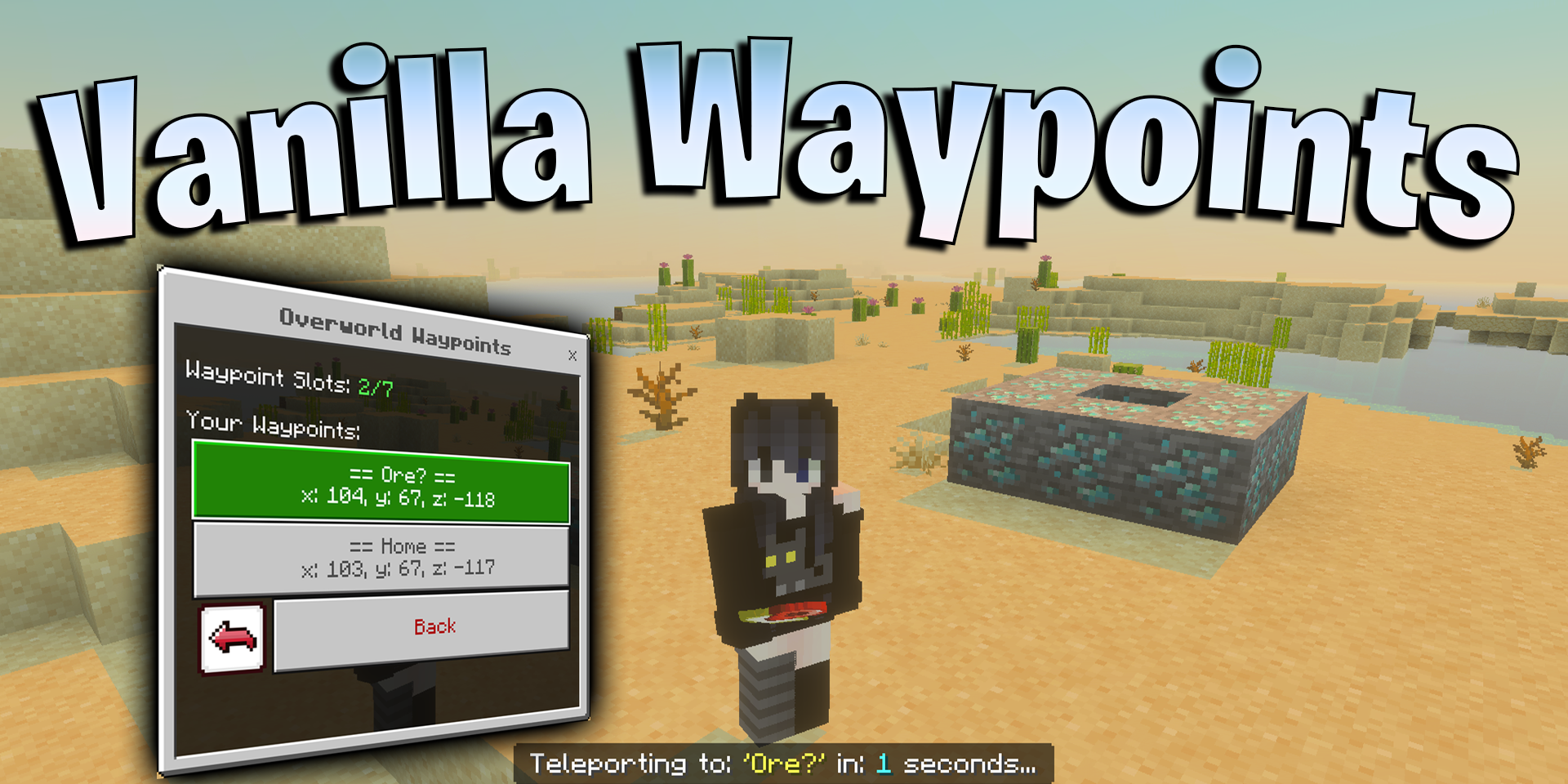
In large worlds, it is easy to get lost among coordinates, villages, mines, portals, and distant bases. Vanilla Waypoints adds a waypoint system that lets you save important places and quickly return to them. The player creates markers with custom names, edits them, updates coordinates, and deletes old points when they are no longer needed.
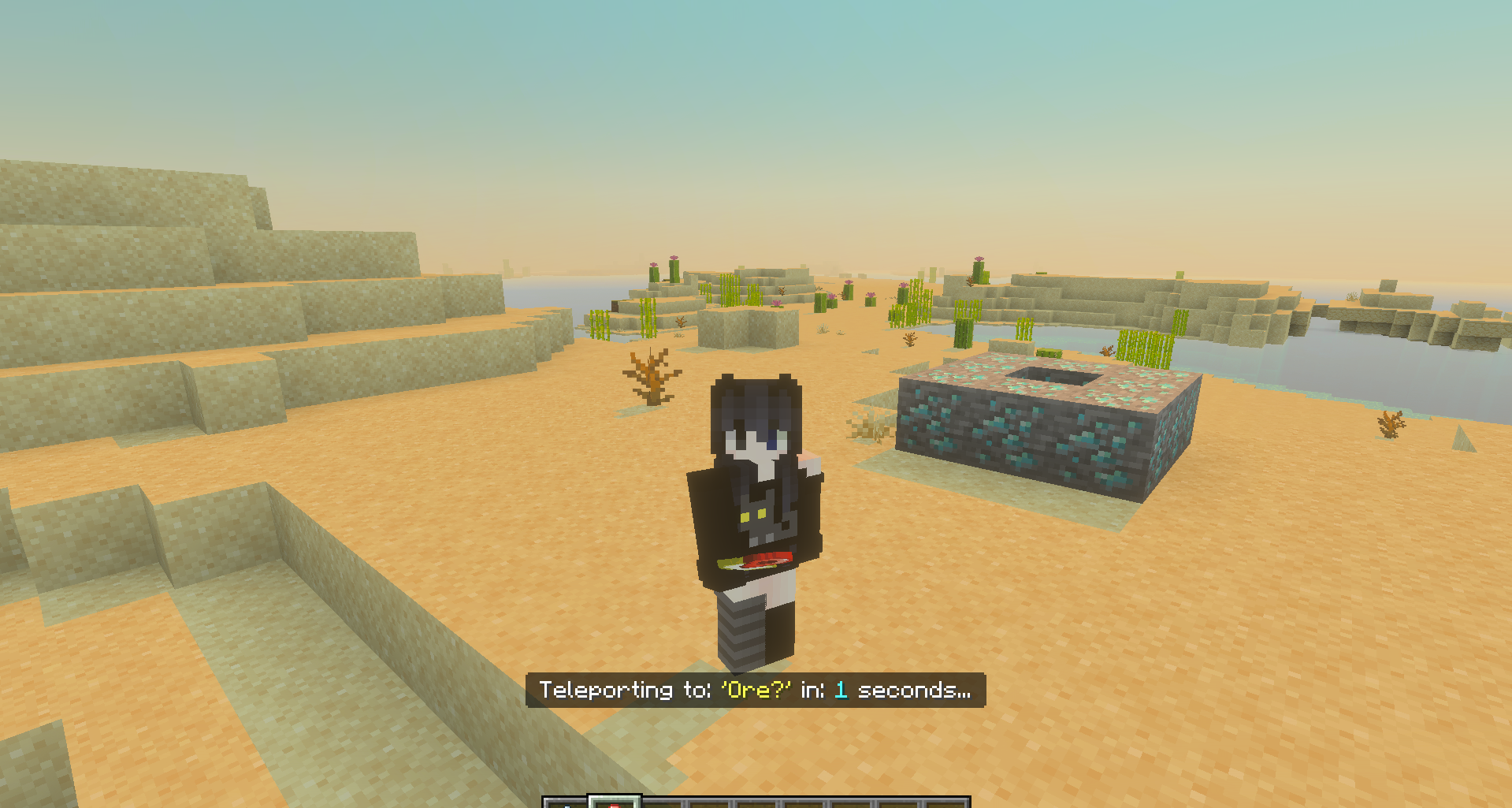
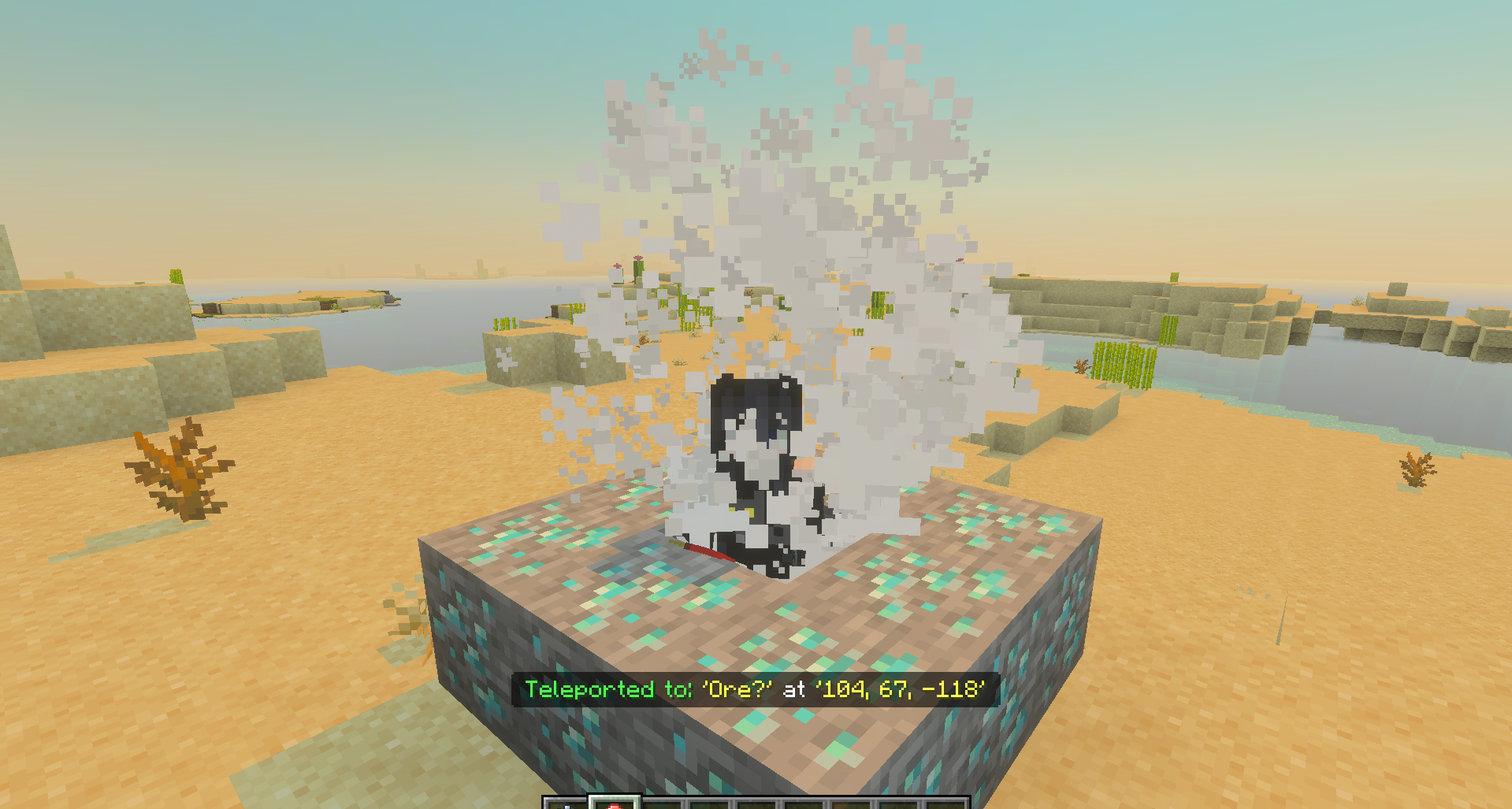
Teleportation works within the selected dimension, so traveling through the Overworld, the Nether, and the End becomes more convenient. The management menu helps you avoid confusion even with a large number of saved places: home, mine, portal, farm, rare biome, or temporary camp can all be stored separately.
Installing Vanilla Waypoints:
The first step is to run the downloaded file and import the addon/texture into MCPE.
Second step: open Minecraft Pocket Edition and go to the settings of the world.
Third step: install the imported resource sets and add-ons for the world.
Step four: select the imported resource packages/add-on in each section and restart the mobile client.
Comments (0)