



Warhammer 40K Armory for Minecraft Pocket Edition 26.x
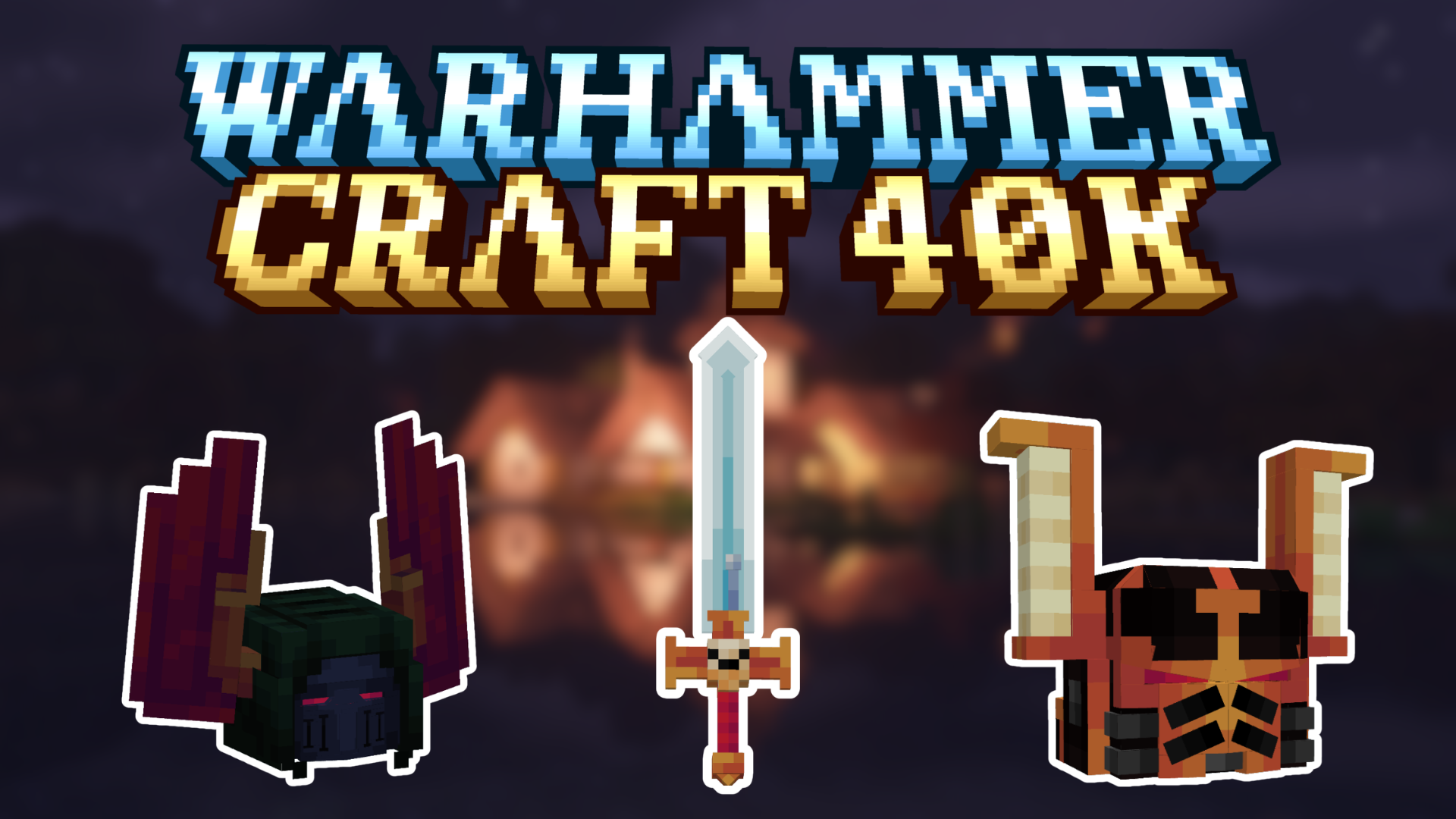
In regular survival, armor often plays only a practical role, but Warhammer 40K Armory makes equipment an important part of the character’s image as well. The add-on adds combat sets with detailed helmets, uniforms, and additional armor elements, making the player look like a heavily armed space soldier. Such items fit well into role-playing scenarios, bases, squads, and team battles.
The work on the appearance is noticeable: the armor does not feel like a simple recoloring of standard sets, but creates the feeling of a separate style. The mod helps divide roles between participants, design factions, and make characters visually more expressive.
Installing Warhammer 40K Armory:
The first step is to run the downloaded file and import the addon/texture into MCPE.
Second step: open Minecraft Pocket Edition and go to the settings of the world.
Third step: install the imported resource sets and add-ons for the world.
Step four: select the imported resource packages/add-on in each section and restart the mobile client.
Comments (0)