



Wells RPG Adventure for Minecraft Pocket Edition 26.1
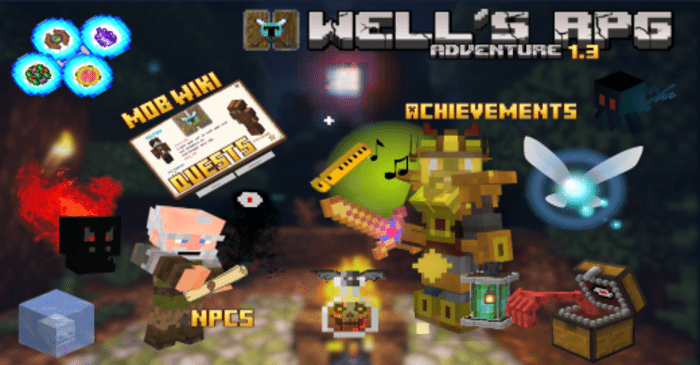
Compared to ordinary add-ons with just a few mobs, Wells RPG Adventure looks like an attempt to turn Minecraft PE into a real adventure with a story and character progression. Here the player is met with quests, new enemies, bosses, dungeons, and NPCs, and on top of that there is a full RPG system.
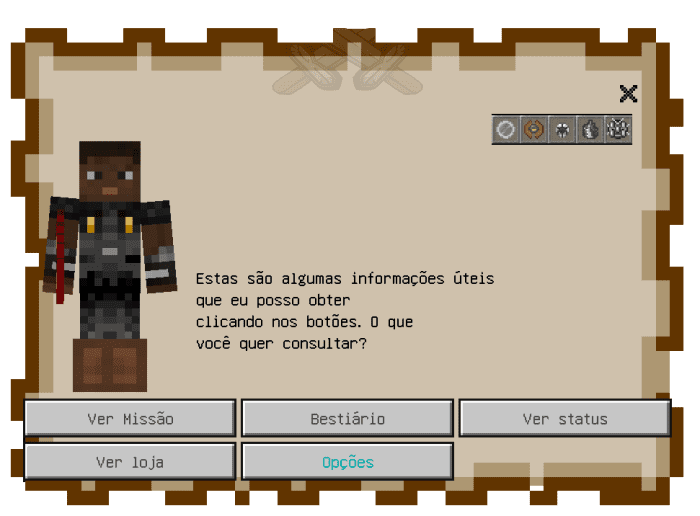
The central goal is to stop the Shadow Wizard, who has brought chaos into the world, so the playthrough gets a clearer direction than in classic survival. Special attention should be given to the scroll that opens the adventure menu: in it, you can track active quests, your level, the bestiary, accumulated GEN, and the shop.
Installing Wells RPG Adventure:
The first step is to run the downloaded file and import the addon/texture into MCPE.
Second step: open Minecraft Pocket Edition and go to the settings of the world.
Third step: install the imported resource sets and add-ons for the world.
Step four: select the imported resource packages/add-on in each section and restart the mobile client.
Comments (0)