



Winter Zombie Outbreak for Minecraft Pocket Edition 26.x
Winter Zombie Outbreak transforms Minecraft into a frozen zombie apocalypse where danger does not disappear even during the daytime. According to the story, an ancient virus remained trapped in ice for a long time, but after the climate warmed, it was released and began spreading throughout the world. The infection is strongest in cold biomes and during winter.
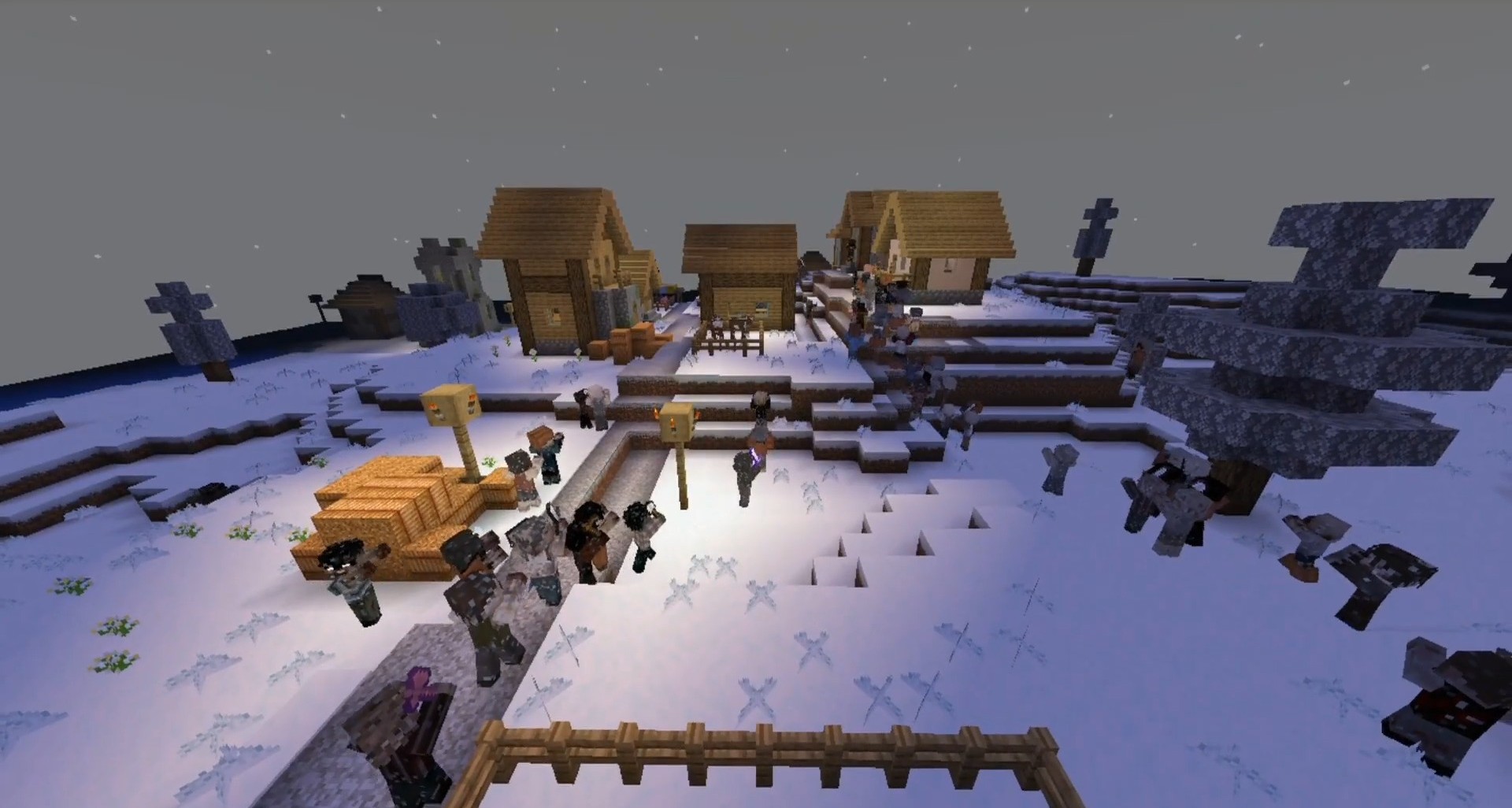
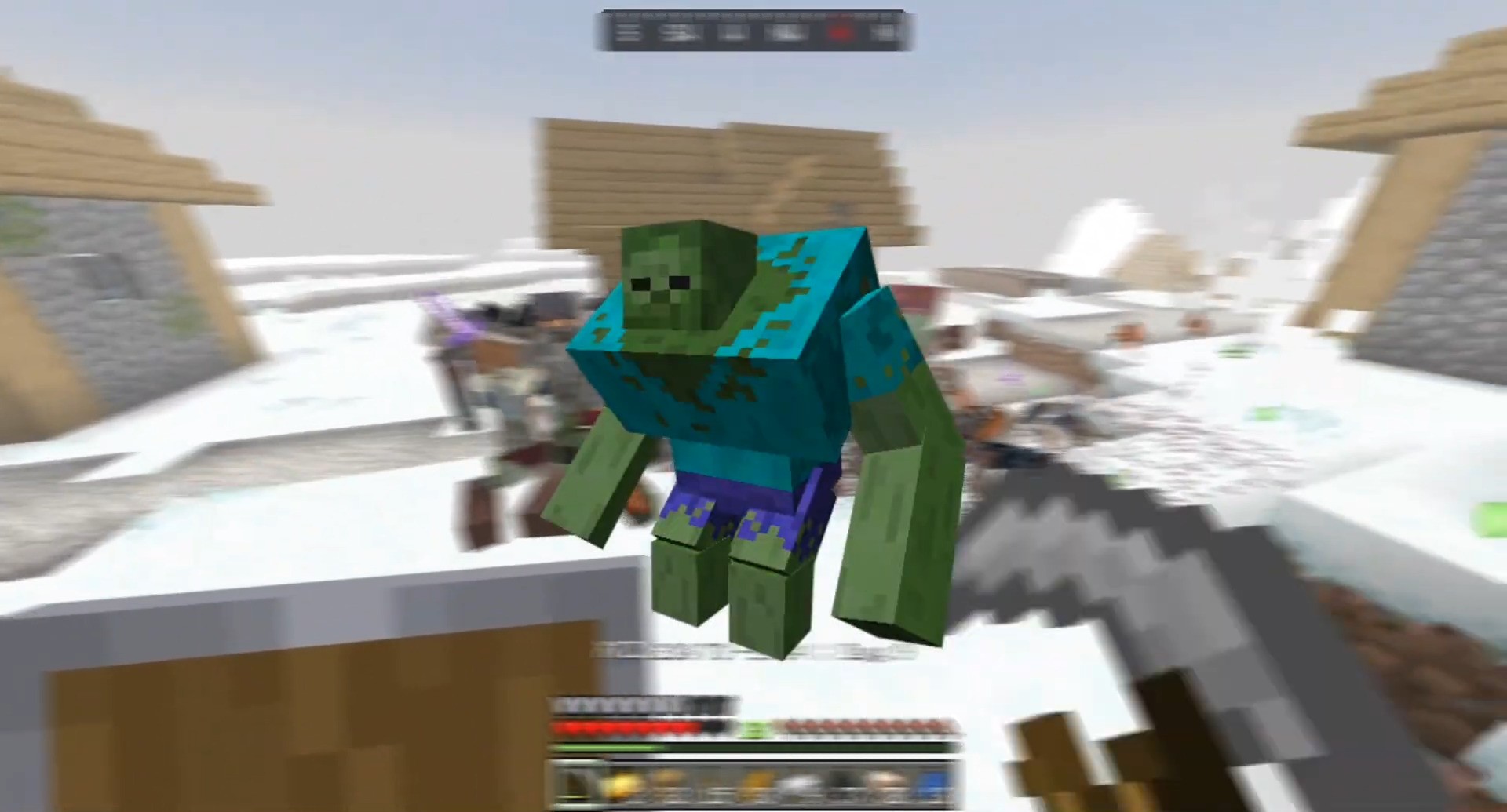
Snowy regions become especially dangerous: zombies move more slowly than usual, but they detect players from greater distances and can appear in daylight. After death, the player turns into a zombie. Villagers, including wandering traders, also become infected after dying. The infected attack not only peaceful creatures but also pillagers, gradually spreading chaos everywhere.
Installing Winter Zombie Outbreak:
The first step is to run the downloaded file and import the addon/texture into MCPE.
Second step: open Minecraft Pocket Edition and go to the settings of the world.
Third step: install the imported resource sets and add-ons for the world.
Step four: select the imported resource packages/add-on in each section and restart the mobile client.
Comments (0)