



WorldEdit for Minecraft Pocket Edition 26.x
WorldEdit speeds up large-scale building in Minecraft PE. The addon adds tools for selecting areas, copying, pasting, undoing actions, and quickly changing large parts of the world. Instead of building or fixing everything manually, the player can work with whole zones at once.
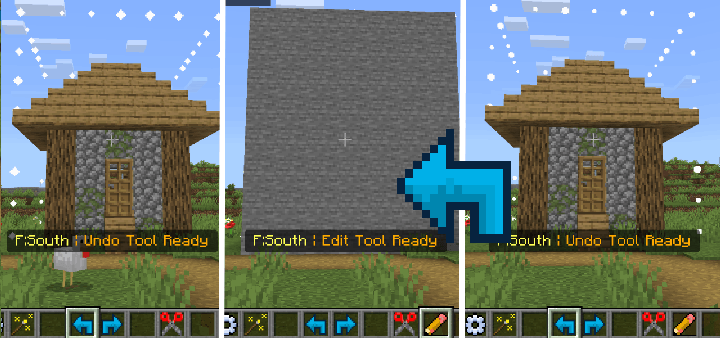
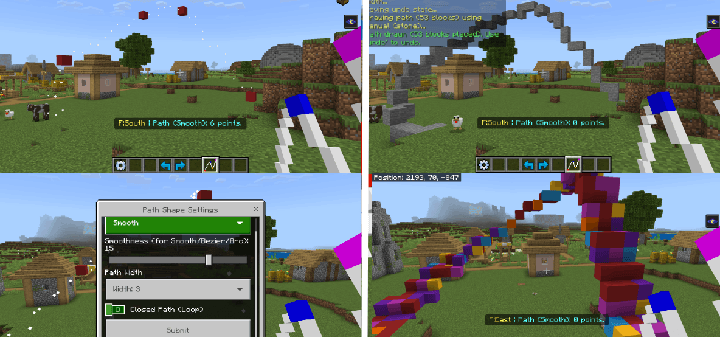
With selection, you can move a finished building, replace materials, or fix a mistake through undo and redo. Brushes help paint blocks, distribute plants, and shape the surface without long manual work. The Contour tool is convenient for creating straight lines and smooth shapes, such as roads, paths, shores, mountain outlines, and decorative borders.
Installing WorldEdit:
The first step is to run the downloaded file and import the addon/texture into MCPE.
Second step: open Minecraft Pocket Edition and go to the settings of the world.
Third step: install the imported resource sets and add-ons for the world.
Step four: select the imported resource packages/add-on in each section and restart the mobile client.
Comments (0)