



Simple Damage Indicator for Minecraft Pocket Edition 26.x
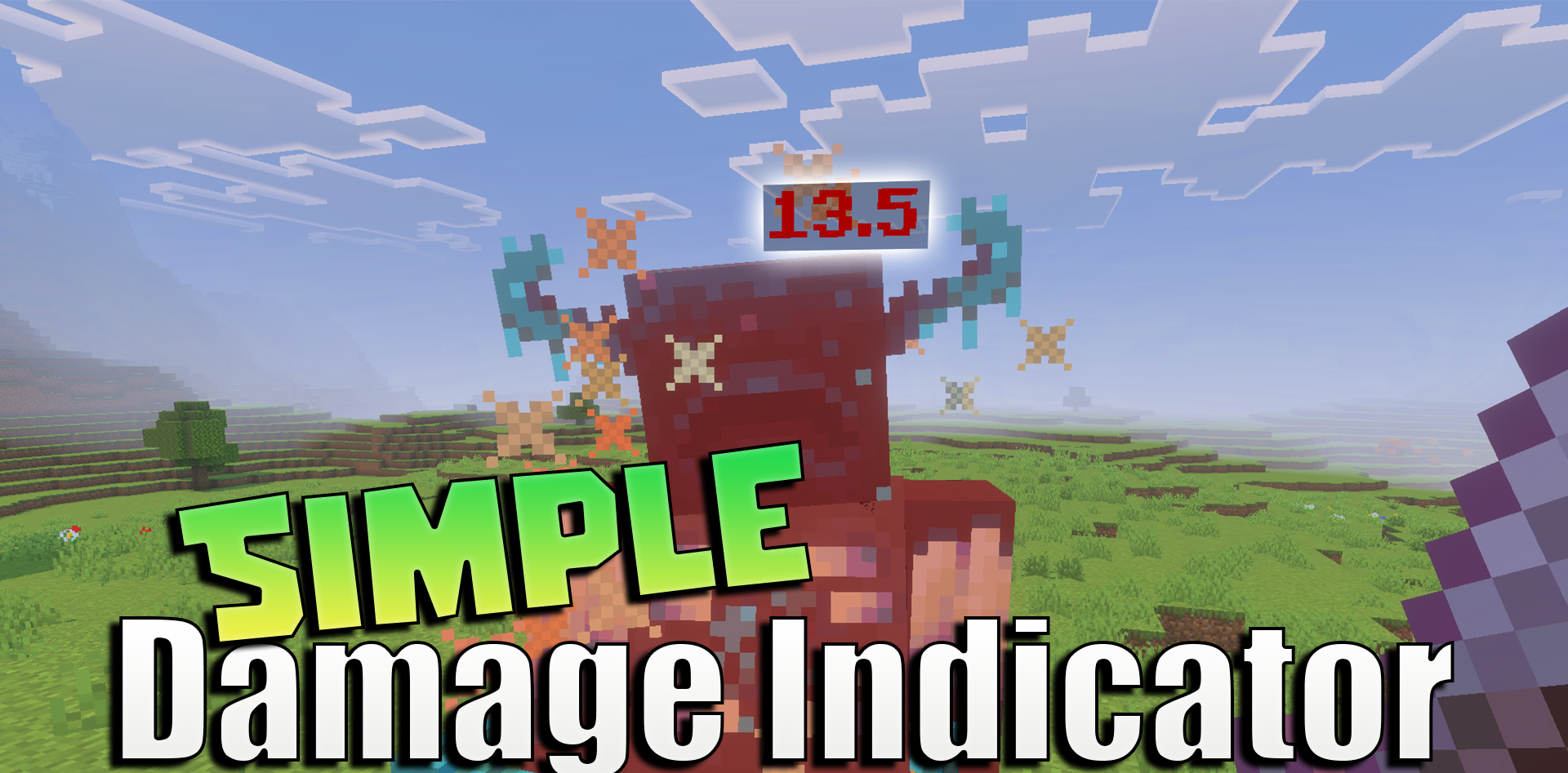
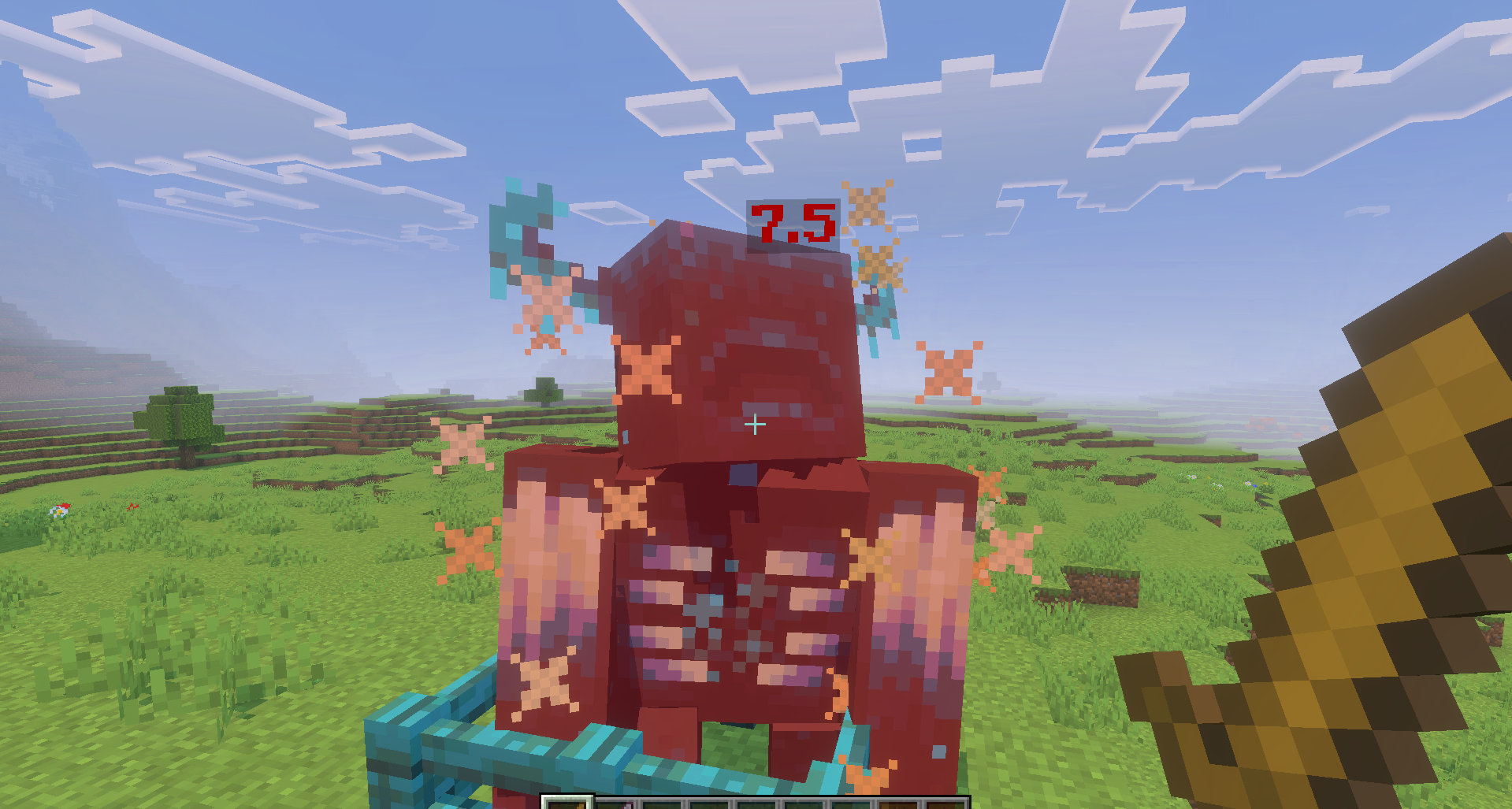
Simple Damage Indicator adds a simple but useful combat hint — displaying dealt damage as numbers. After an attack, an indicator appears above the enemy, and it immediately shows how much health was removed by a weapon, skill, or another source of damage. This helps compare swords, bows, upgrades, effects, and items from other add-ons.

In the regular game, you have to judge by how quickly mobs are killed, but here the difference between a weak and a strong attack is visible right away. The add-on does not add new enemies, items, or armor, but it makes combat clearer. It is useful in packs with a large amount of weapons, where it is hard to determine by eye what is actually stronger.
Installing Simple Damage Indicator:
The first step is to run the downloaded file and import the addon/texture into MCPE.
Second step: open Minecraft Pocket Edition and go to the settings of the world.
Third step: install the imported resource sets and add-ons for the world.
Step four: select the imported resource packages/add-on in each section and restart the mobile client.
Comments (0)