



Advanced Waypoint for Minecraft Pocket Edition 26.x
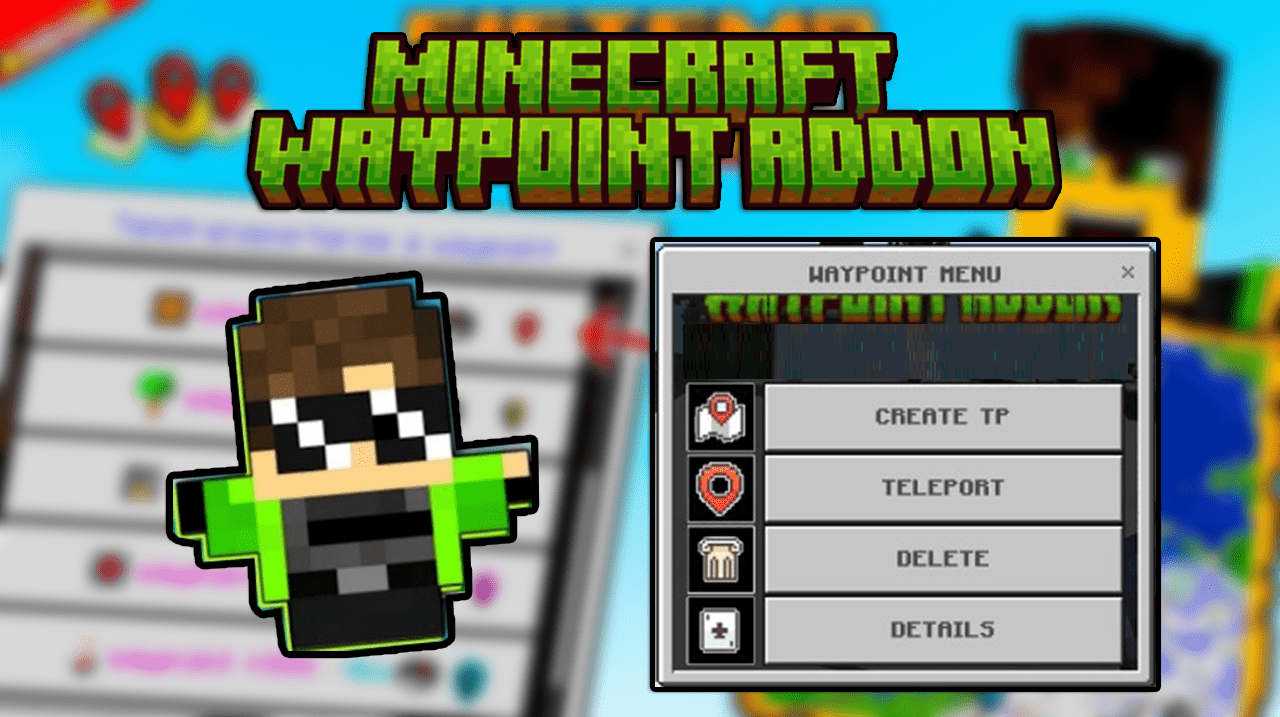
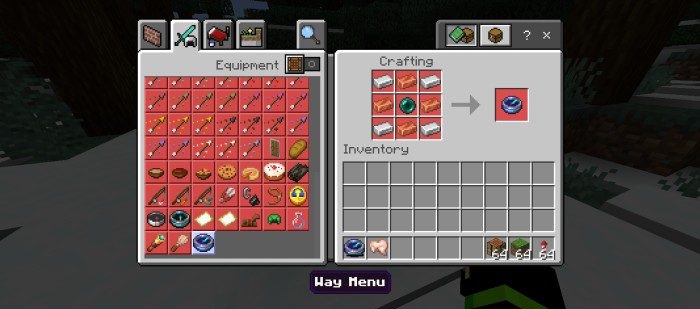
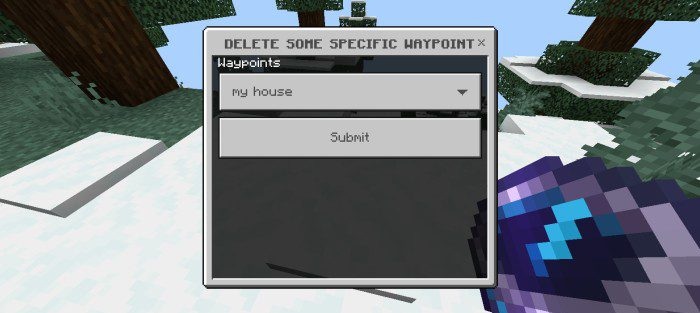
Advanced Waypoint adds a system of saved points and teleportation. The player can record places with their own names and then move to them from any point in the world. A separate item is used for access — the Waypoint Menu. After pressing it, an interface opens where you can manage saved coordinates.
Such an add-on is useful in large worlds: you no longer need to keep the location of your base, mine, village, farm, portal, or rare structure in your head. At the same time, the system does not require building roads or placing beacons, so it works as a quick navigation tool for survival, adventures, and server play.
Installing Advanced Waypoint:
The first step is to run the downloaded file and import the addon/texture into MCPE.
Second step: open Minecraft Pocket Edition and go to the settings of the world.
Third step: install the imported resource sets and add-ons for the world.
Step four: select the imported resource packages/add-on in each section and restart the mobile client.
Comments (0)