



Chainsawman for Minecraft Pocket Edition 26.x
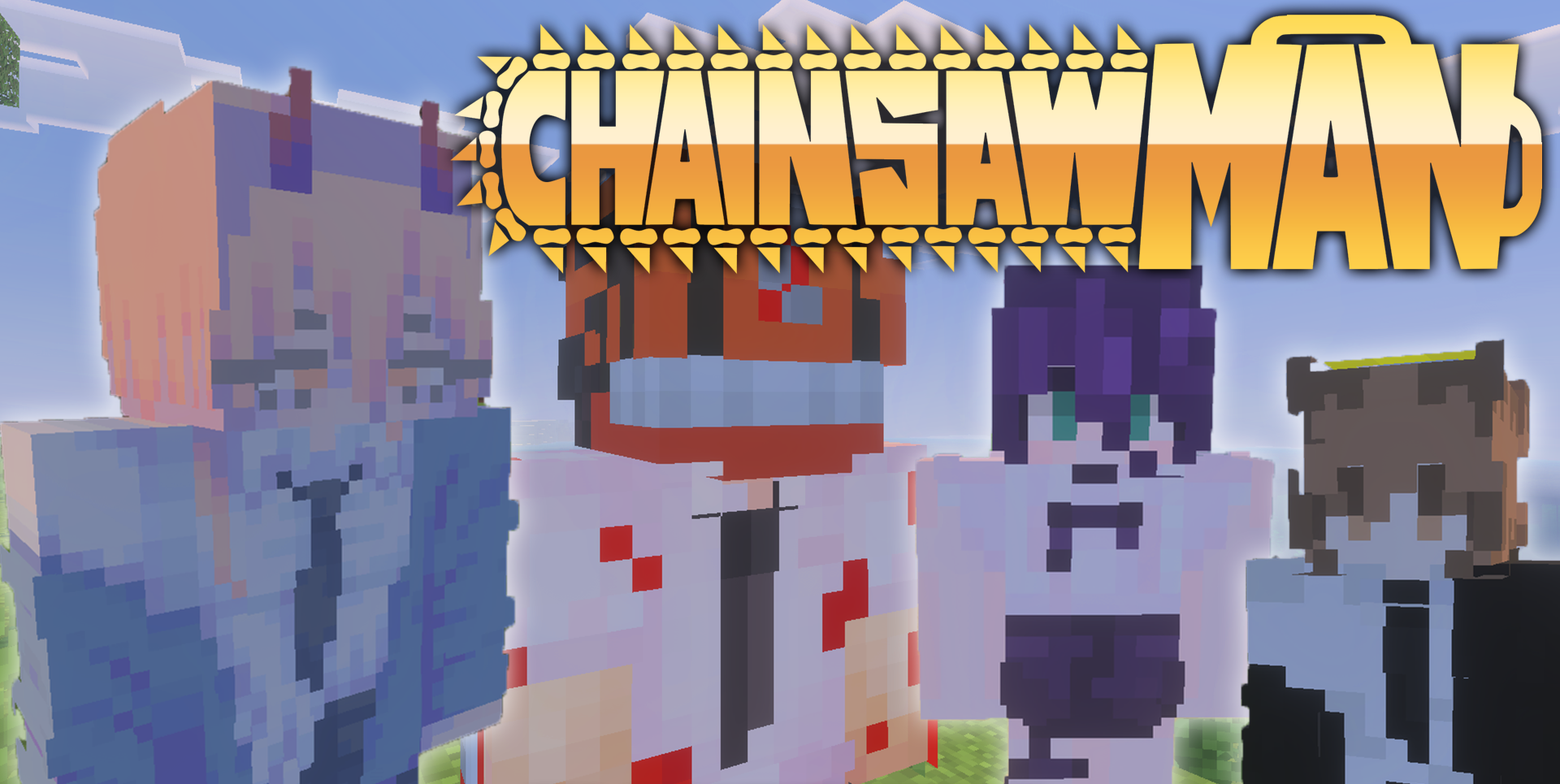
Chainsawman brings characters from the anime of the same name into Minecraft PE and adds them as friendly mobs. Denji, Makima, and other anime characters can appear in the world, where they can be summoned and kept nearby during exploration.
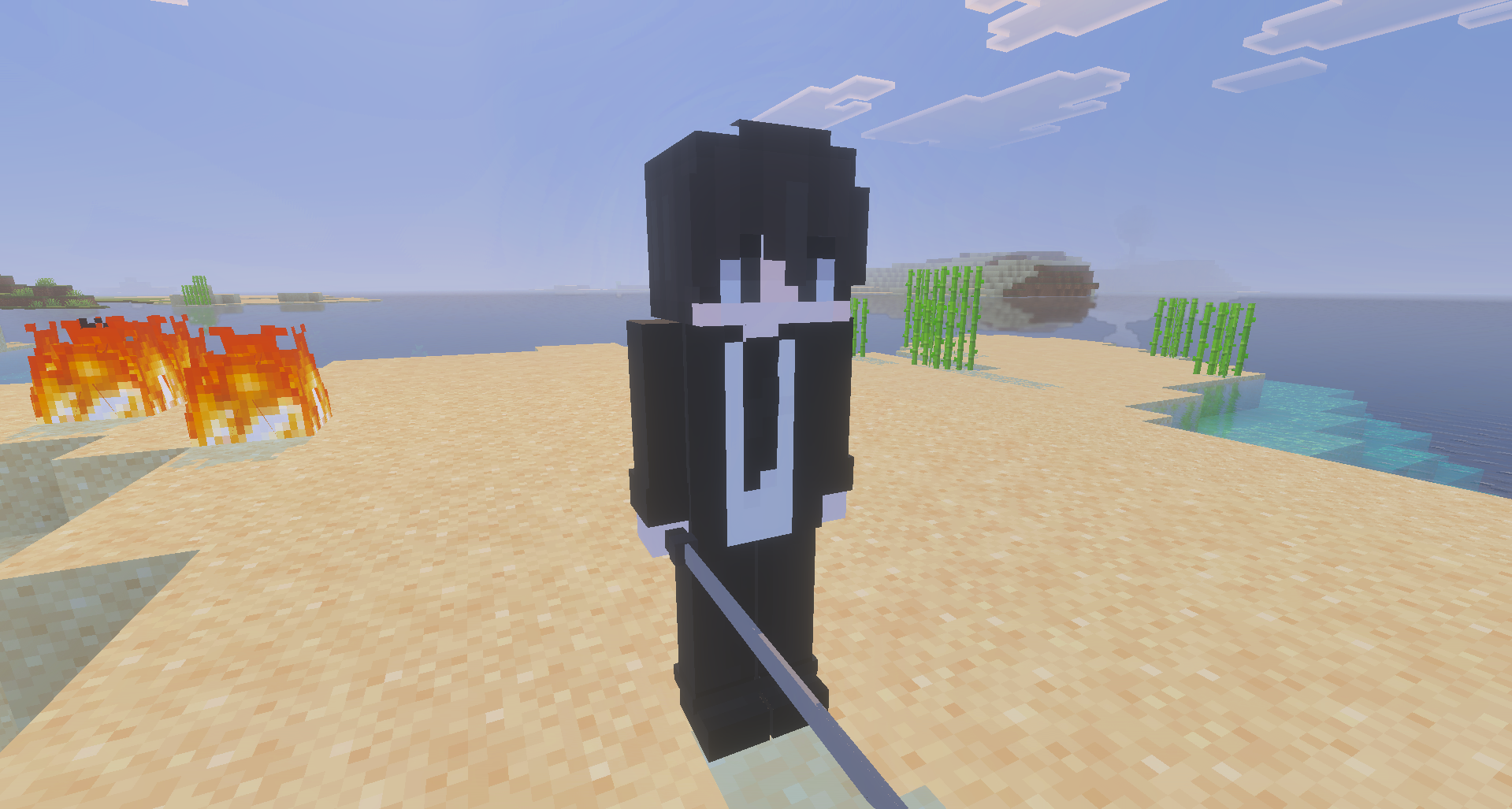
The add-on is not built around new world generation or a large quest system, but instead works by introducing recognizable characters into the game world. They can stand beside regular monsters, accompany different scenes, and create the atmosphere of an anime crossover within Bedrock. The main feature is the visual presence of the characters and the ability to interact with them as separate creatures.
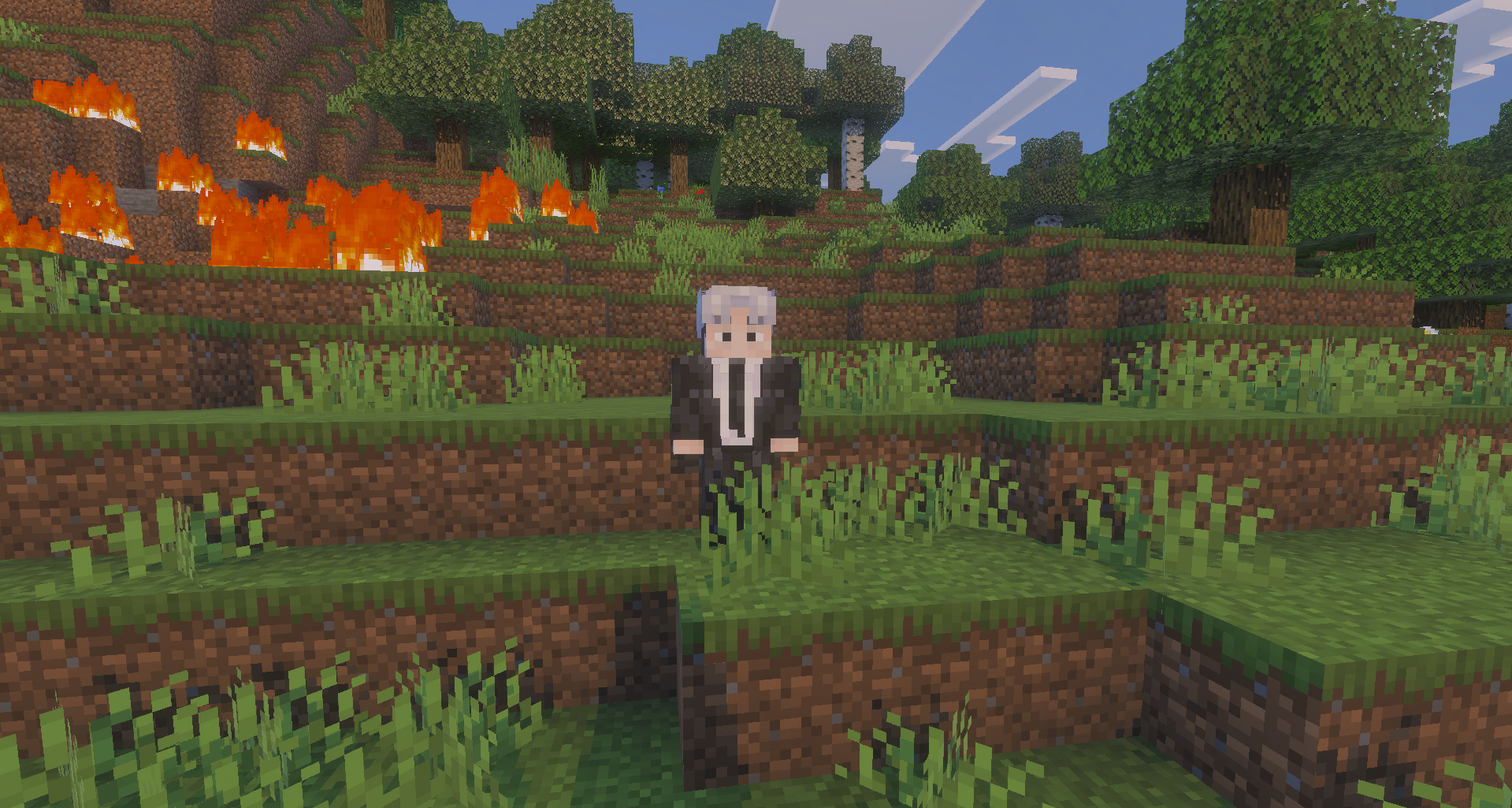
Installing Chainsawman:
The first step is to run the downloaded file and import the addon/texture into MCPE.
Second step: open Minecraft Pocket Edition and go to the settings of the world.
Third step: install the imported resource sets and add-ons for the world.
Step four: select the imported resource packages/add-on in each section and restart the mobile client.
Comments (0)