



Dynamic First Person Model for Minecraft Pocket Edition 26.x

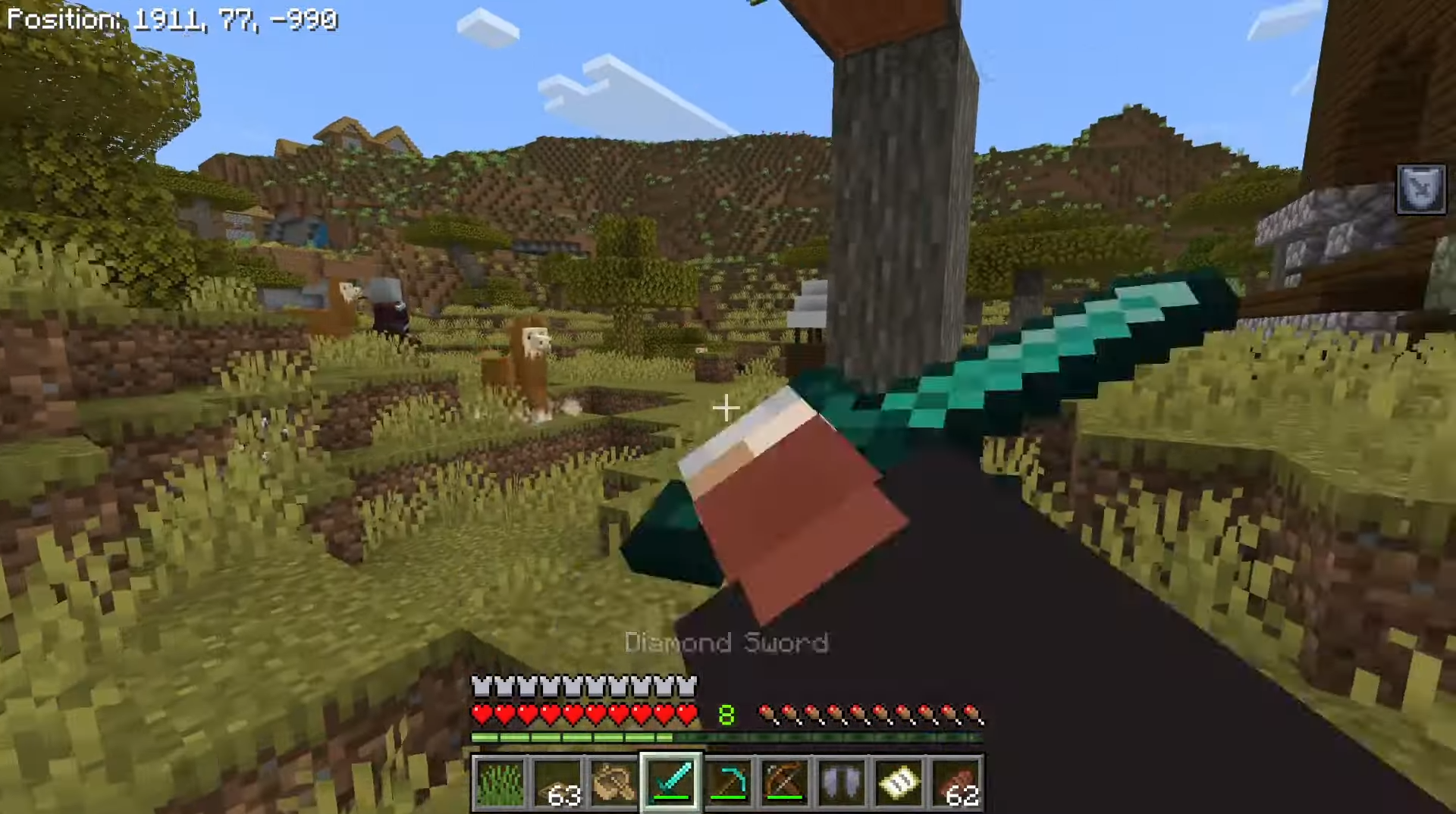
The ordinary first-person view almost completely hides the character's body: the player sees the arms and the held item, but barely feels the model itself. Dynamic First Person Model changes this perspective. The add-on shows the character's body in first person and makes the camera feel more physical.
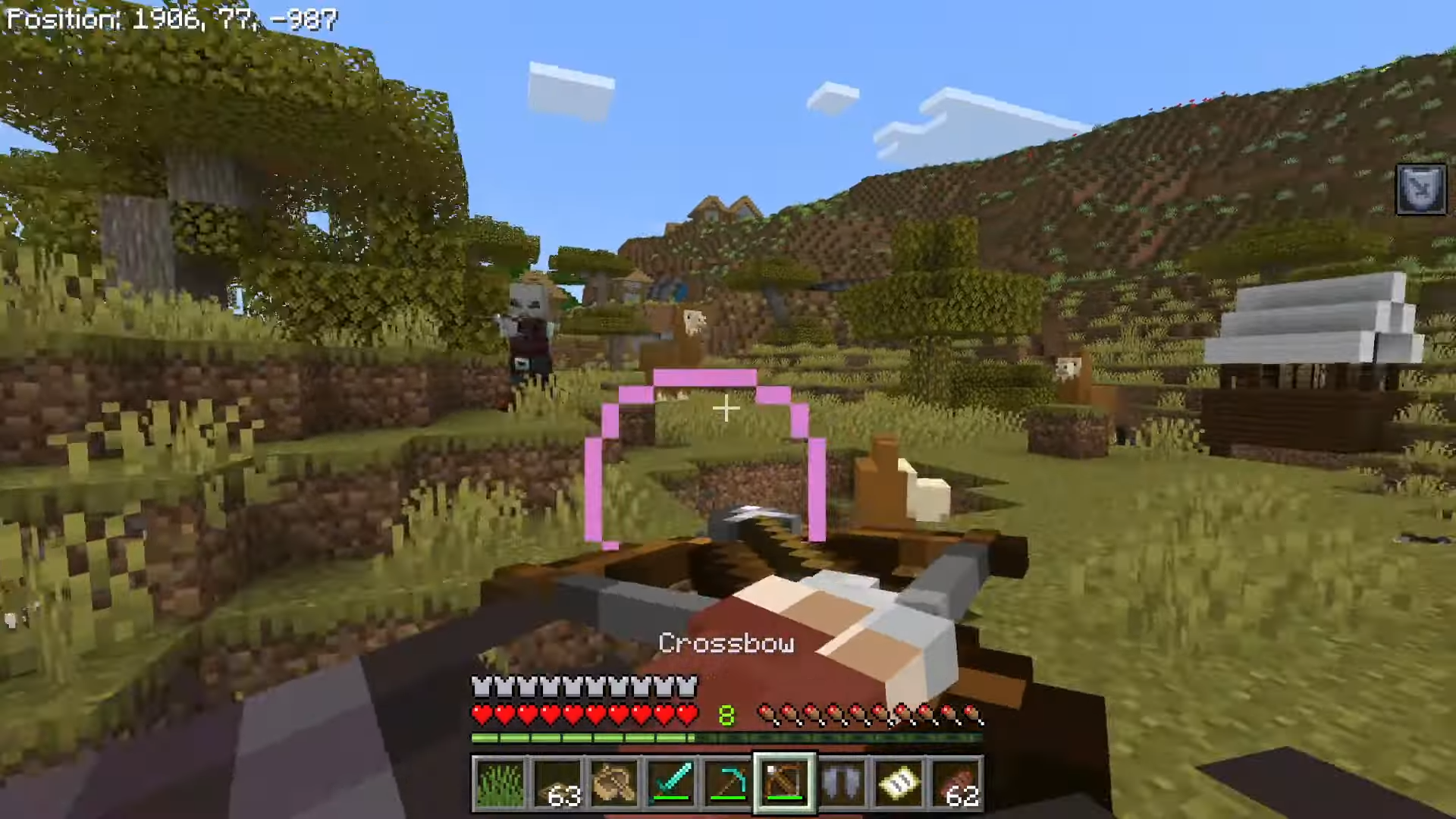
While walking, turning, and interacting, the player sees not only the item in hand but also their own model. As a result, movement feels less abstract. The add-on has been refined to reduce display errors and also supports special tags that other add-ons can use to configure the model's behavior.
Installing Dynamic First Person Model:
The first step is to run the downloaded file and import the addon/texture into MCPE.
Second step: open Minecraft Pocket Edition and go to the settings of the world.
Third step: install the imported resource sets and add-ons for the world.
Step four: select the imported resource packages/add-on in each section and restart the mobile client.
Comments (0)