



Effortless Building for Minecraft Pocket Edition 26.x
Effortless Building speeds up construction in Bedrock and allows blocks to be placed not one at a time, but as complete shapes. The player selects a mode and creates lines, walls, floors, cubes, circles, cylinders, spheres, and other figures with a few clicks. Before placement, an outline or particles show the future shape, making it easier to notice a mistake in advance.
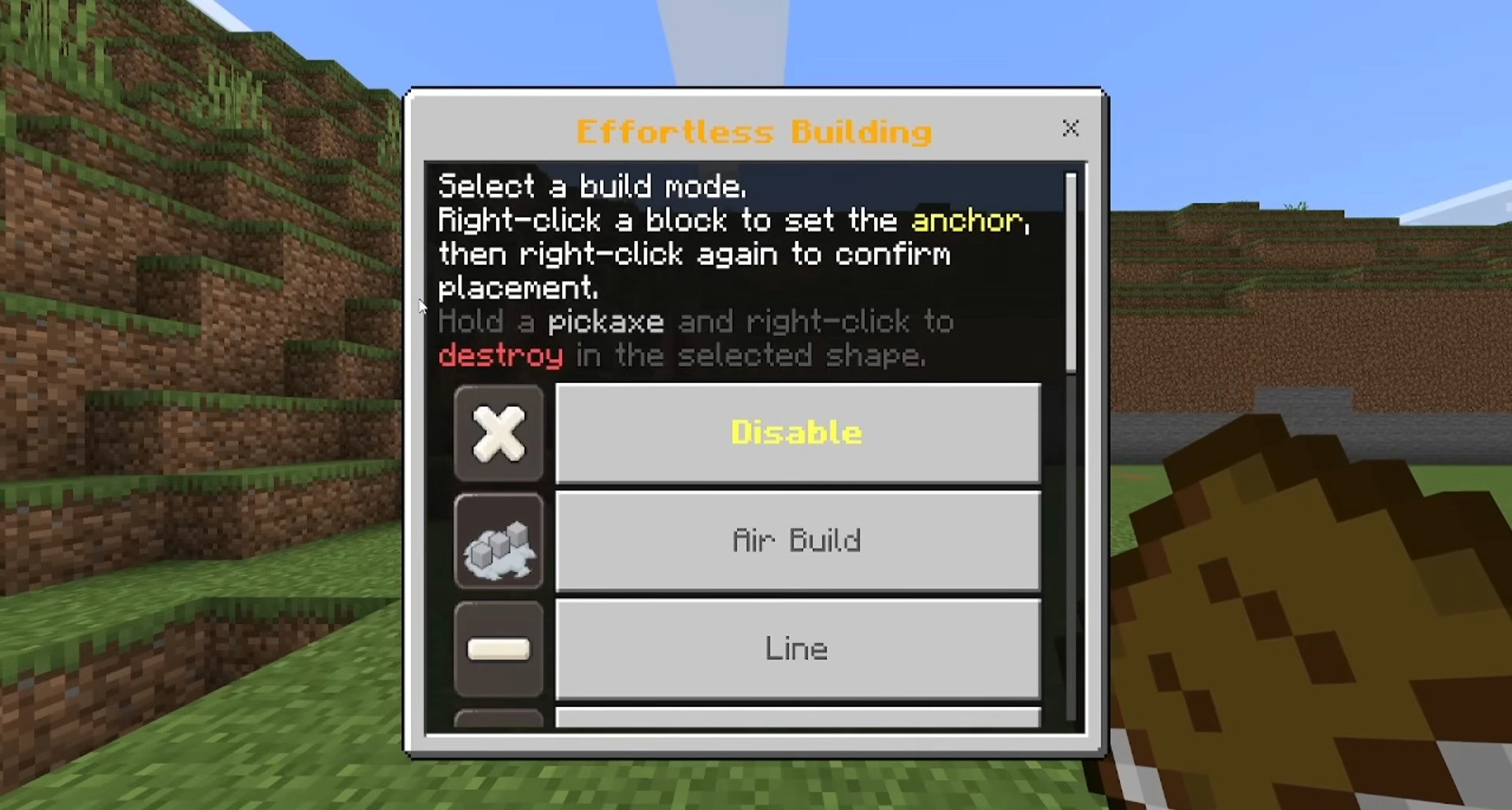
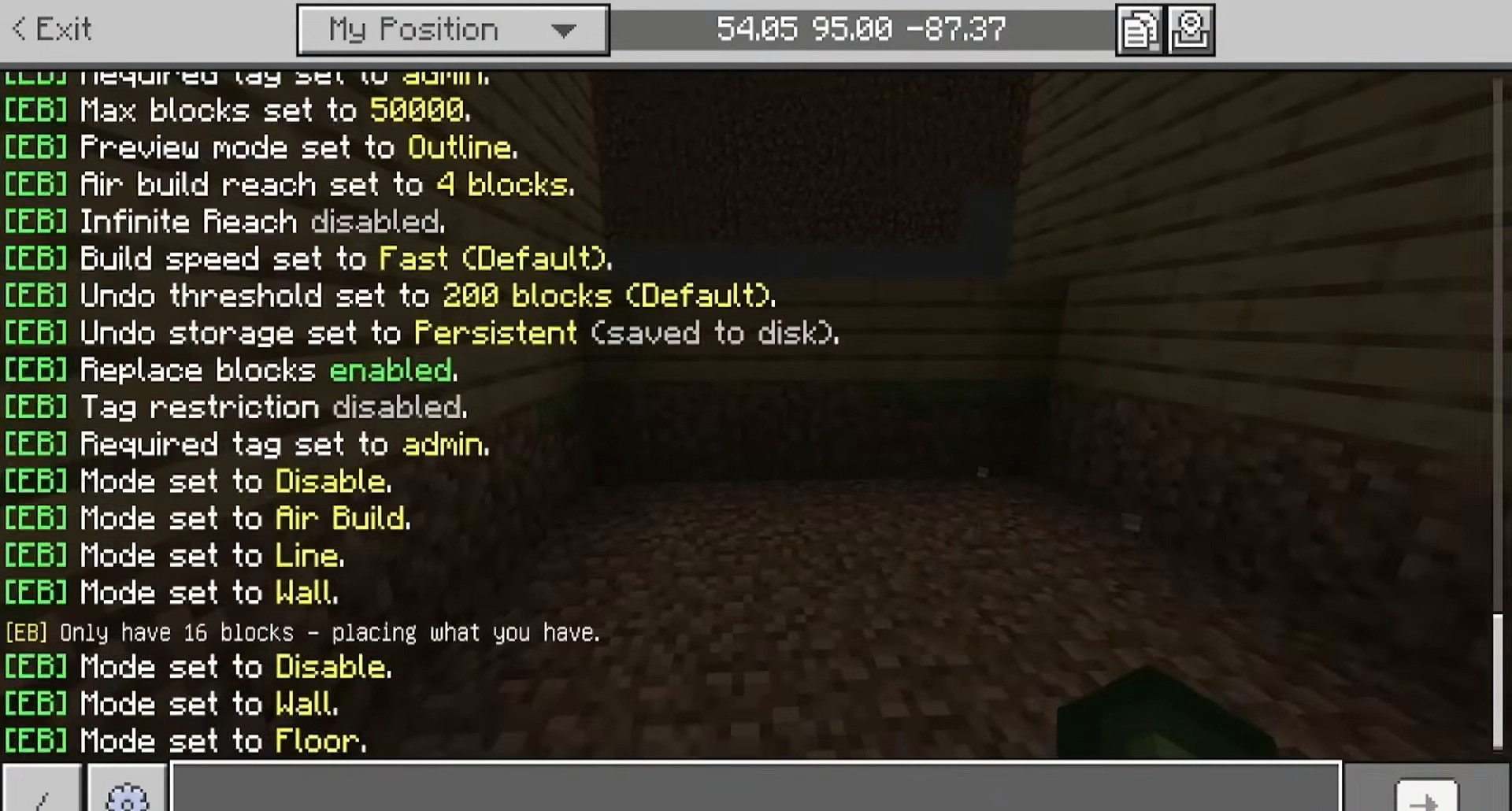
The add-on works in Survival and takes blocks directly from the inventory: if there are not enough materials, the excess section is simply not placed. Actions can be undone and redone, allowing up to 20 mistakes to be corrected. It is even possible to build in mid-air without an initial solid block. The placement limit, outline appearance, and aerial building height can be configured separately.
Installing Effortless Building:
The first step is to run the downloaded file and import the addon/texture into MCPE.
Second step: open Minecraft Pocket Edition and go to the settings of the world.
Third step: install the imported resource sets and add-ons for the world.
Step four: select the imported resource packages/add-on in each section and restart the mobile client.
Comments (0)