



Epic Knights Plus for Minecraft Pocket Edition 26.x
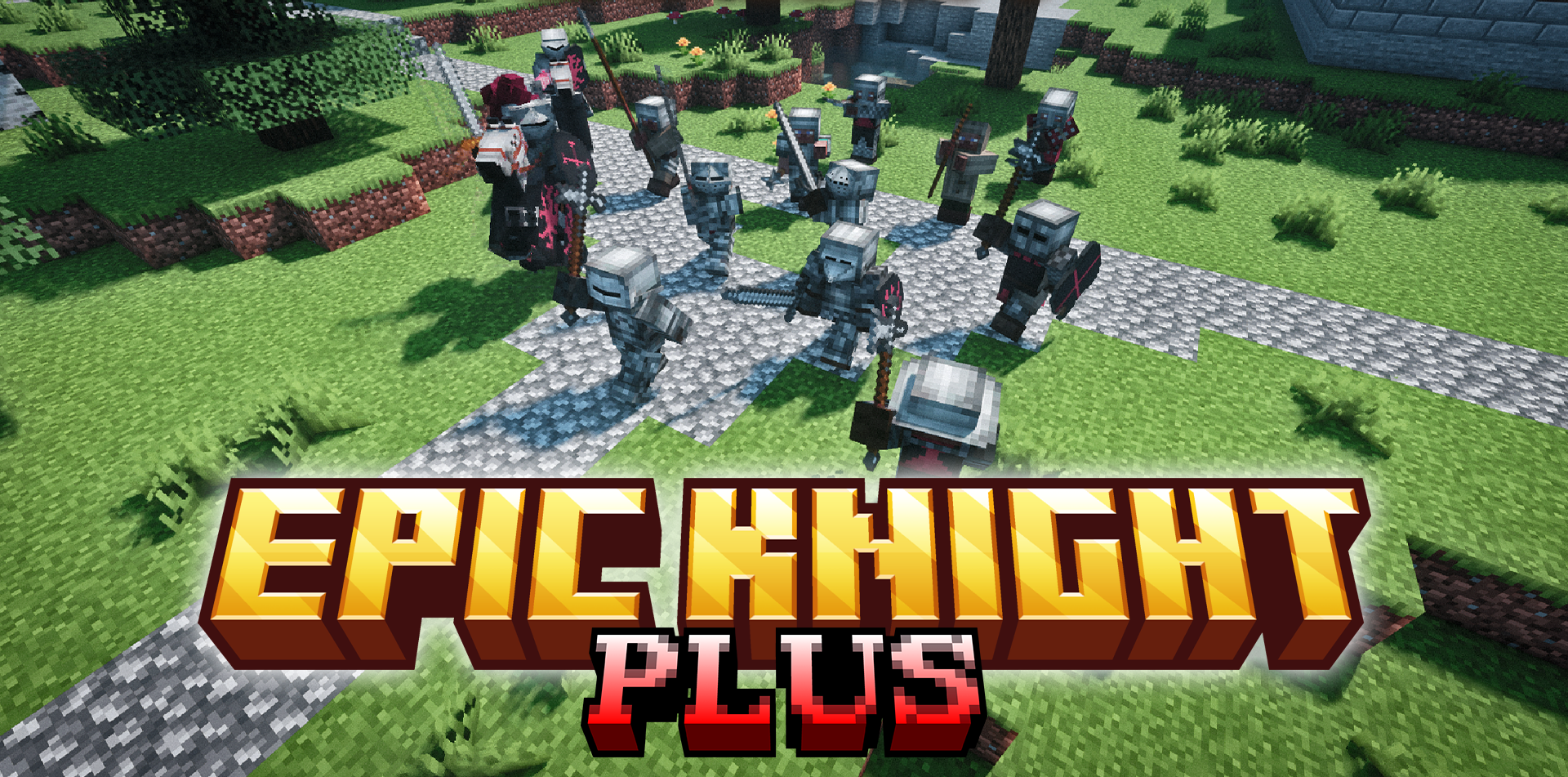
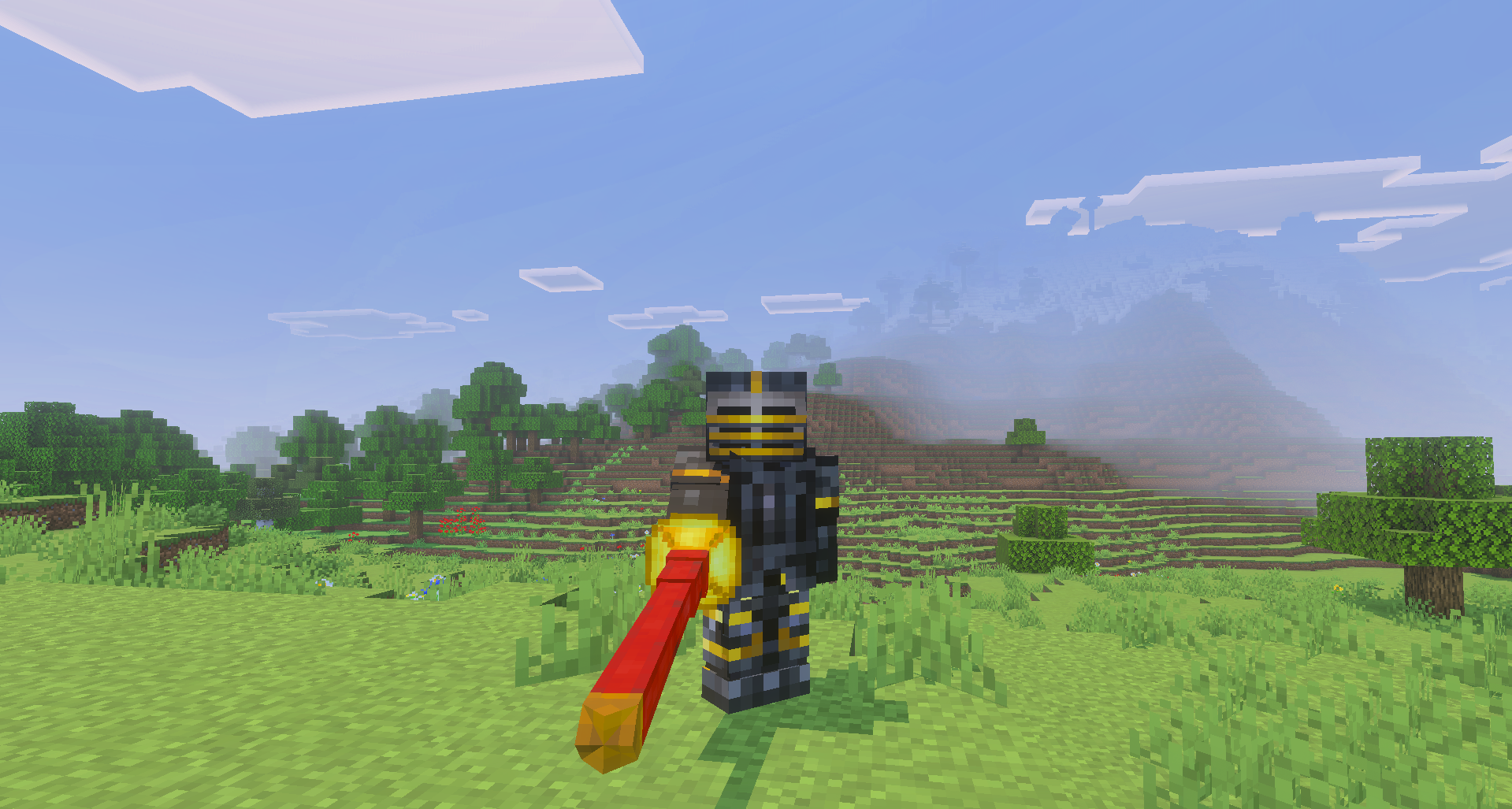
Epic Knights Plus adds a large collection of medieval equipment to Minecraft PE. The game receives 48 new weapon types, historical armor, decorations, and European-style equipment pieces. The available items include chainmail hoods, heavy chestplates, English sallets, gilded chainmail, and dark plackarts.
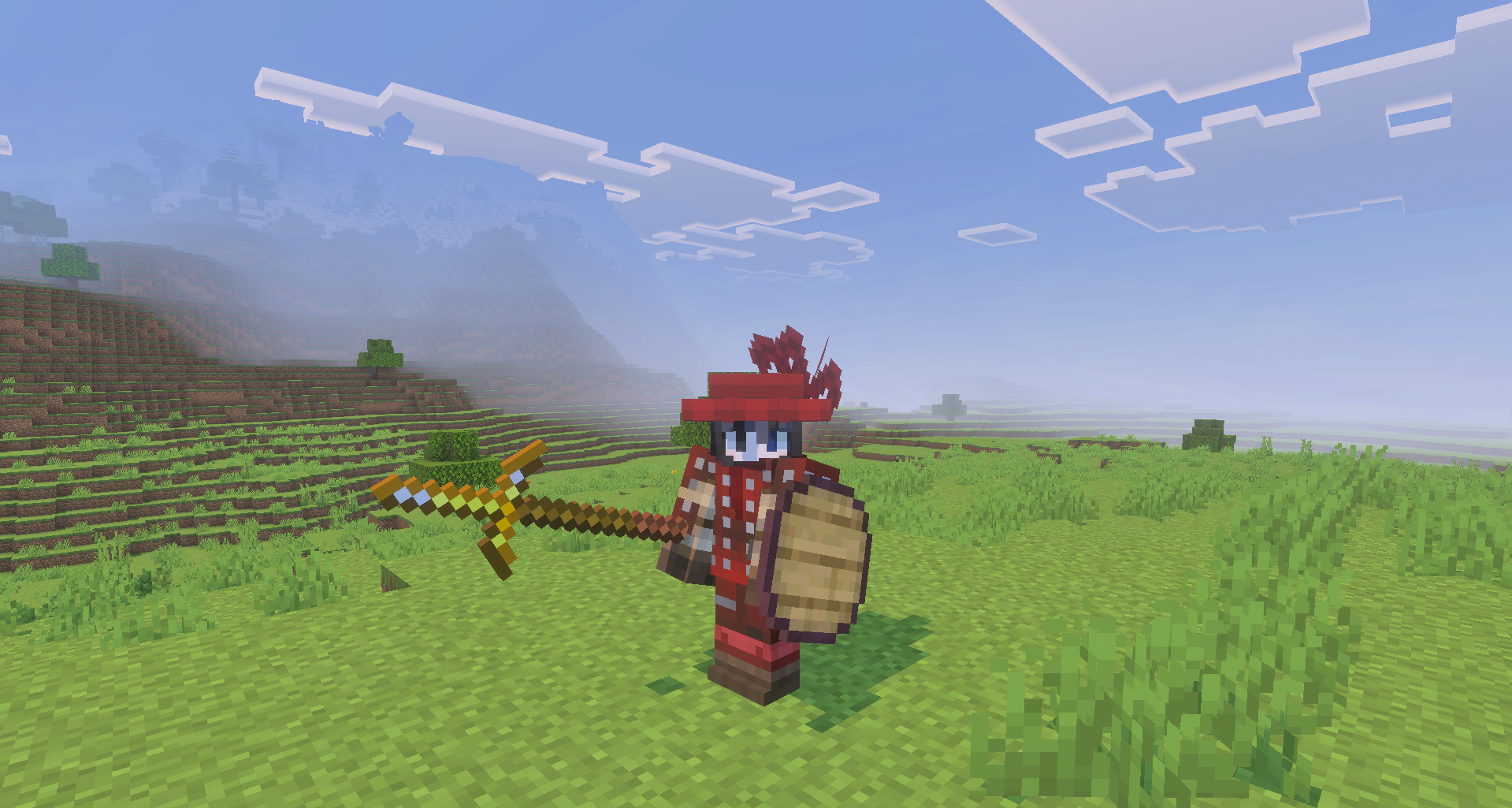
Armor and decorations can be dyed using a cauldron, allowing their appearance to match a faction, city, knightly order, or the character’s personal style. The add-on also fixes texture overlap problems affecting smaller helmets and headwear, making the equipment look cleaner.
Installing Epic Knights Plus:
The first step is to run the downloaded file and import the addon/texture into MCPE.
Second step: open Minecraft Pocket Edition and go to the settings of the world.
Third step: install the imported resource sets and add-ons for the world.
Step four: select the imported resource packages/add-on in each section and restart the mobile client.
Comments (0)