



GameHunter Genshin for Minecraft Pocket Edition 26.x
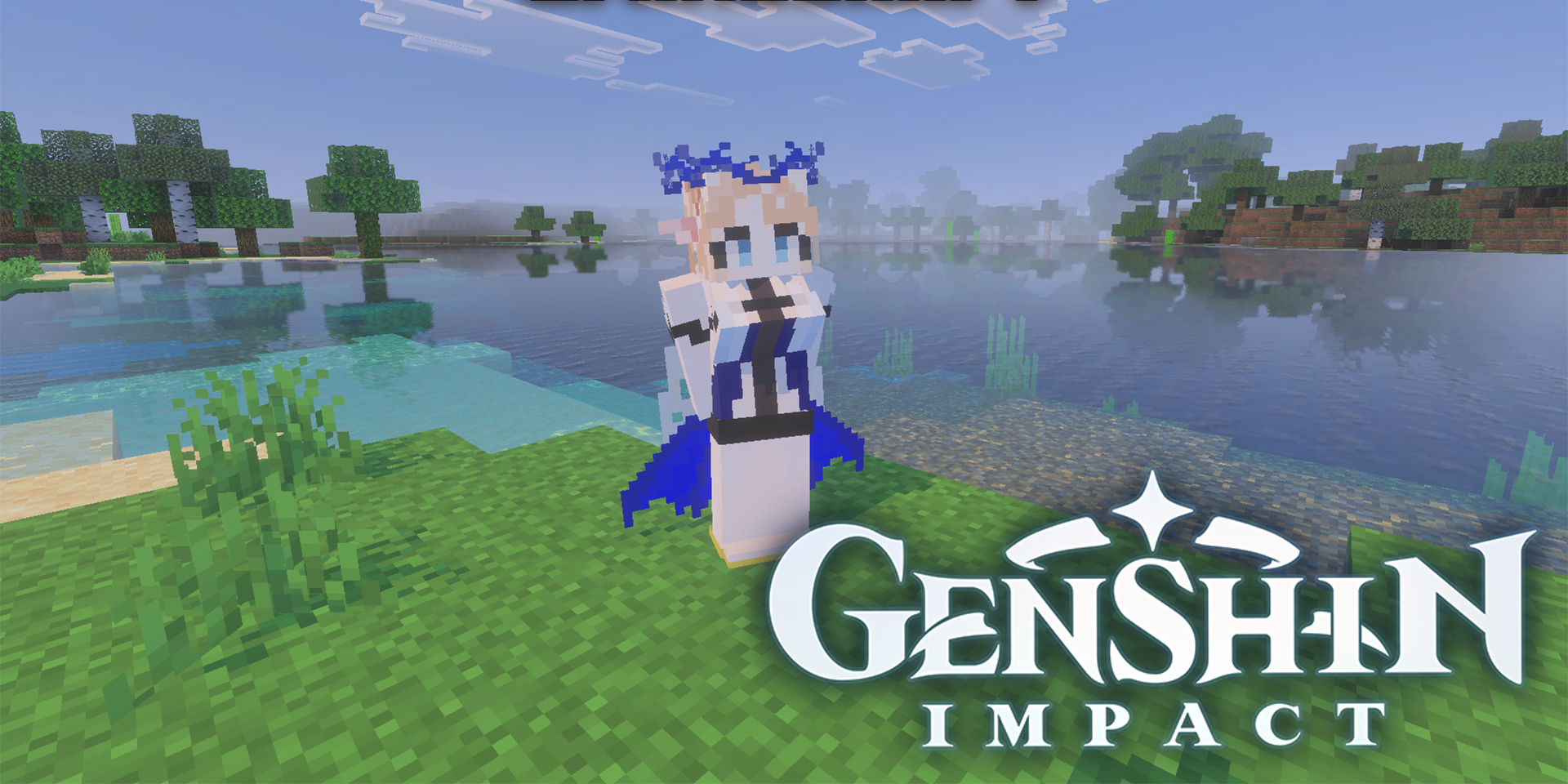
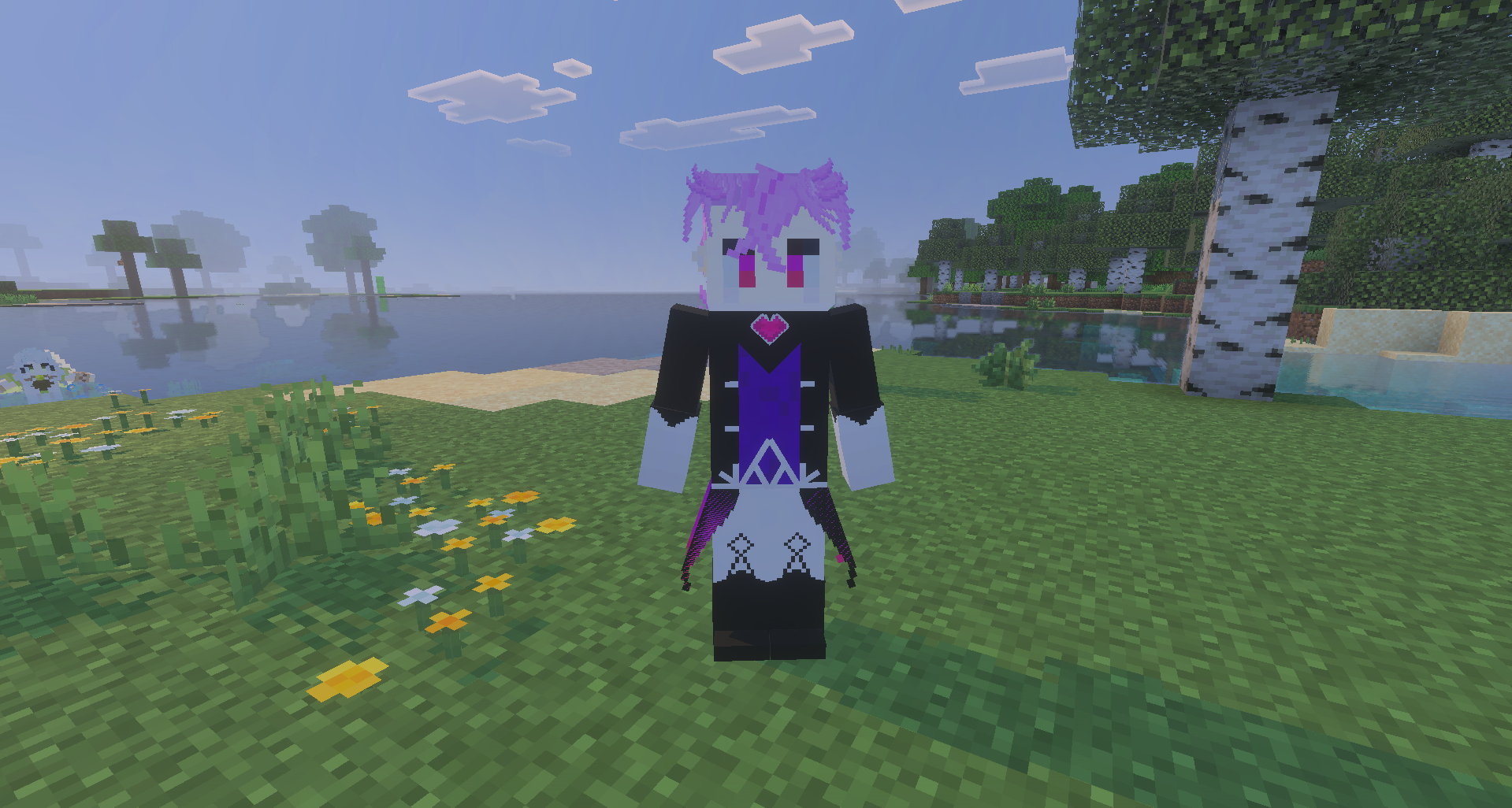
Characters from Genshin Impact and Wuthering Waves receive their own place in the Bedrock world. GameHunter Genshin adds detailed 3D models, custom weapons, attack animations, and particle effects. Each character looks not like a regular mob with a changed texture, but like a separate model with its own style.
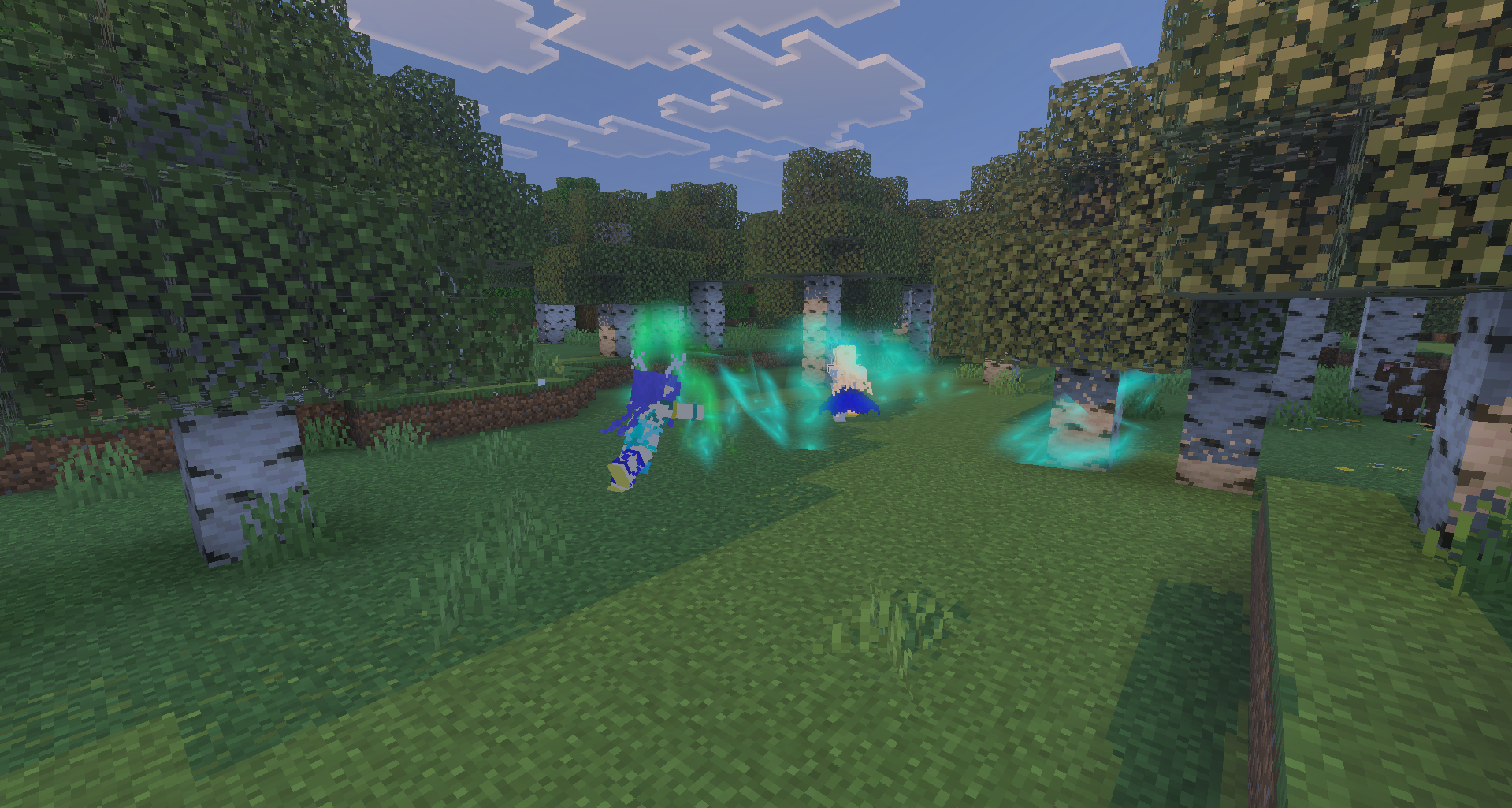
The weapons match each character’s appearance, while special movements change the visual presentation of combat. Particles appear during attacks and ability use, making battles noticeably brighter. The add-on focuses not only on the characters but also on the presentation of combat: attacks look like individual techniques rather than standard strikes.
Installing GameHunter Genshin:
The first step is to run the downloaded file and import the addon/texture into MCPE.
Second step: open Minecraft Pocket Edition and go to the settings of the world.
Third step: install the imported resource sets and add-ons for the world.
Step four: select the imported resource packages/add-on in each section and restart the mobile client.
Comments (0)