



Howard Survival for Minecraft Pocket Edition 26.x
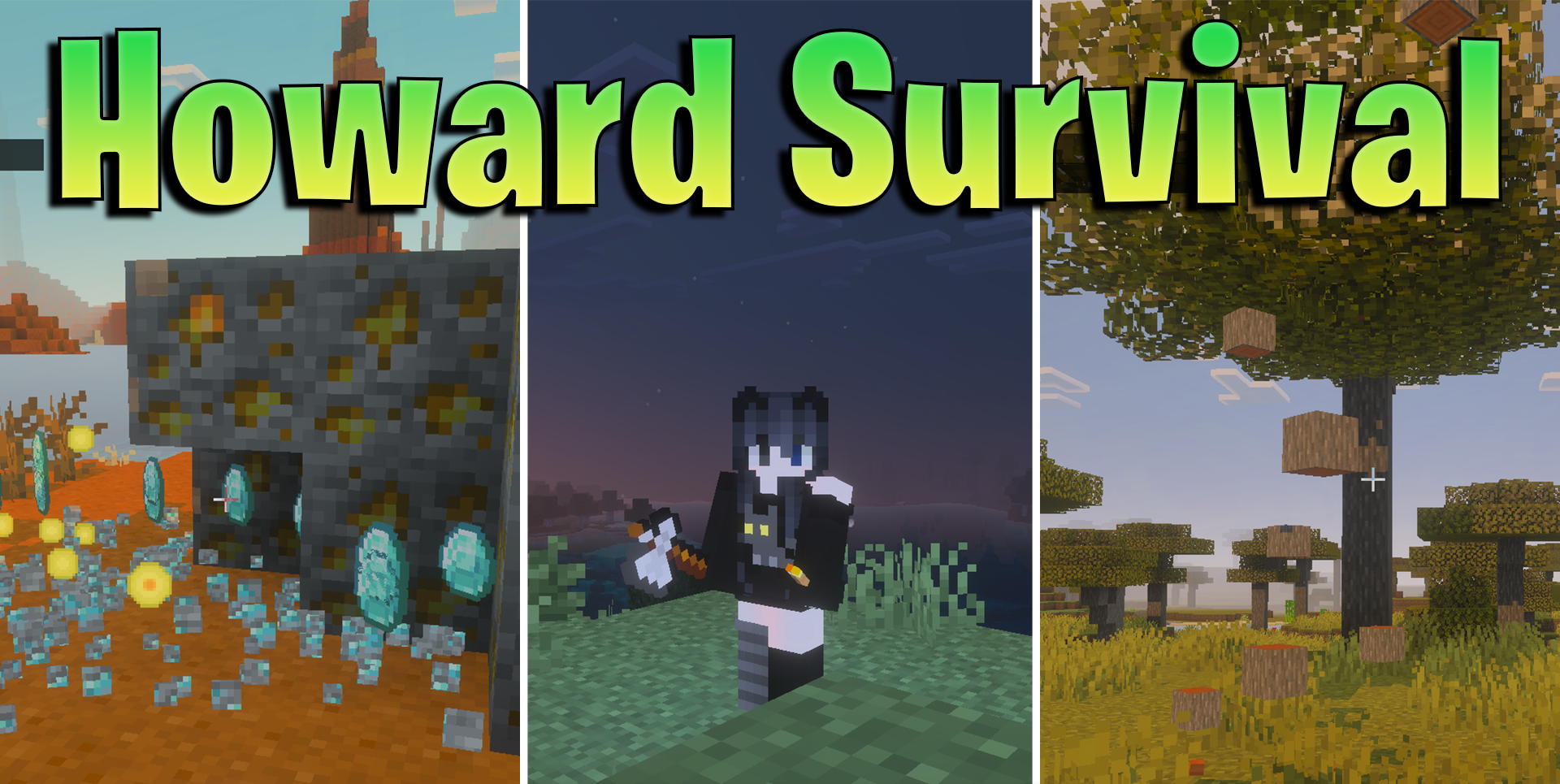
Howard Survival combines several useful survival functions into one Bedrock add-on. Dynamic lighting allows the player to hold a light source in hand and see the surroundings without constantly placing torches. The tree feller speeds up wood gathering: while sneaking, the player can cut down an entire tree, and the blocks are sent directly to the inventory.
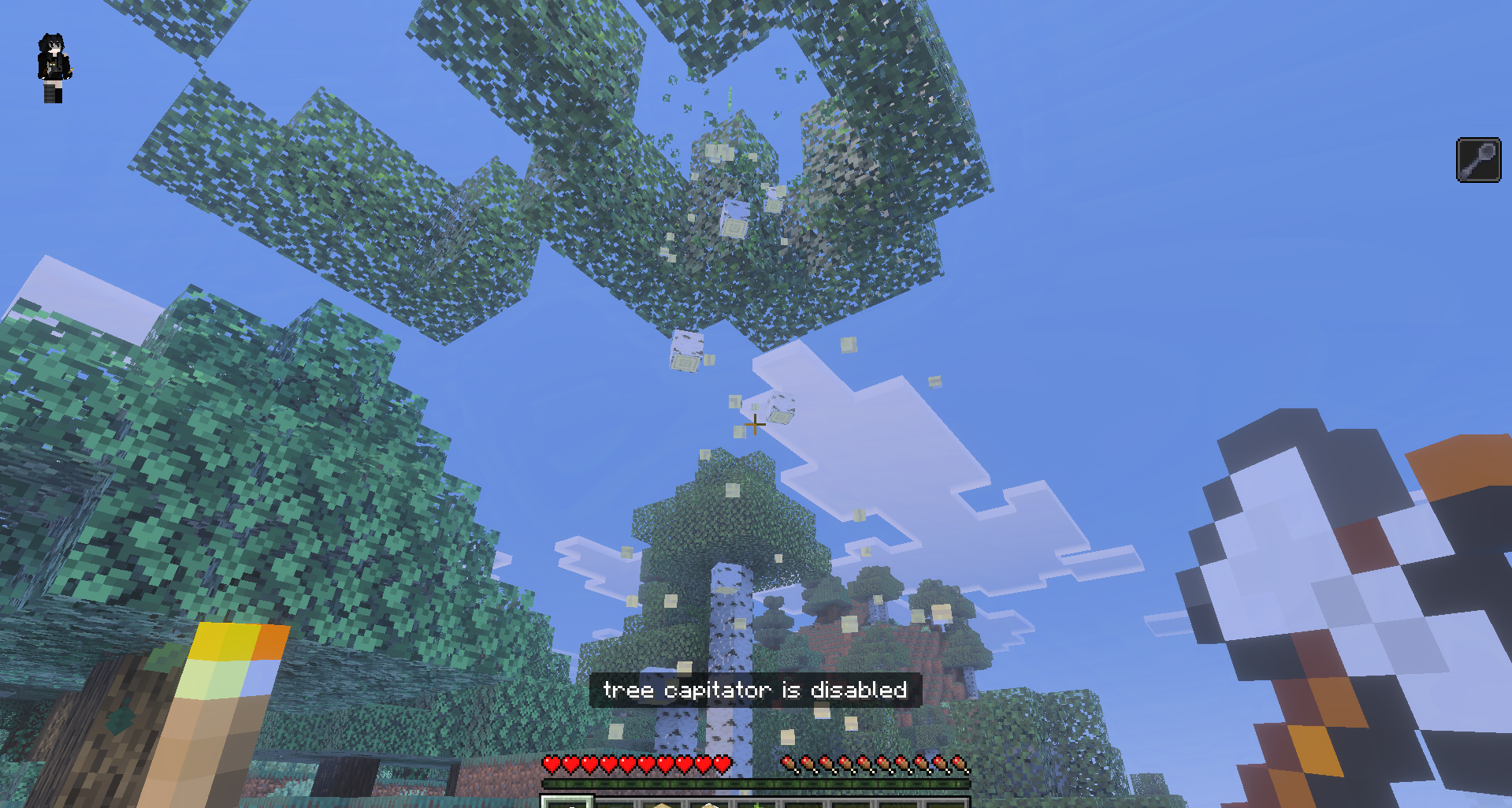
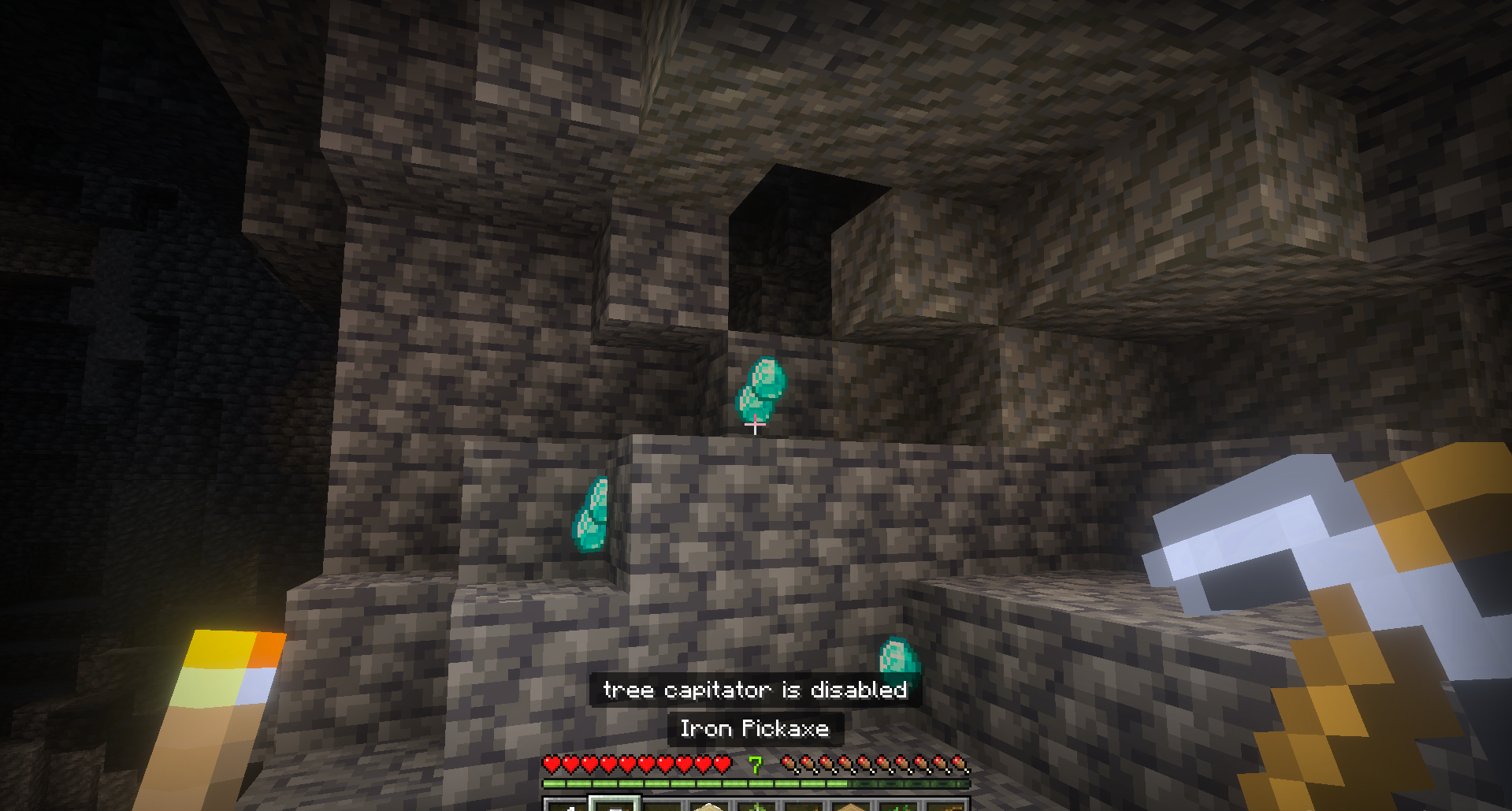
There is also instant mining with a special pickaxe and an item magnet that pulls dropped resources from a distance. Together, these mechanics noticeably change the early and middle stages of survival. Less time is spent on routine tasks, forests are cleared faster, drops are easier to collect after mining, and travelling through dark caves becomes safer.
Installing Howard Survival:
The first step is to run the downloaded file and import the addon/texture into MCPE.
Second step: open Minecraft Pocket Edition and go to the settings of the world.
Third step: install the imported resource sets and add-ons for the world.
Step four: select the imported resource packages/add-on in each section and restart the mobile client.
Comments (0)