



Immersive Ambient Sounds for Minecraft Pocket Edition 26.x

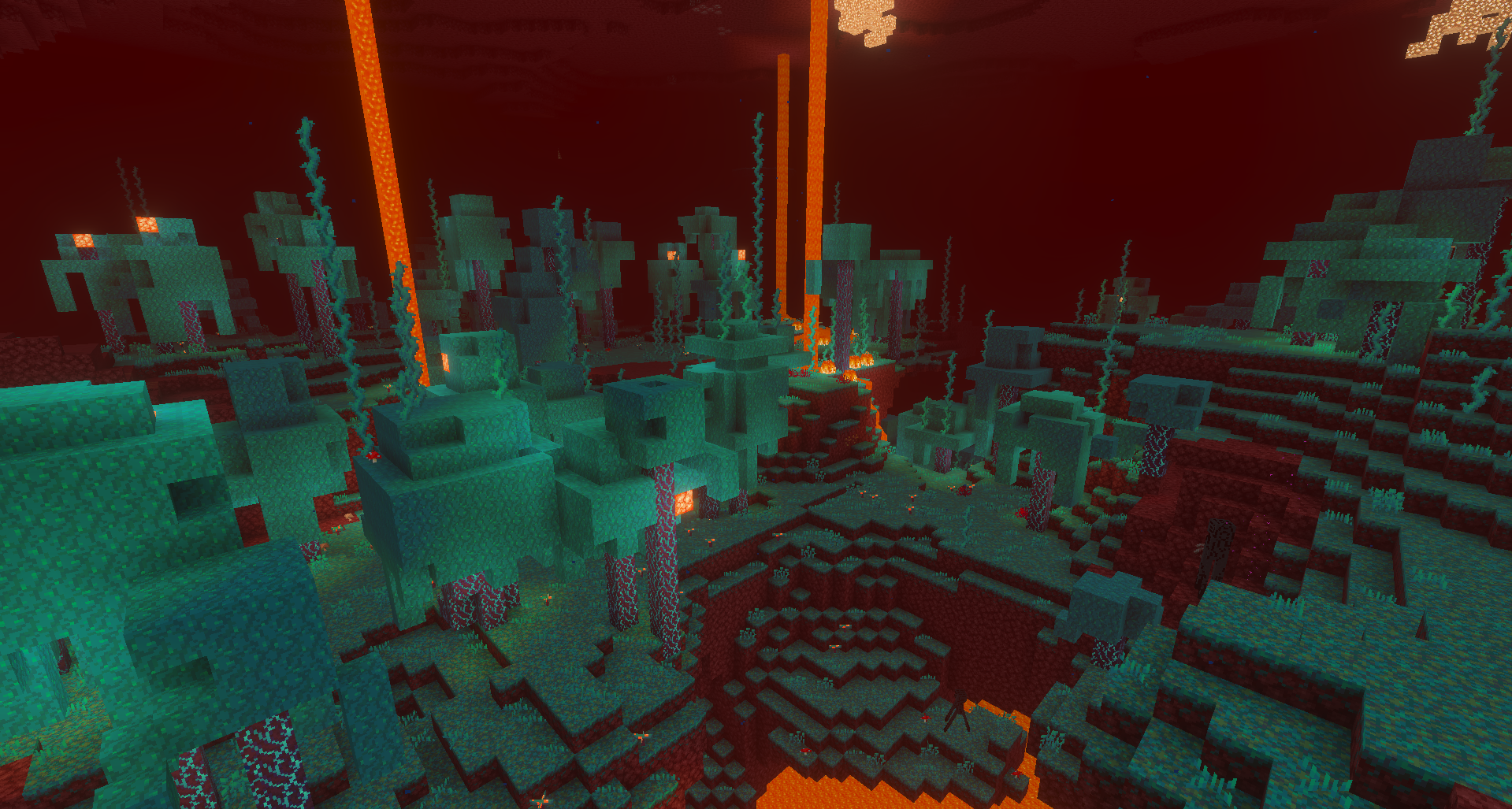
Immersive Ambient Sounds changes not items or blocks, but the world's soundscape. The environment begins to sound different depending on the biome, time of day, and the player's location. During the day, a forest can sound lively and noisy, while at night it becomes quieter and more unsettling. Caves gain the echo of dripping water, the ocean has sounds of wind and water, and different biomes receive their own ambient sounds.
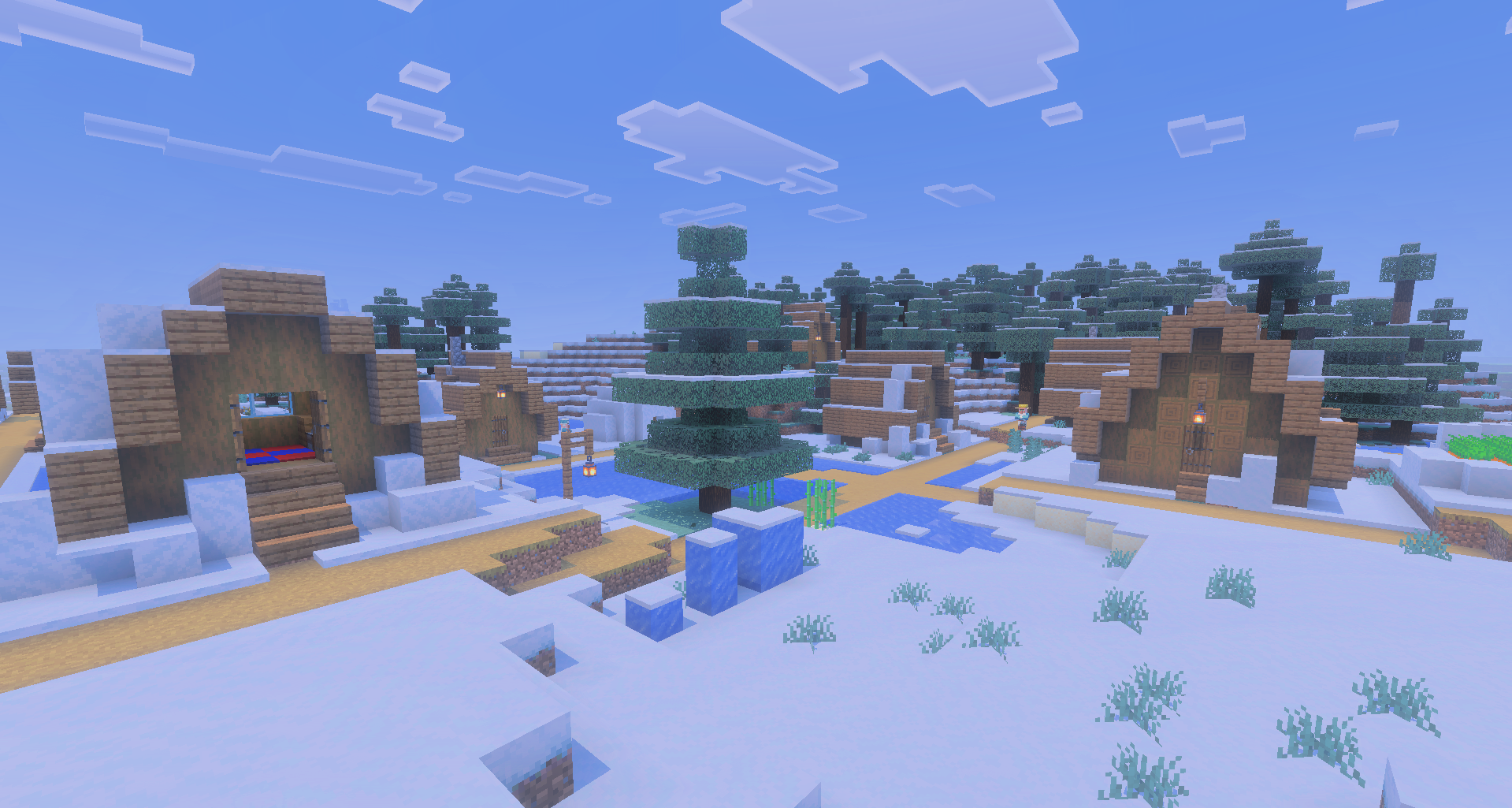
The add-on automatically determines where the player is and selects a suitable background without manual switching. An important advantage is that the volume does not drown out the main game sounds, so the environment adds atmosphere without preventing the player from hearing footsteps, mobs, and other important signals.
Installing Immersive Ambient Sounds:
The first step is to run the downloaded file and import the addon/texture into MCPE.
Second step: open Minecraft Pocket Edition and go to the settings of the world.
Third step: install the imported resource sets and add-ons for the world.
Step four: select the imported resource packages/add-on in each section and restart the mobile client.
Comments (0)