



Napoleonic for Minecraft Pocket Edition 26.x
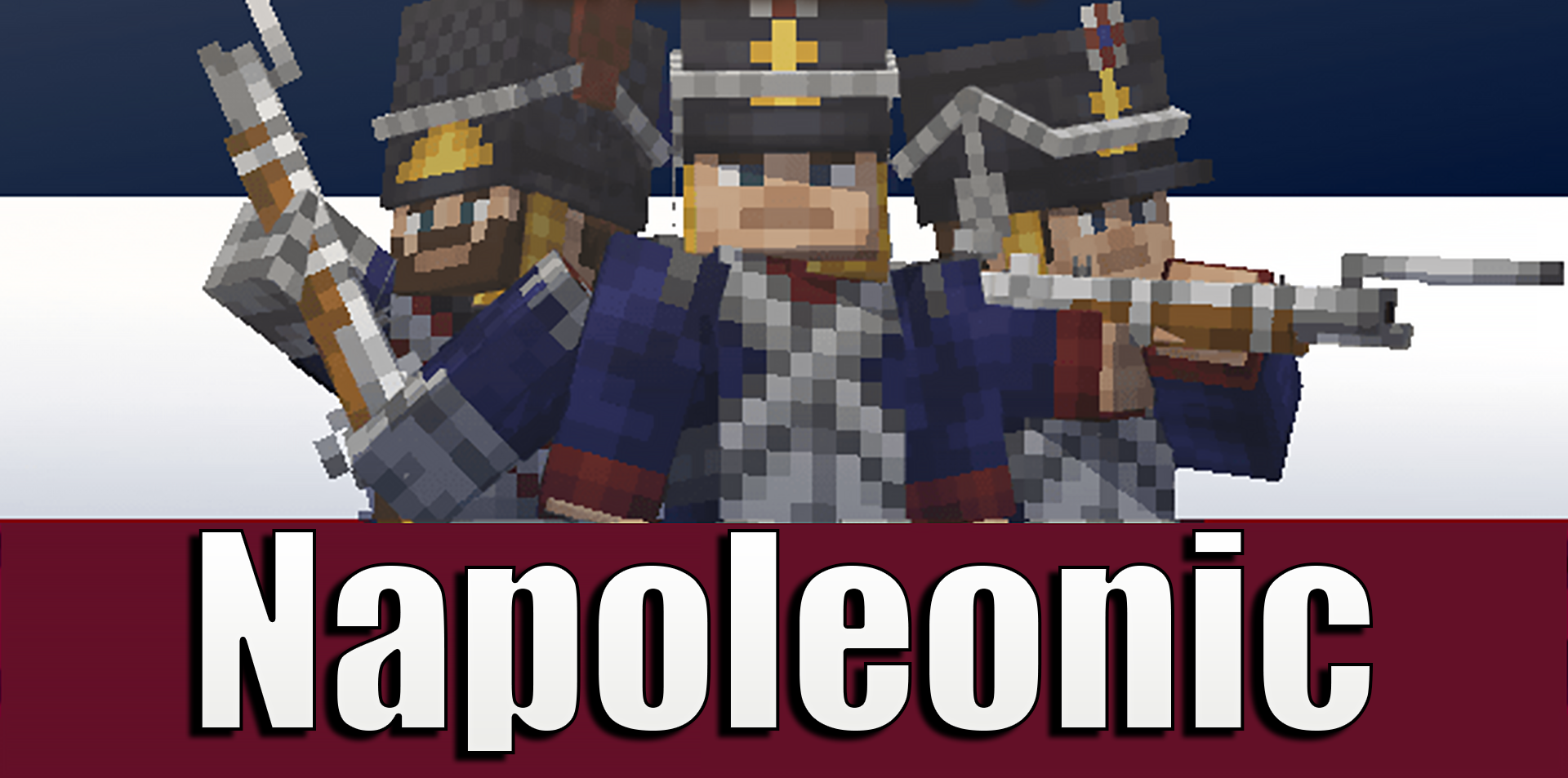
Napoleonic adds a military theme from the era of the Napoleonic Wars. Six countries appear in the game, each with its own flags, uniforms, and soldiers. The player can choose a side through a special oath item, after which there is a sense of belonging to an army rather than simply carrying a set of weapons in the inventory.
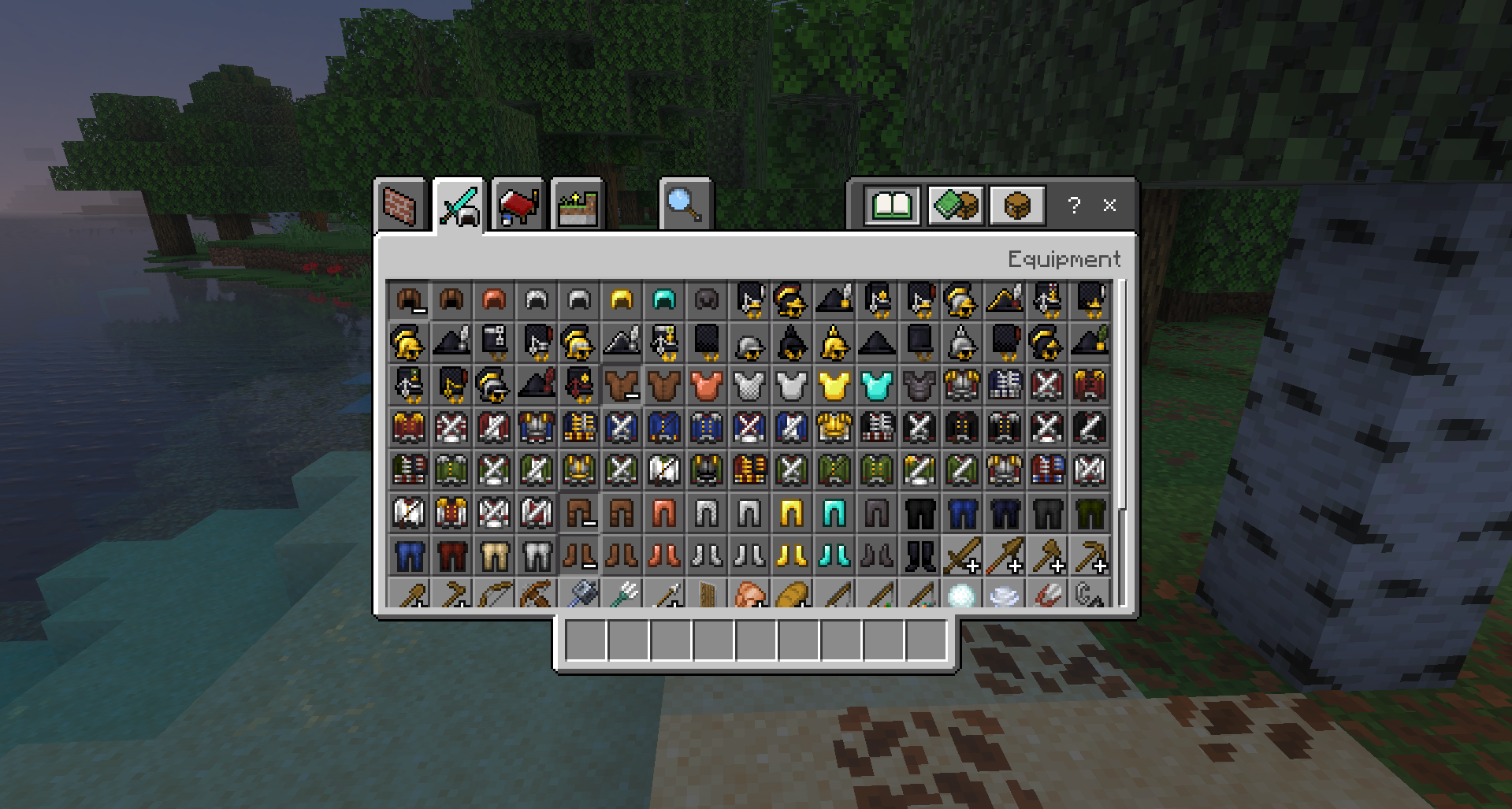
The arsenal includes cannons, spears, pistols, and other elements associated with line battles. Soldiers can be tamed with emeralds and formed into a squad that will fight alongside the player. Flags work not only as decorations but also as part of command. Instead of an ordinary character with a sword, the game creates an almost military scene with uniforms, banners, firearms, cannons, and fighters on the battlefield.
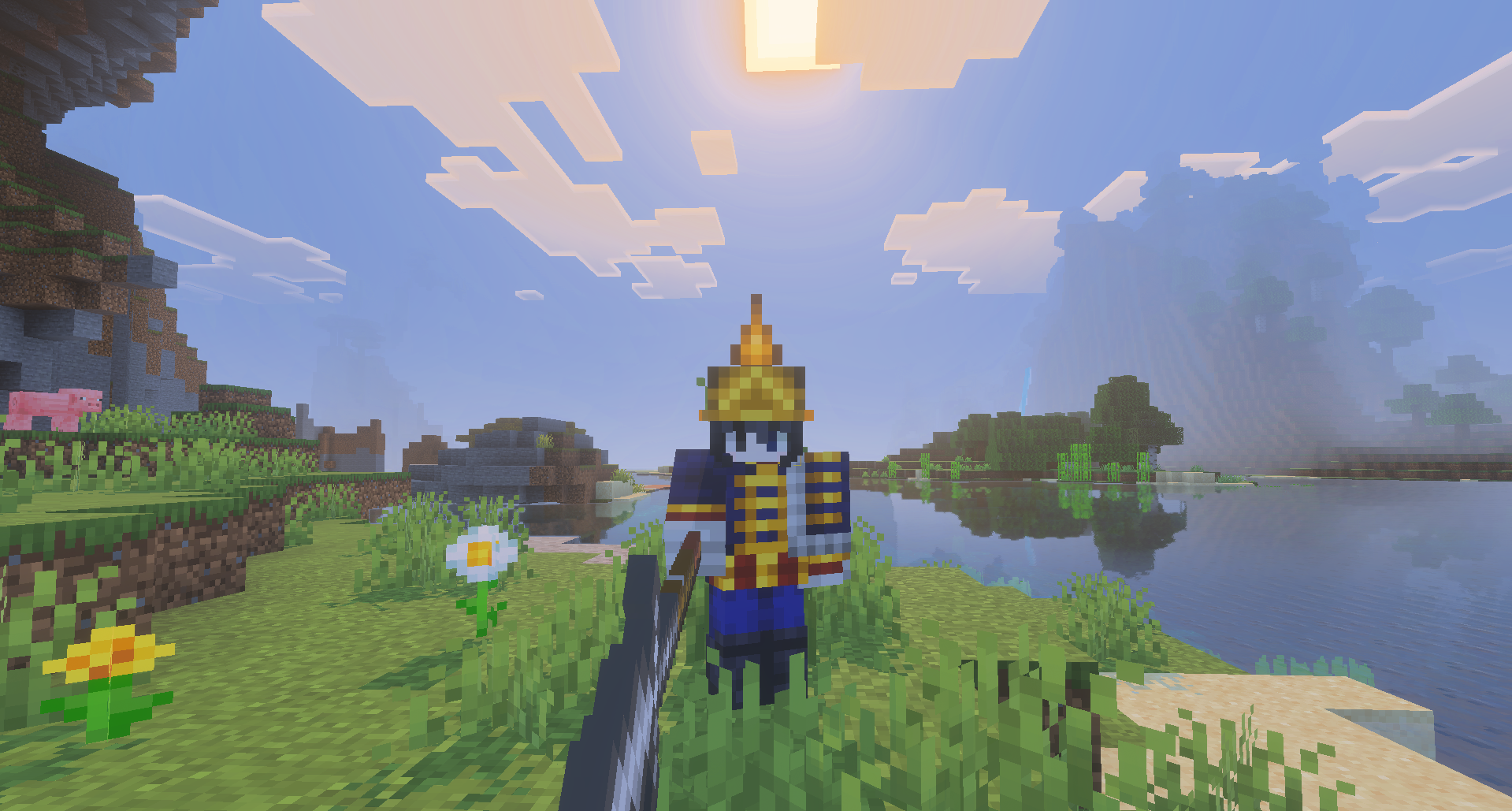
Installing Napoleonic:
The first step is to run the downloaded file and import the addon/texture into MCPE.
Second step: open Minecraft Pocket Edition and go to the settings of the world.
Third step: install the imported resource sets and add-ons for the world.
Step four: select the imported resource packages/add-on in each section and restart the mobile client.
Comments (0)