



Naruto Uzumaki for Minecraft Pocket Edition 26.x
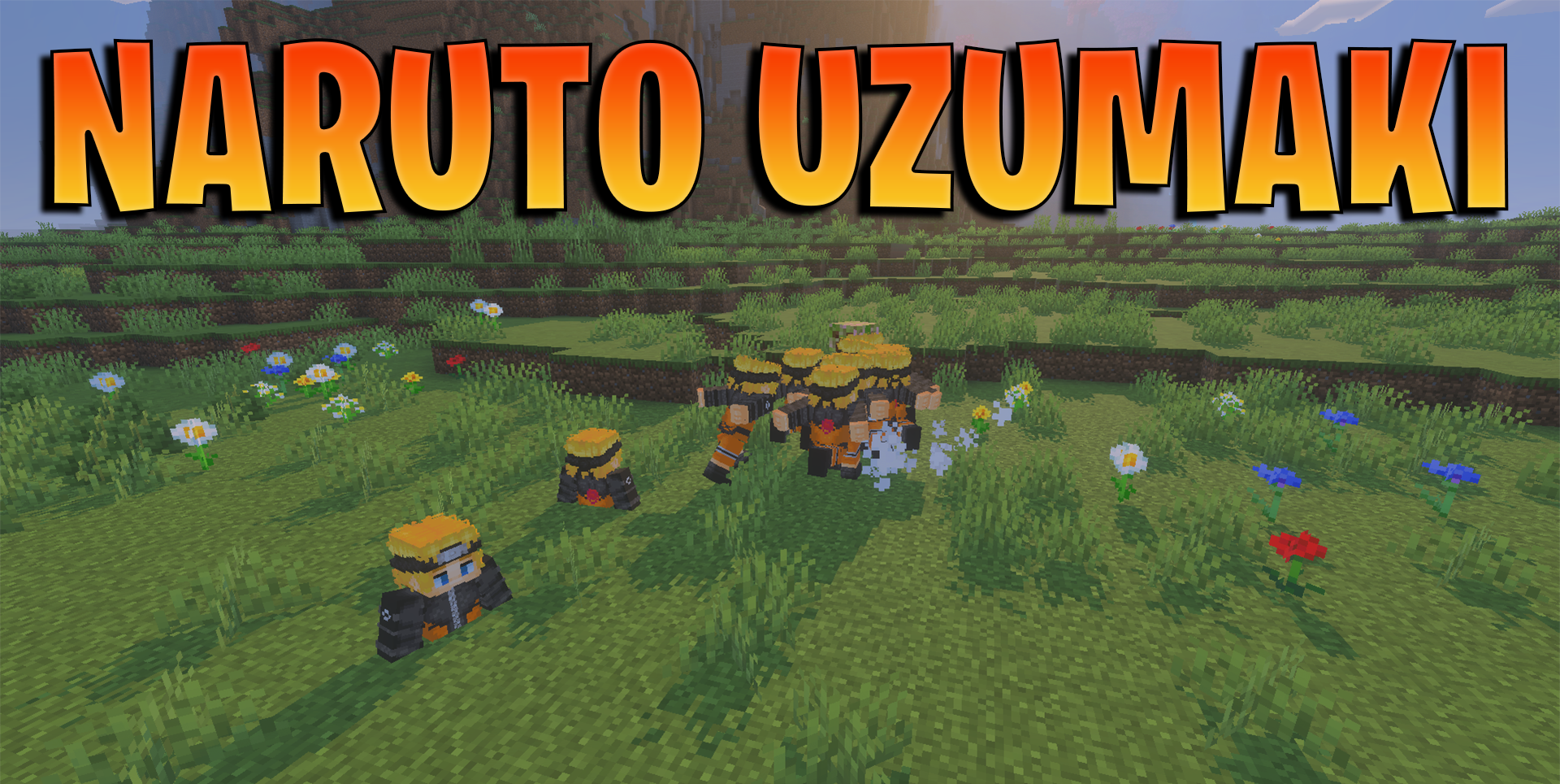
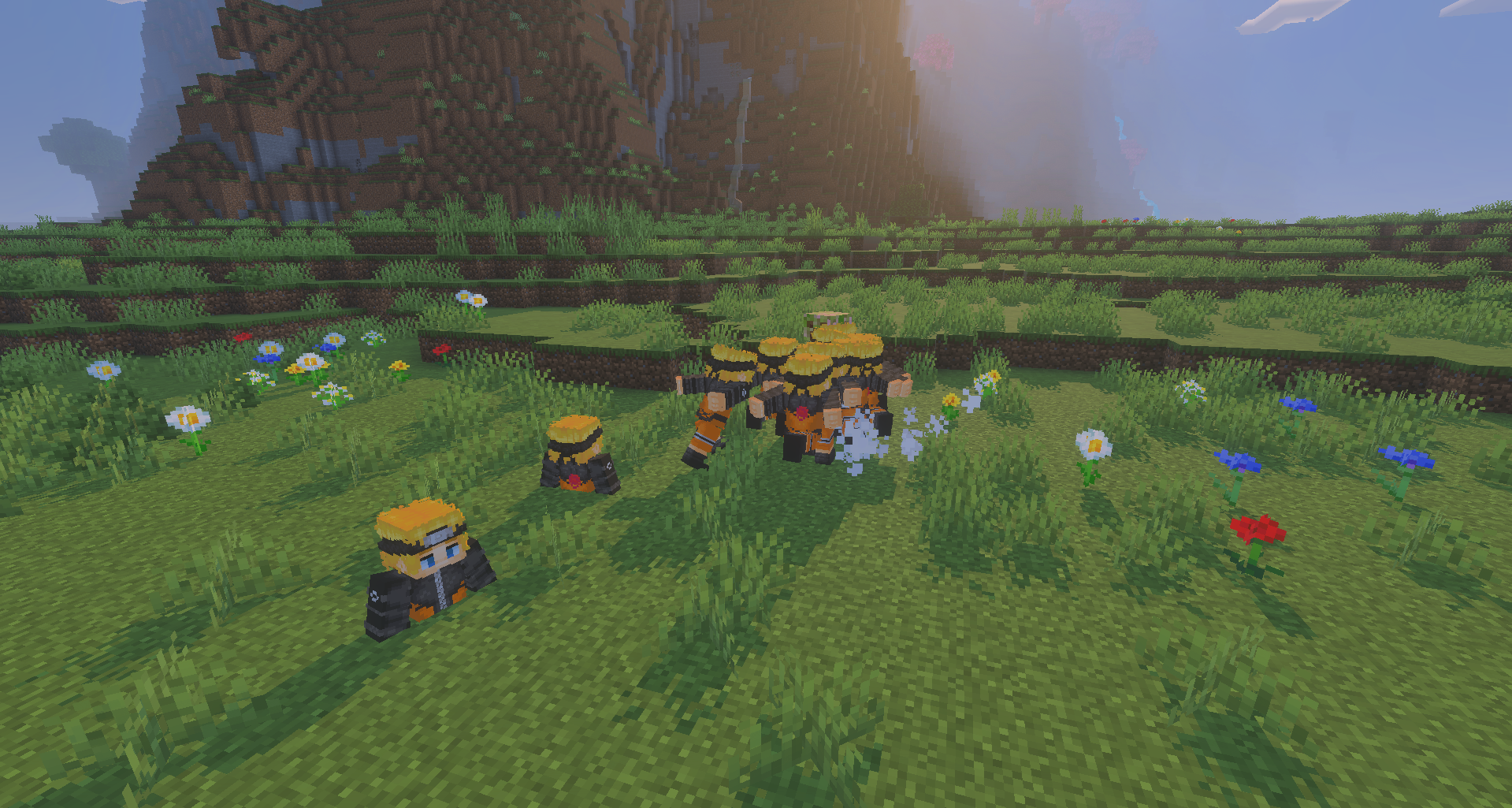
Ninja-style combat is built around recognizable techniques and bosses. Naruto Uzumaki adds powerful ninja enemies to Minecraft PE, each using unique attacks and requiring careful attention during combat. The player gains access to the Shadow Clone Technique and the Rasengan attack, changing the usual approach to fighting mobs.
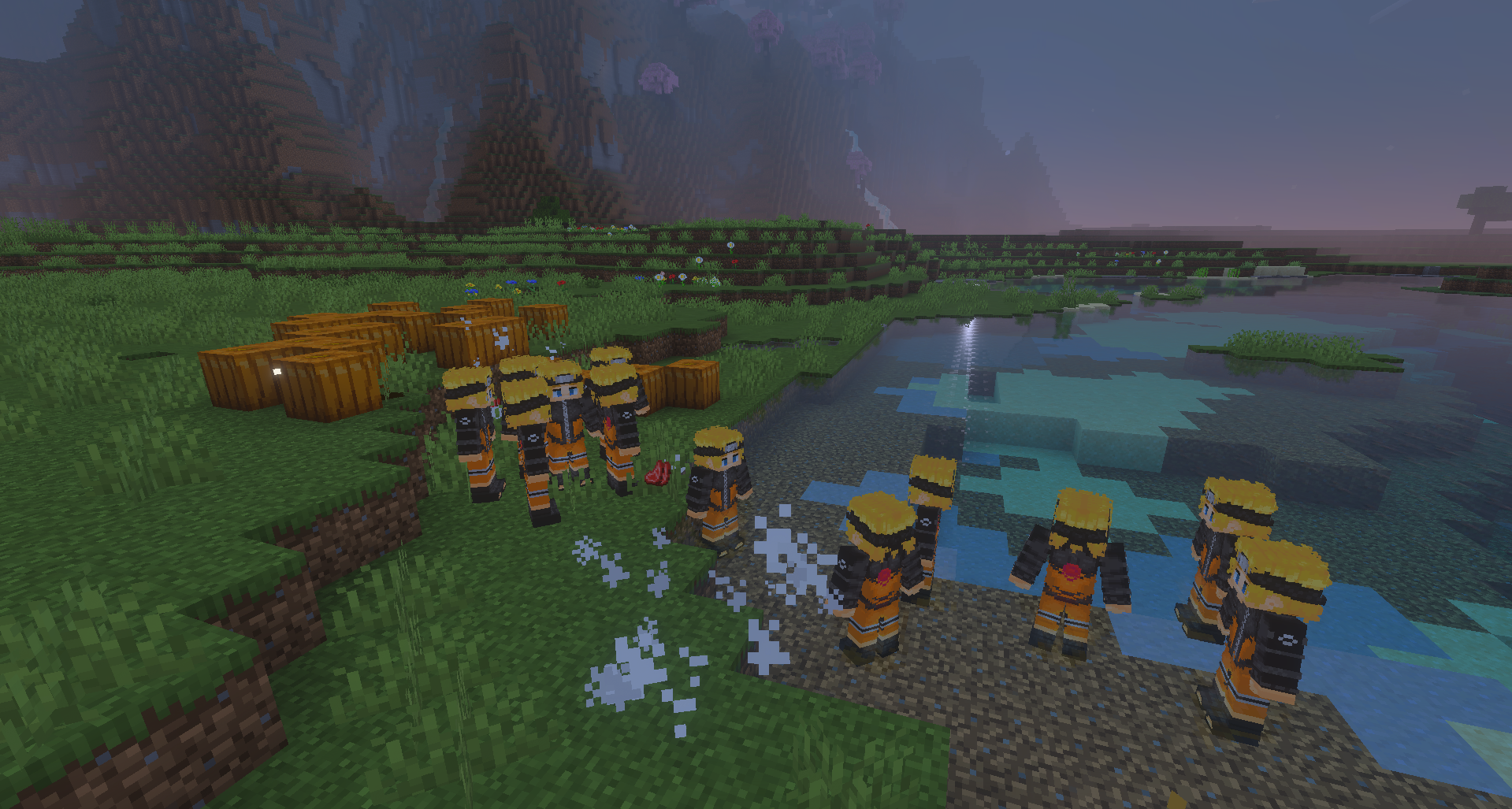
A custom character model and running animation strengthen the feeling of anime-style movement instead of simply replacing the appearance of a skin. The add-on works without experimental features, making it easier to use in regular Bedrock worlds. The game gains fast-paced battles, jutsu, bosses, and visual elements connected to the world of shinobi.
Installing Naruto Uzumaki:
The first step is to run the downloaded file and import the addon/texture into MCPE.
Second step: open Minecraft Pocket Edition and go to the settings of the world.
Third step: install the imported resource sets and add-ons for the world.
Step four: select the imported resource packages/add-on in each section and restart the mobile client.
Comments (0)