



Performance Optimizer for Minecraft Pocket Edition 26.x
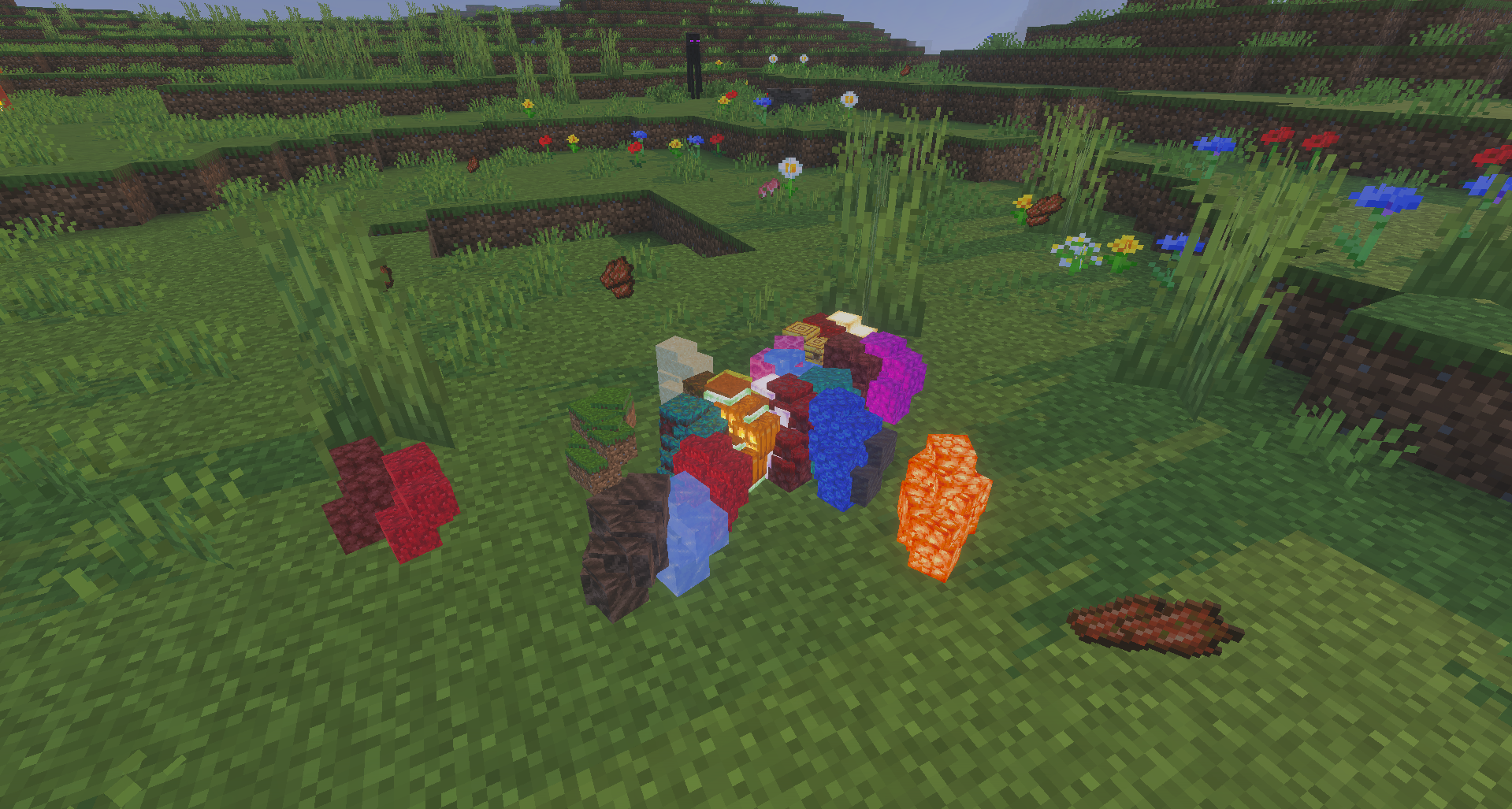
Performance Optimizer focuses not on new items but on making Minecraft Bedrock run more consistently. The add-on reduces system load by optimizing mobs, items, particles, gravity-affected blocks, and graphics. Dropped items are grouped together so that the device spends fewer resources processing them.
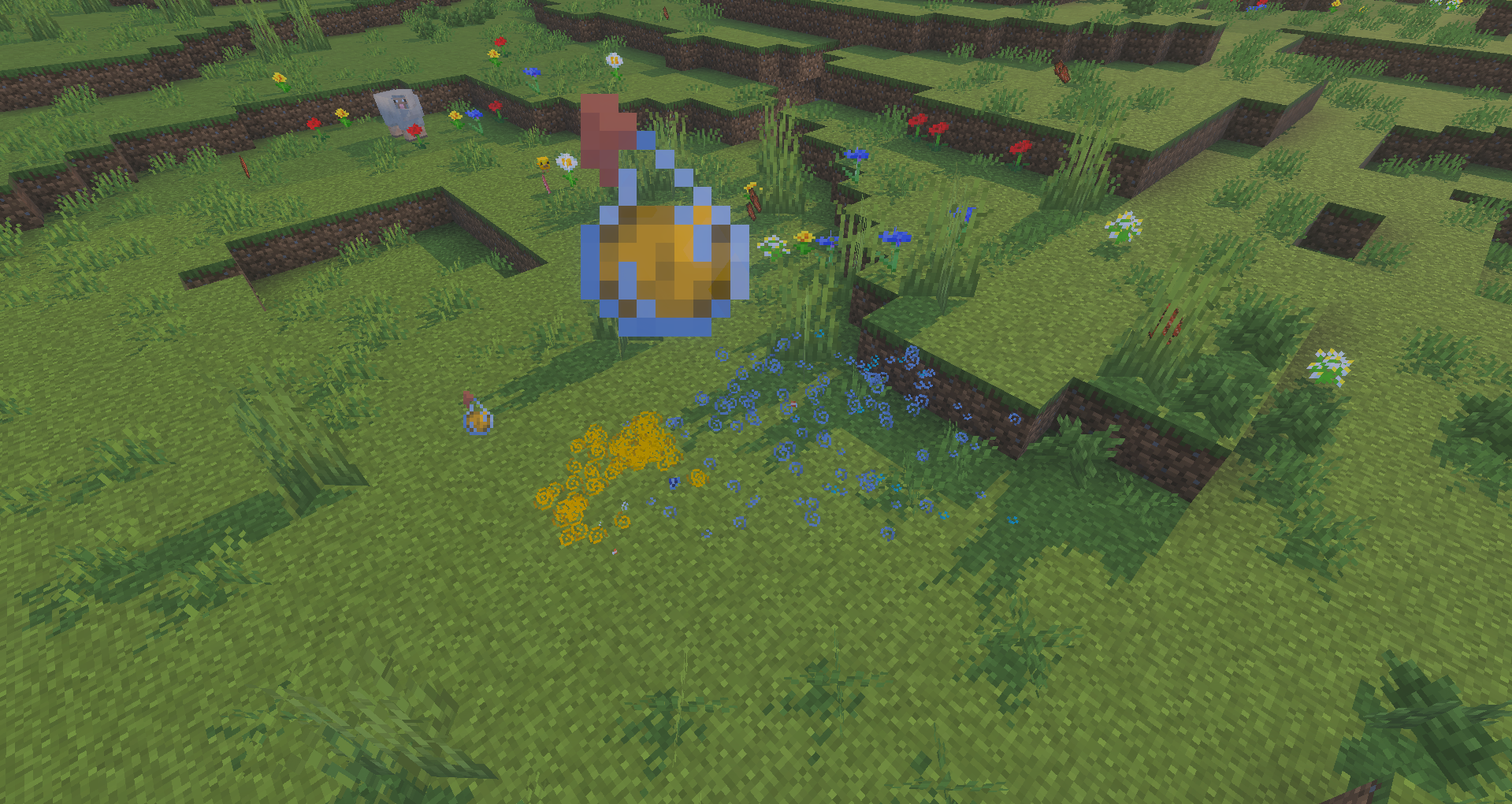
Distant monsters disappear more quickly, falling gravel blocks are removed after several seconds, and the number of combat particles is reduced. The amount of processing related to textures is also decreased, helping save memory and graphics processor power. At the same time, the add-on does not disable achievements, so it can be used in regular survival without losing progress.
Installing Performance Optimizer:
The first step is to run the downloaded file and import the addon/texture into MCPE.
Second step: open Minecraft Pocket Edition and go to the settings of the world.
Third step: install the imported resource sets and add-ons for the world.
Step four: select the imported resource packages/add-on in each section and restart the mobile client.
Comments (0)