



Simple Damage Indicator for Minecraft Pocket Edition 26.x
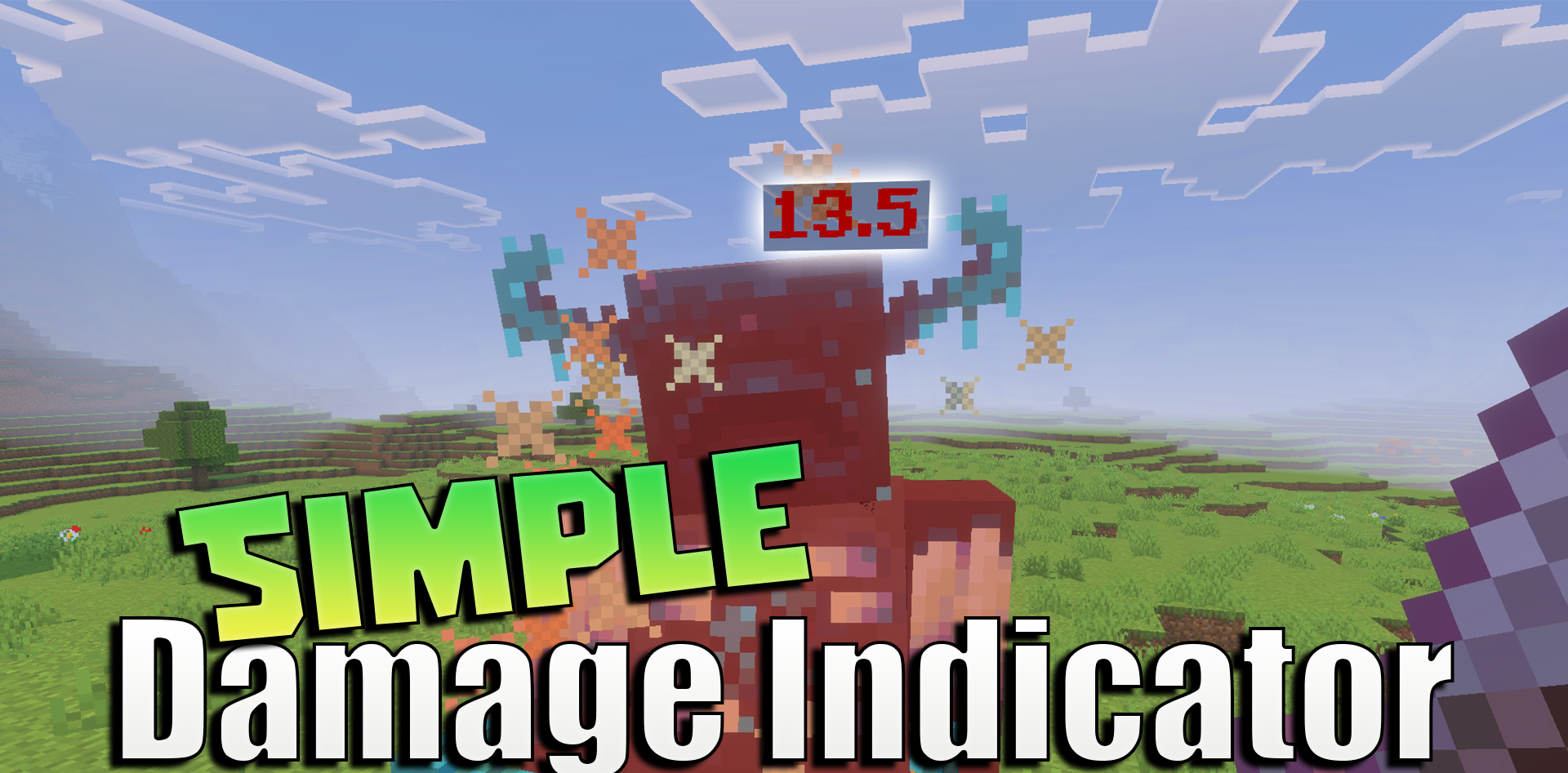
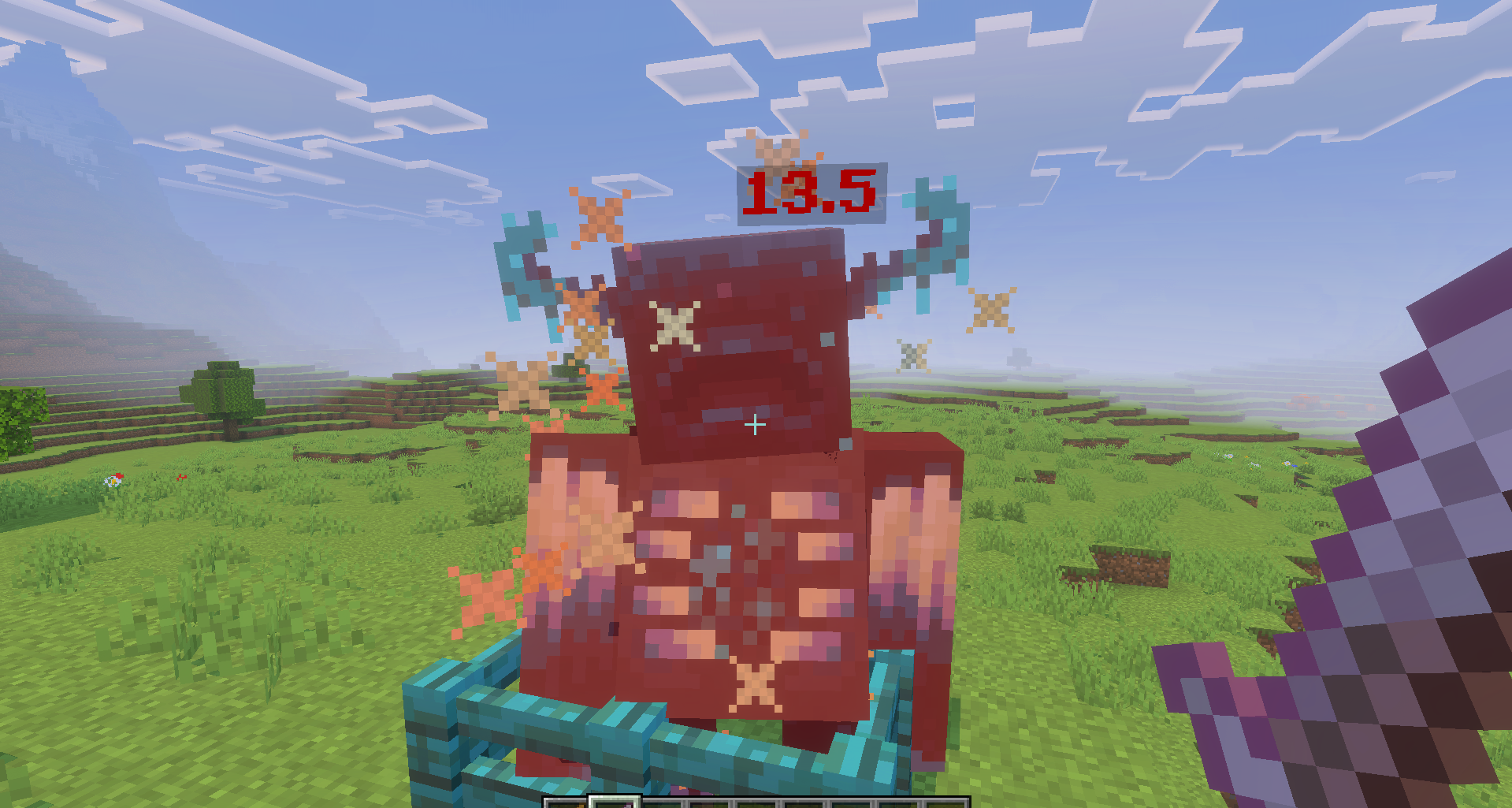
Simple Damage Indicator makes combat clearer by displaying floating damage numbers. After an enemy is hit, the exact amount of damage dealt appears on the screen, allowing the player to immediately see how powerful the attack was. This helps compare weapons, abilities, effects, and different combat methods.
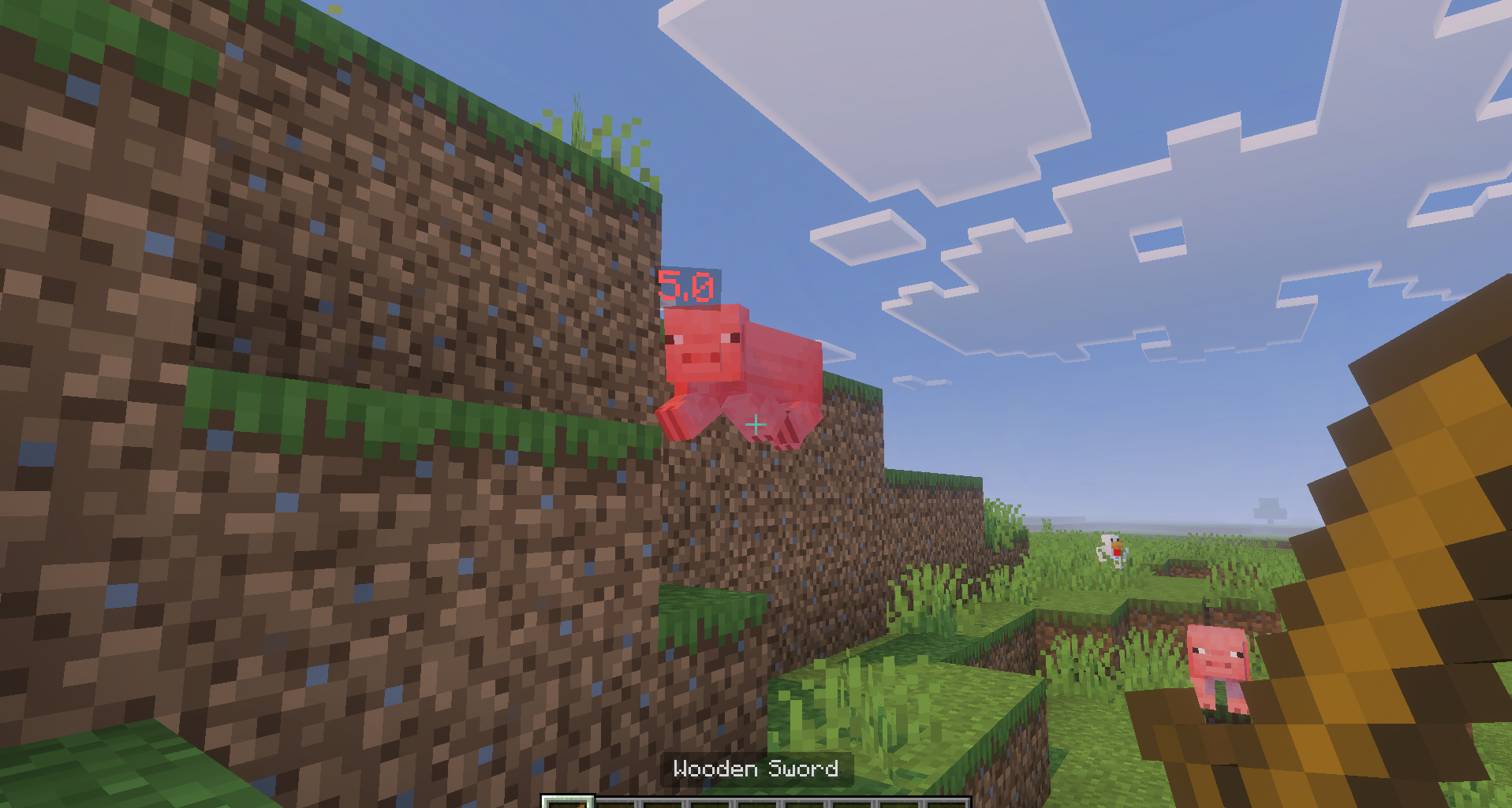
In the regular Bedrock version, players have to judge damage by how quickly a mob dies or by its health bar, when one is available. Here, the result of every strike is displayed at the moment of impact. The add-on is useful in worlds featuring new swords, magic, armor, or bosses, where damage values can differ significantly. Experimental options are required for it to work correctly.
Installing Simple Damage Indicator:
The first step is to run the downloaded file and import the addon/texture into MCPE.
Second step: open Minecraft Pocket Edition and go to the settings of the world.
Third step: install the imported resource sets and add-ons for the world.
Step four: select the imported resource packages/add-on in each section and restart the mobile client.
Comments (0)