



Sync Minecraft Time with Real-Time for Minecraft Pocket Edition 26.x
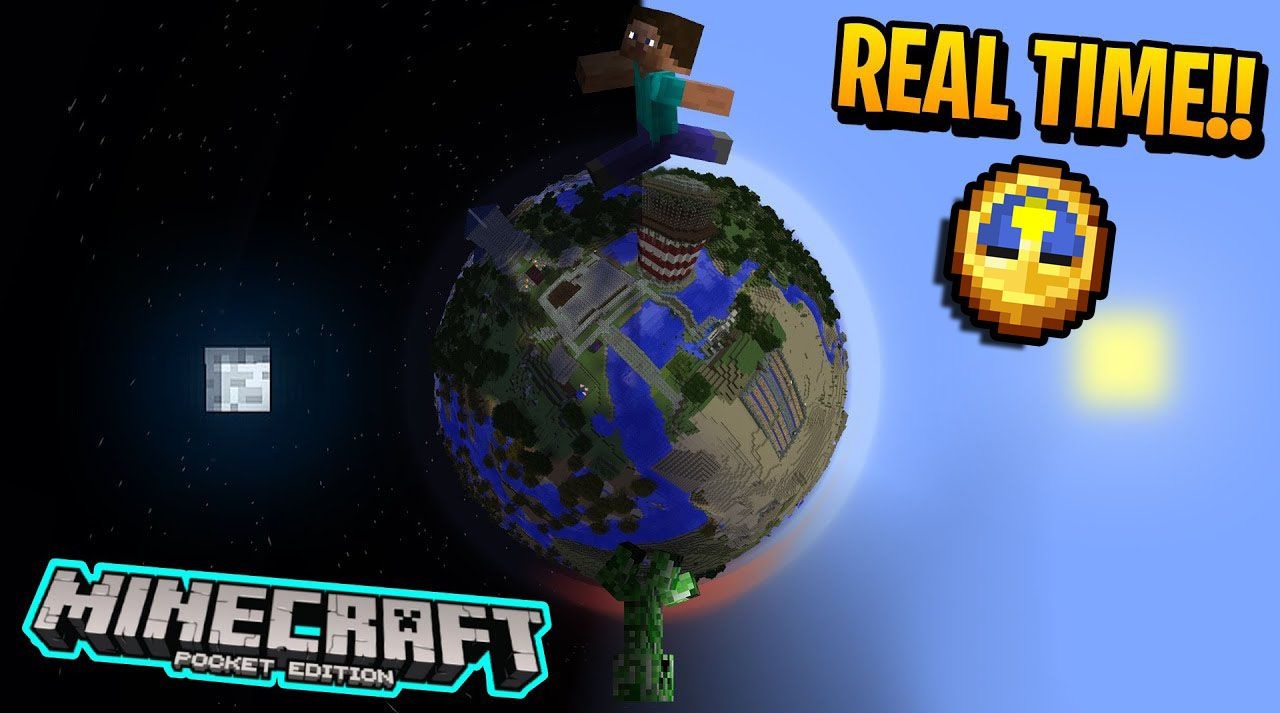
In Minecraft, time exists separately from the real schedule, but Sync Minecraft Time with Real-Time connects the game cycle with the device clock. If it is daytime for the player now, it will also be daytime in the world; if night has come, it will appear in the game as well.
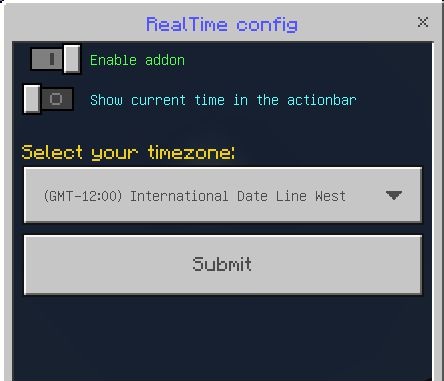
The add-on works without complex systems and executes only one command per minute, so it should not heavily load the world. It can be turned on and off without a restart, which is convenient for already created maps. This mode changes survival planning: mining, building, hunting, and night outings are tied not to the accelerated game cycle, but to real time.
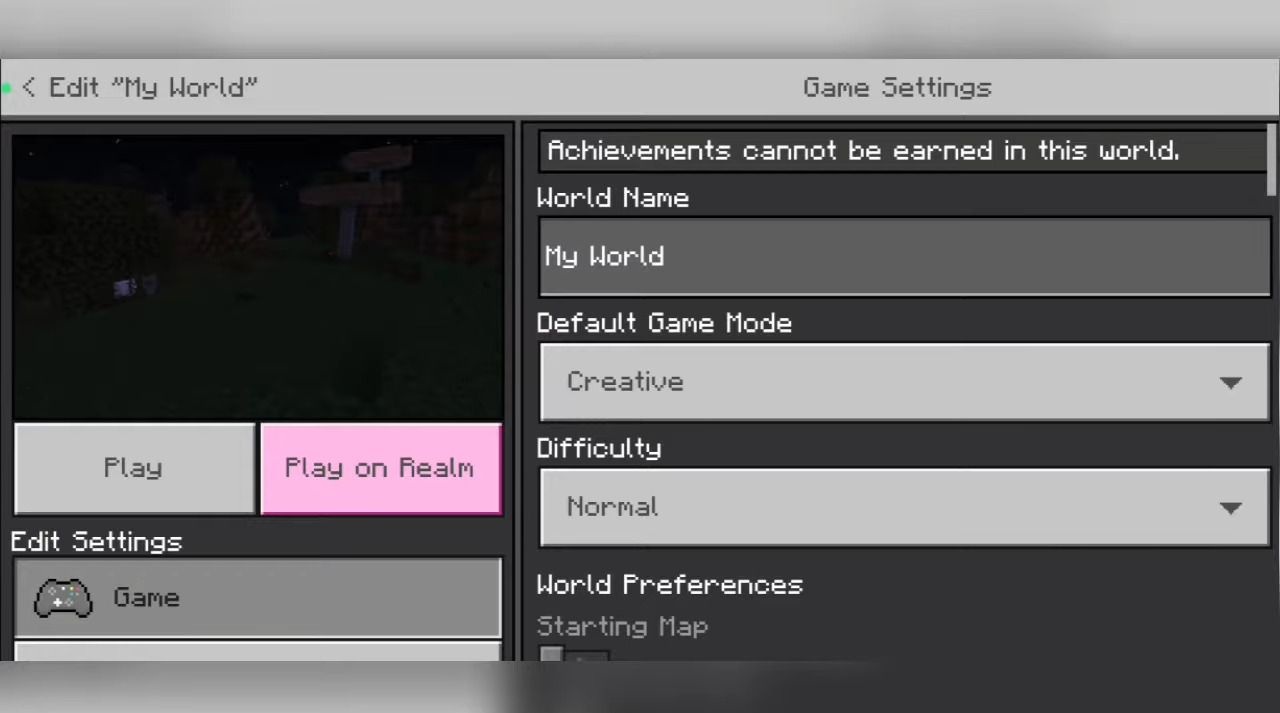
Installing Sync Minecraft Time with Real-Time:
The first step is to run the downloaded file and import the addon/texture into MCPE.
Second step: open Minecraft Pocket Edition and go to the settings of the world.
Third step: install the imported resource sets and add-ons for the world.
Step four: select the imported resource packages/add-on in each section and restart the mobile client.
Comments (0)