



VDX Java Desktop UI for Minecraft Pocket Edition 26.x
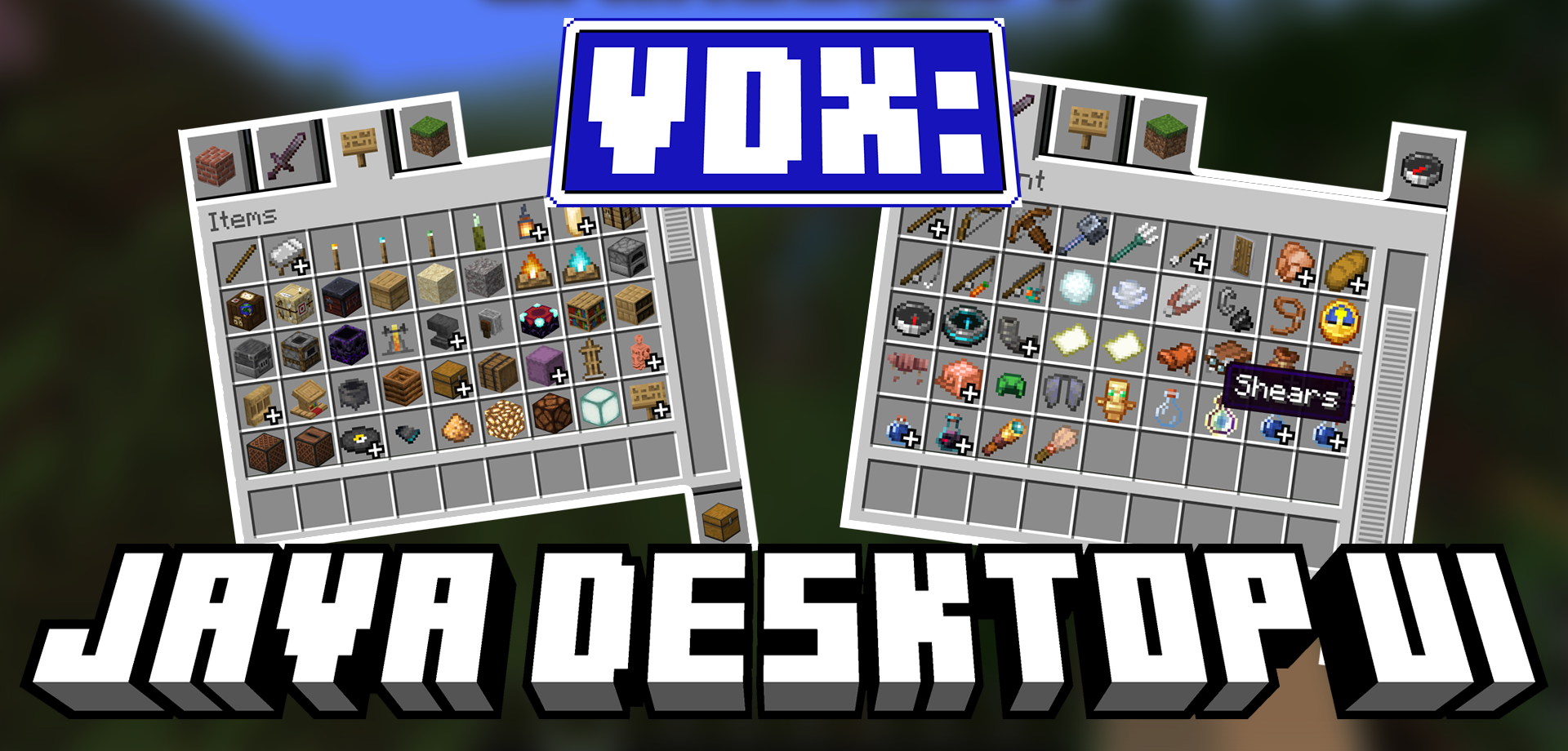
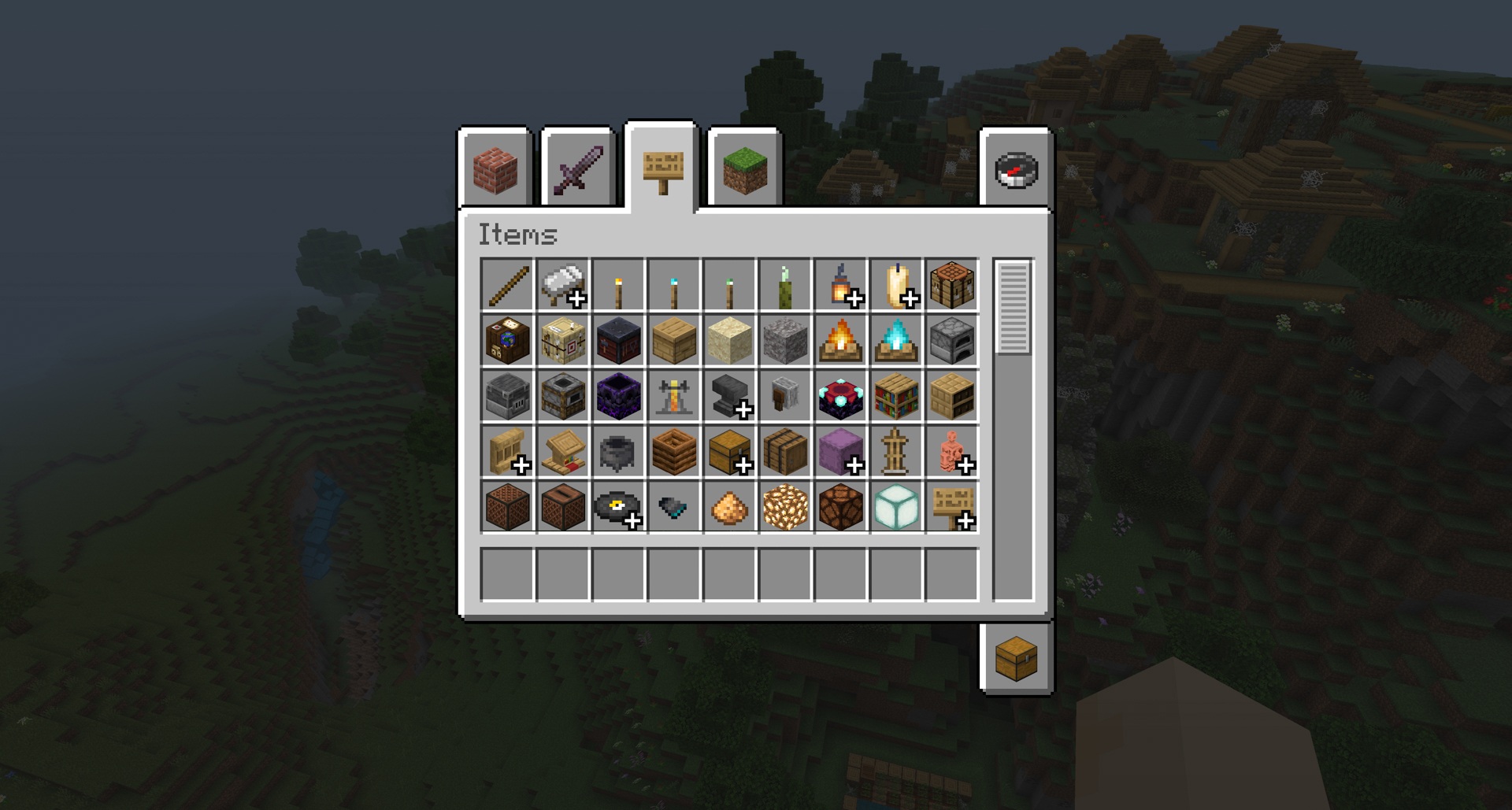
The Bedrock interface can be made closer to the familiar appearance of the desktop version. VDX Java Desktop UI redesigns menus, the inventory, and individual screens so that they resemble the classic Java style. Instead of the standard mobile or console presentation, more familiar windows, layouts, and visual design appear.
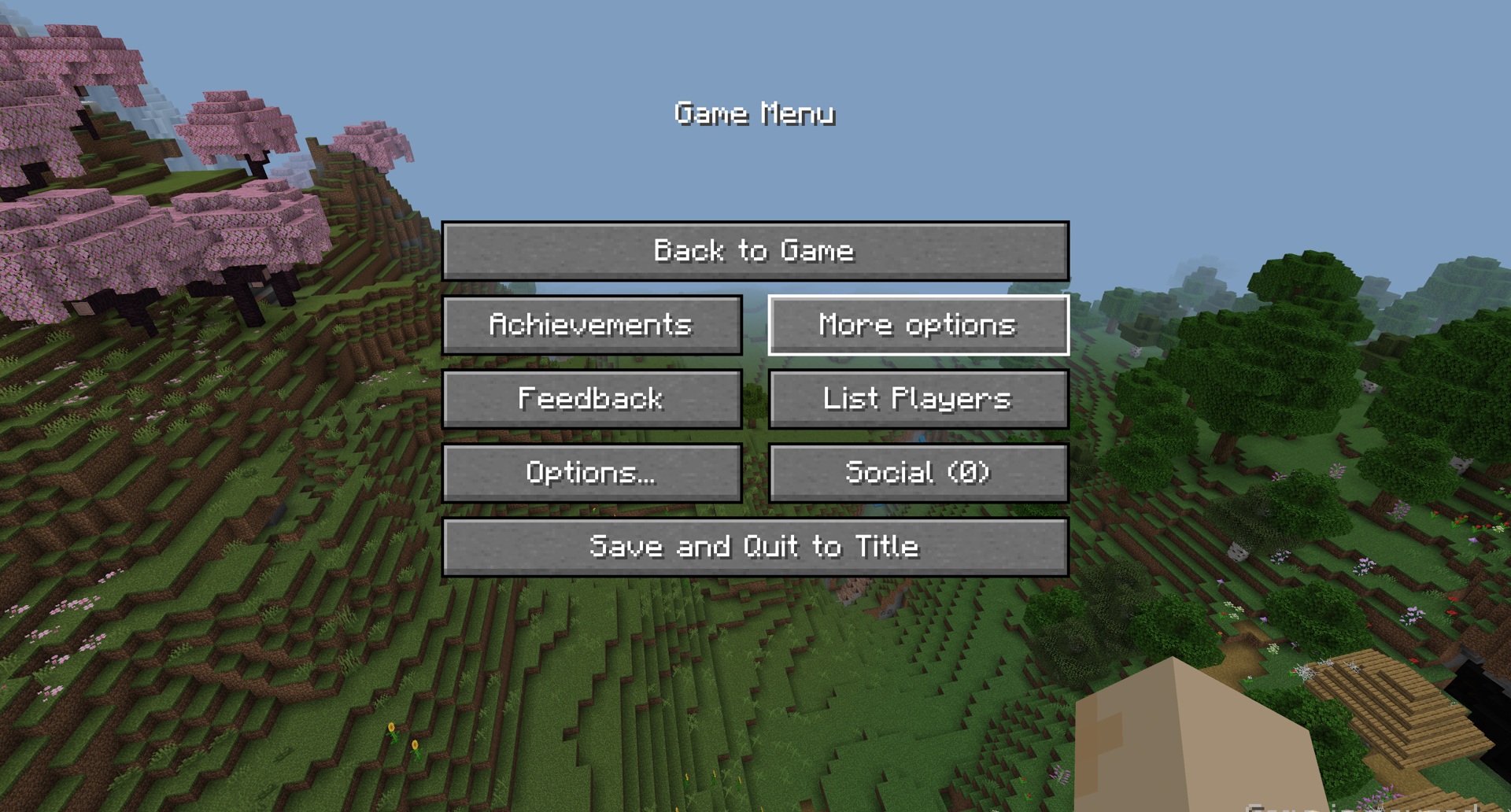
There is also a mixed mode that combines elements of the console and desktop interfaces into one option. A separate one-on-one design is provided for PvP, while the chat and scoreboard receive more readable background images. The add-on also supports several languages, including English, Spanish, and Japanese.
Installing VDX Java Desktop UI:
The first step is to run the downloaded file and import the addon/texture into MCPE.
Second step: open Minecraft Pocket Edition and go to the settings of the world.
Third step: install the imported resource sets and add-ons for the world.
Step four: select the imported resource packages/add-on in each section and restart the mobile client.
Comments (1)