



What Am I Looking At? for Minecraft Pocket Edition 26.x
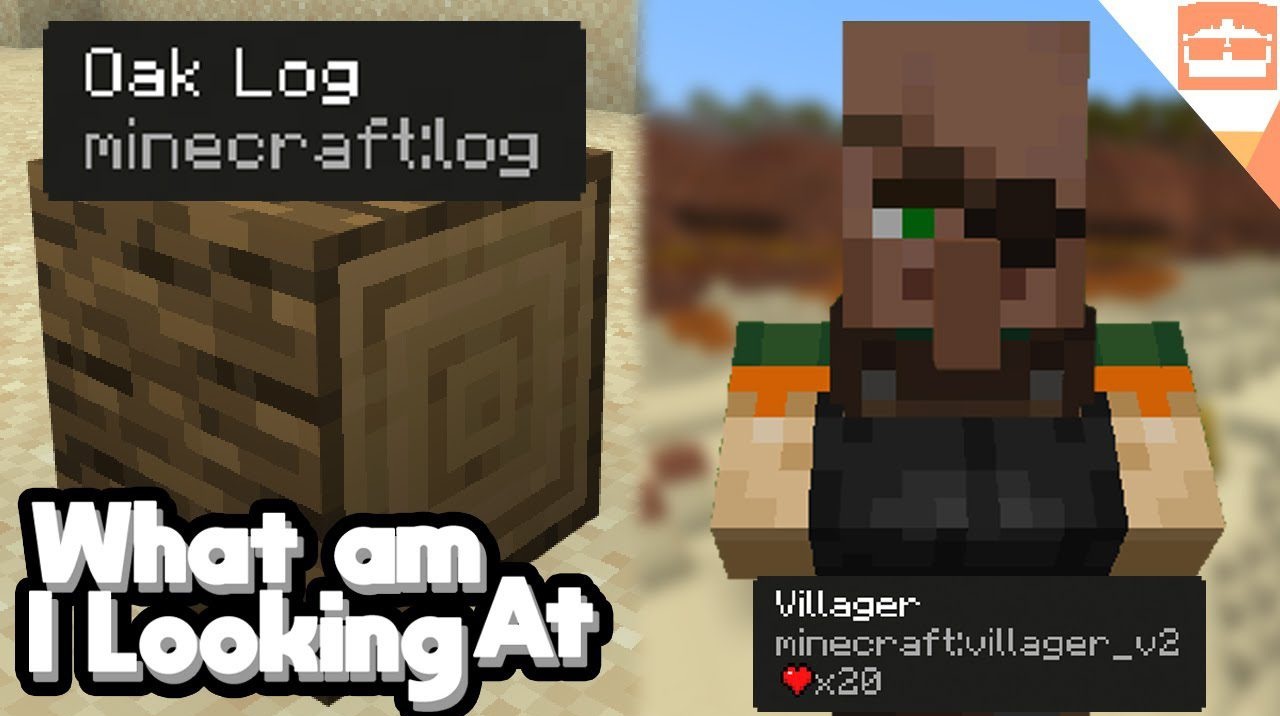
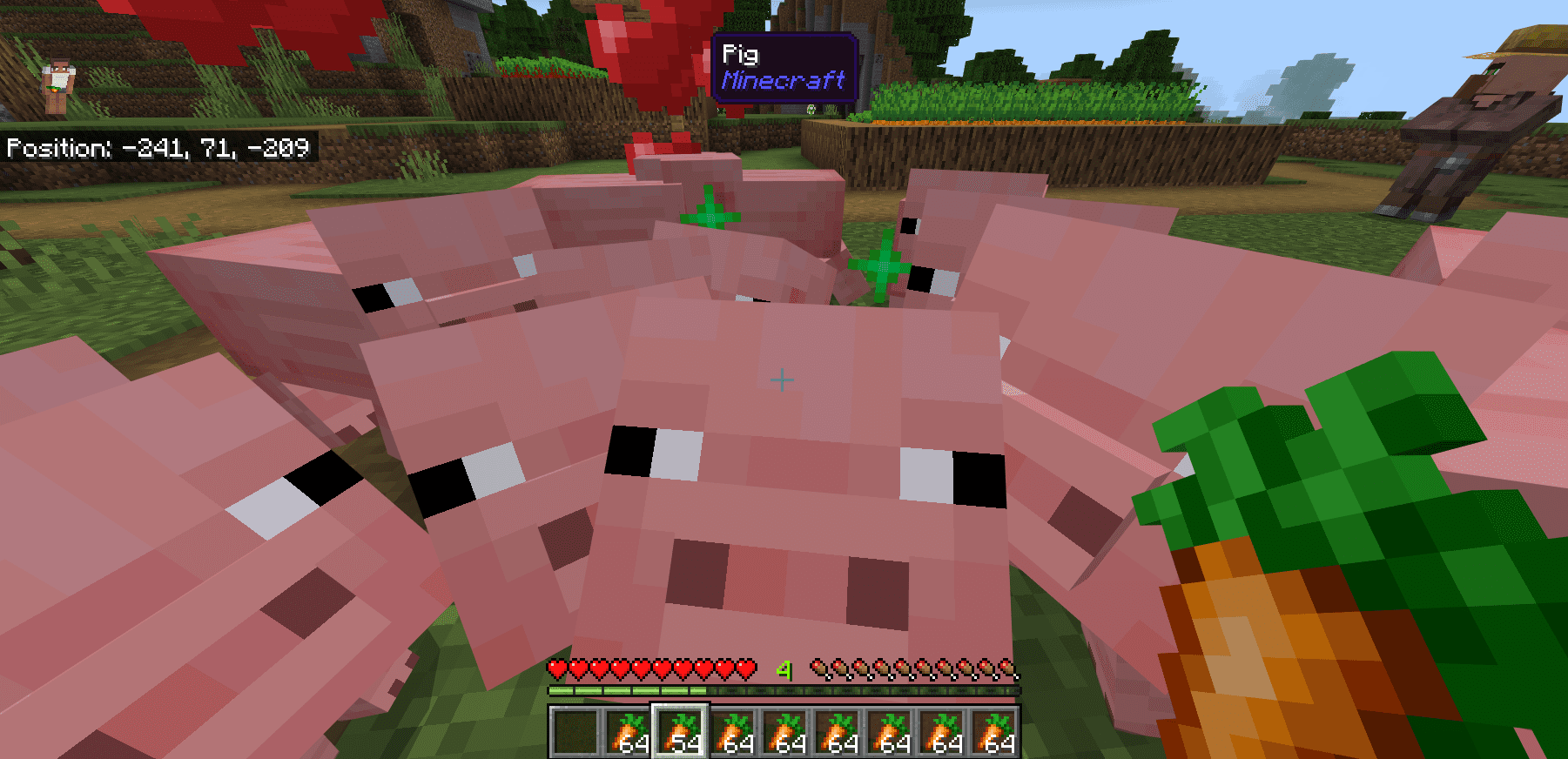
In some mod collections, it becomes difficult to understand which block or mob is in front of the player, especially when many add-ons are installed. What Am I Looking At? adds an information panel to the top of the screen in Bedrock. It displays the target’s name, icon, source add-on, and the appropriate tool for mining the block.
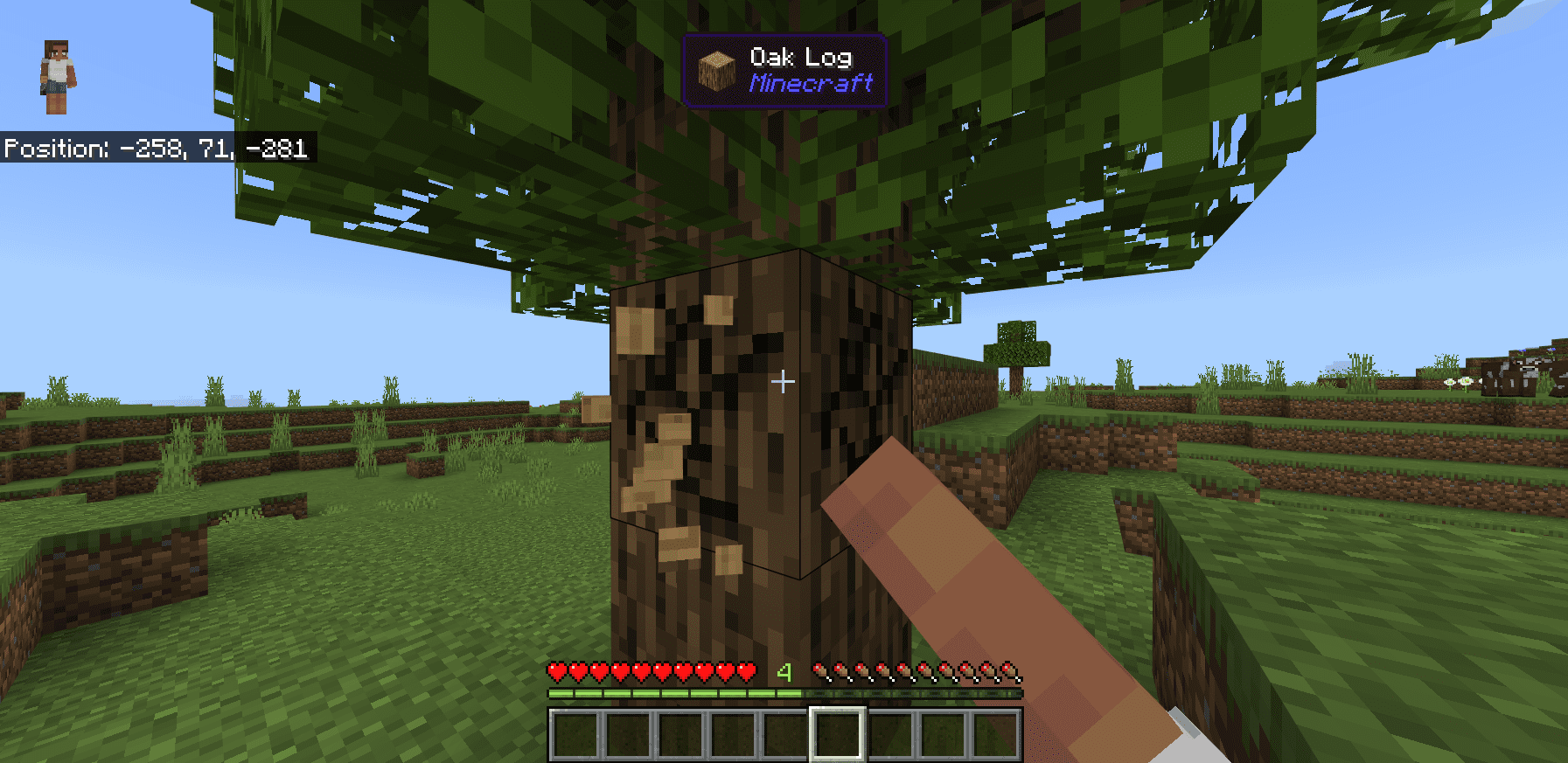
When the required tool is already being held, this is also displayed, allowing the player to quickly understand whether the block can be broken immediately. The panel works with both mobs and blocks and supports survival, multiplayer, different Minecraft languages, and most other add-ons. The add-on does not change gathering mechanics or item statistics, but instead helps players understand the world.
Installing What Am I Looking At?:
The first step is to run the downloaded file and import the addon/texture into MCPE.
Second step: open Minecraft Pocket Edition and go to the settings of the world.
Third step: install the imported resource sets and add-ons for the world.
Step four: select the imported resource packages/add-on in each section and restart the mobile client.
Comments (0)