



Acid Shaders for Minecraft 1.21.11

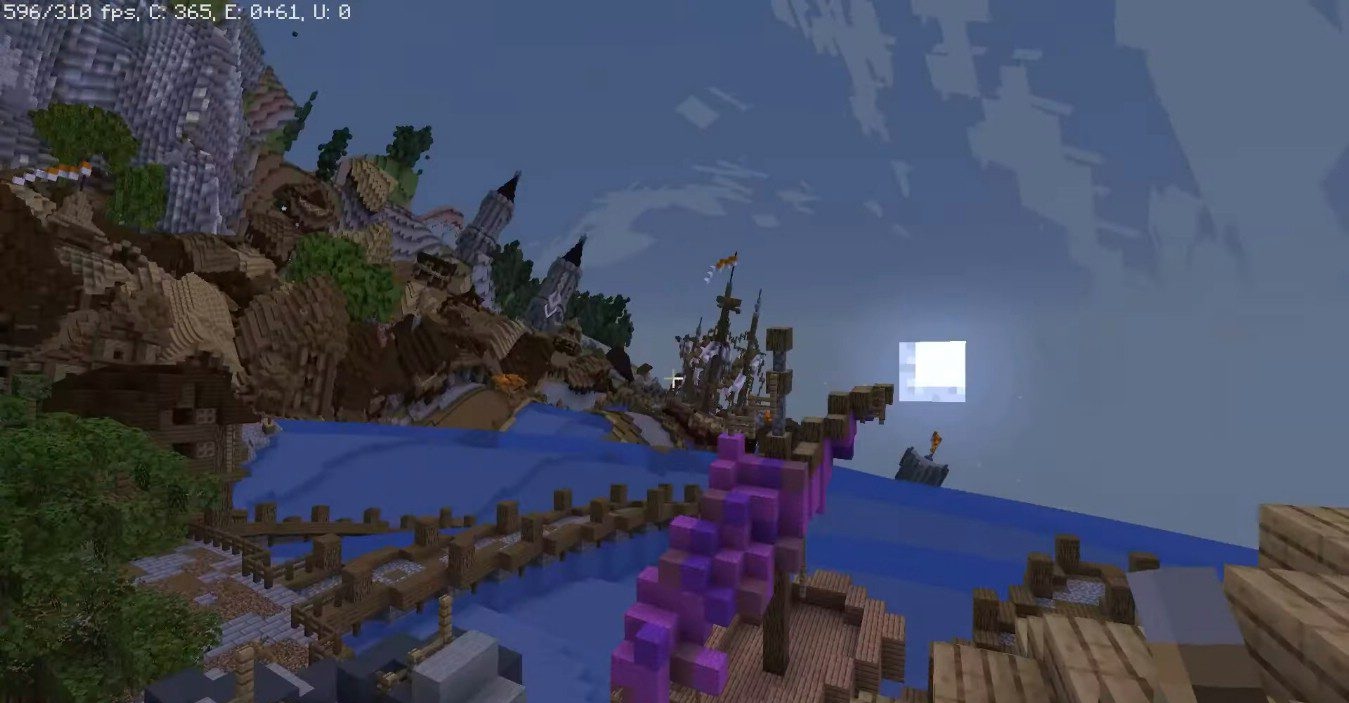
For fans of unconventional experiences, there is something completely different. Acid Shaders completely abandons realism and focuses on a psychedelic effect. The world begins to warp, distant objects deform, and space seems to “breathe” and rotate. A sense of being inside an unstable, enclosed universe emerges, where familiar laws of visual perception stop working.
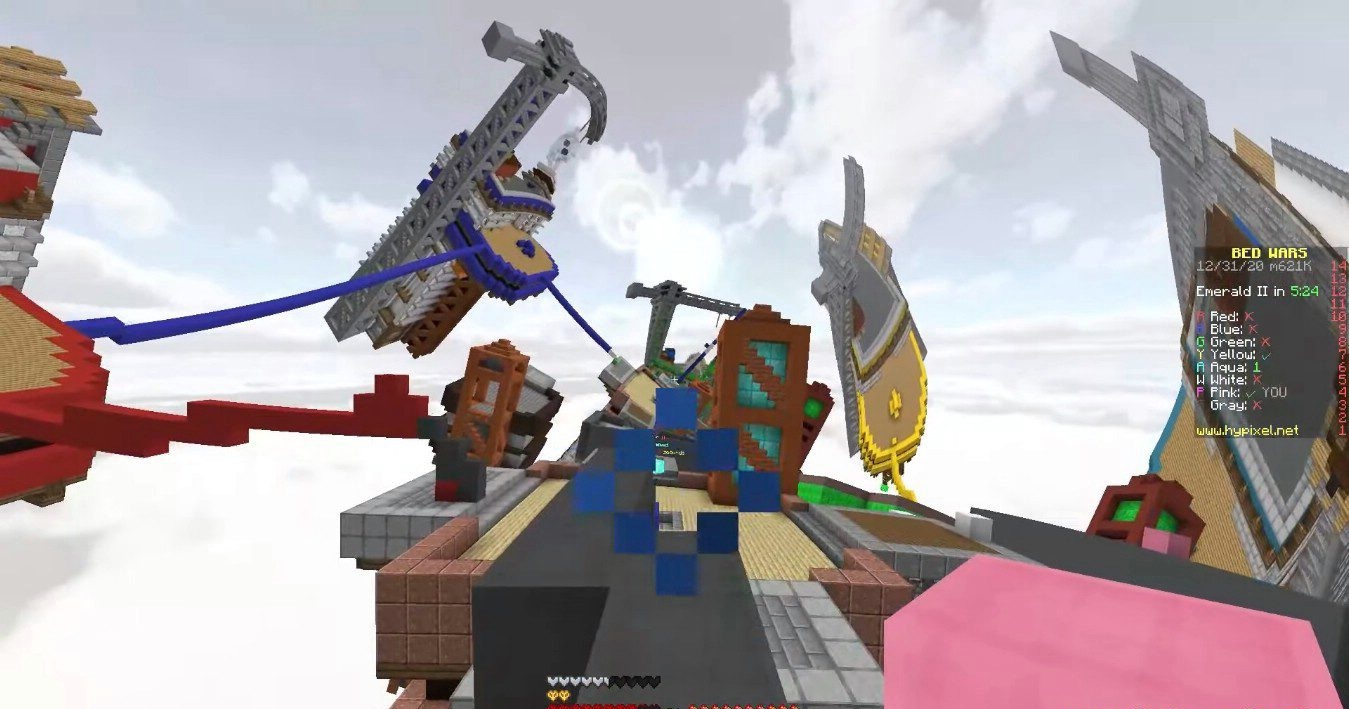
This shader is impossible to use constantly — it overwhelms perception, but at the same time delivers powerful, unusual emotions. The add-on is suitable for experiments, art maps, strange worlds, and one-time experiences, while remaining surprisingly undemanding in terms of resources.
How to install a shader:
First step: download the shader package from the link below.
Second step: Unpack the downloaded archive and copy the Acid Shaders folder to c:\Users\User\AppData\Roaming\.minecraft\shaderpacks\(if this folder does not exist, create it yourself) (For Windows)
Third step: In the game, go to Settings, then to Graphics Settings. Select the "shaders" section and activate the shader pack of your choice.
Comments (0)