



Acid Shaders for Minecraft 1.21.11
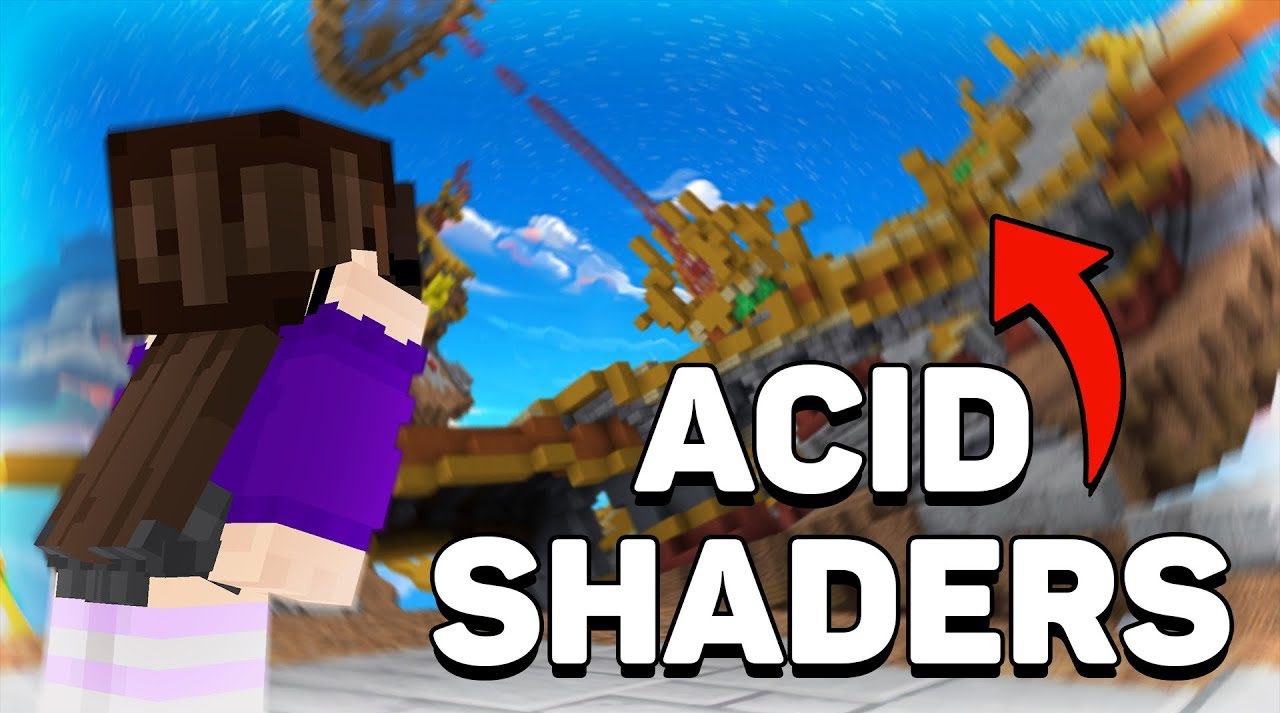
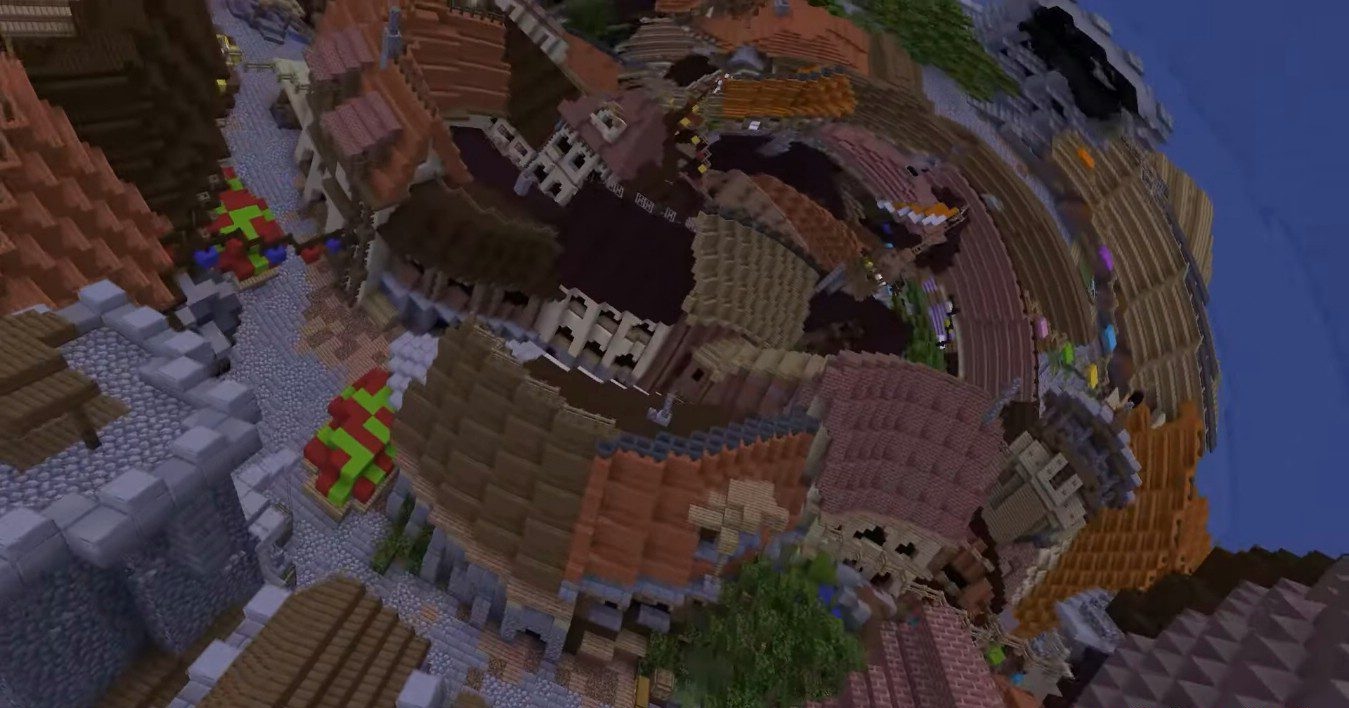
Acid Shaders is not about realism, but about emotions and an unusual experience. The world with this shader seems to lose its familiar laws: the landscape bends, space flows, and objects take on strange rounded shapes. Everything around looks like a distorted universe created for experimentation and unconventional sensations. The effects are based on mathematical distortions, which causes distant landscapes to constantly change and “breathe.”
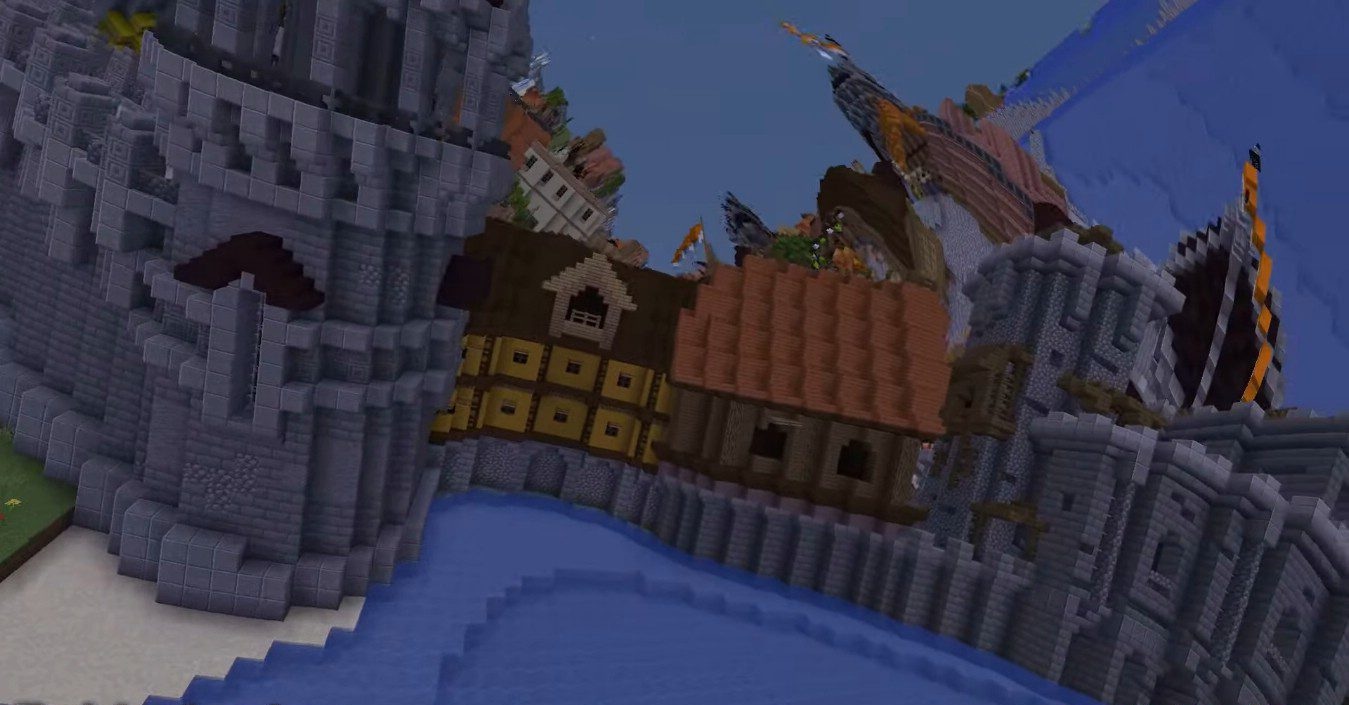
At the same time, it does not require a powerful PC, allowing it to be tested on almost any device. It is poorly suited for regular gameplay, but as a way to look at Minecraft from a completely different angle, it is one of the most memorable options.
How to install a shader:
First step: download the shader package from the link below.
Second step: Unpack the downloaded archive and copy the Acid Shaders folder to c:\Users\User\AppData\Roaming\.minecraft\shaderpacks\(if this folder does not exist, create it yourself) (For Windows)
Third step: In the game, go to Settings, then to Graphics Settings. Select the "shaders" section and activate the shader pack of your choice.
Comments (0)