



Aeon Shaders for Minecraft 1.21.11
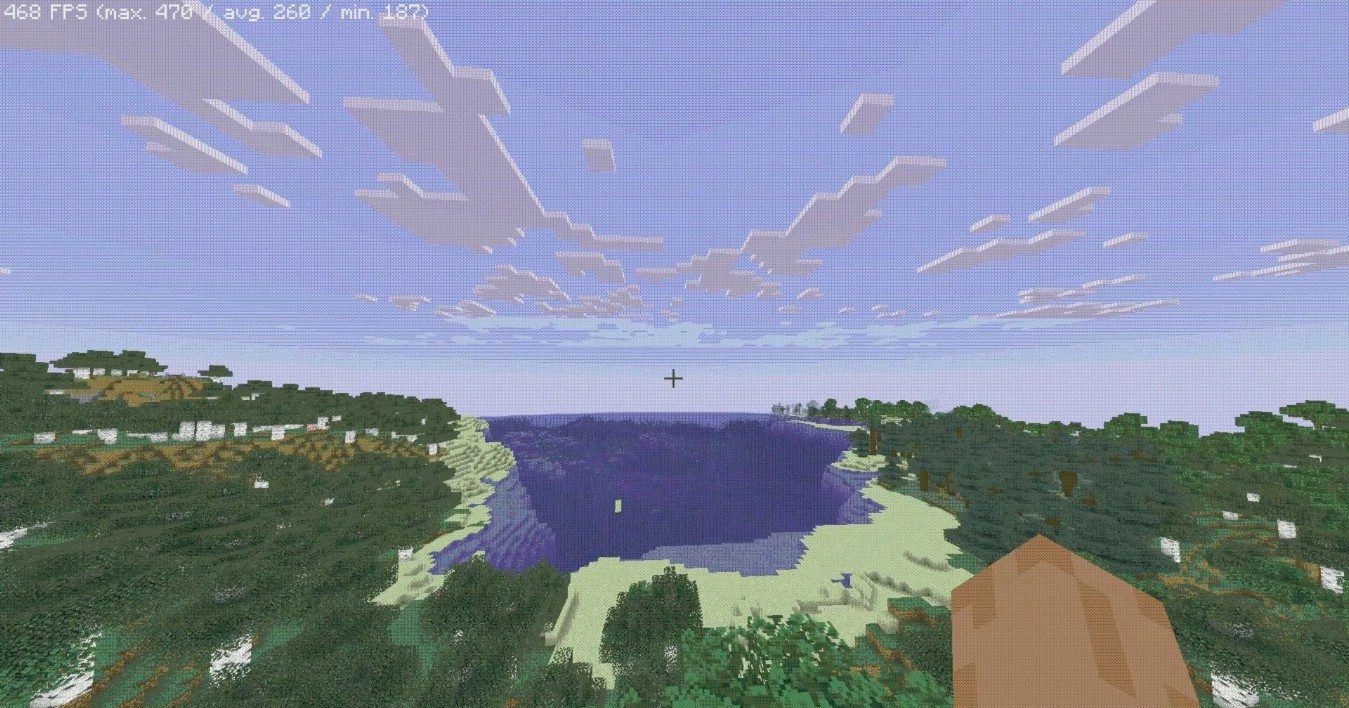
The visual style of Aeon Shaders is based on the aesthetics of early digital technology and retro science fiction. The image is deliberately simplified: colors are flatter, object outlines are emphasized, and light transitions appear harsher than in classic realistic shaders. A dithering effect creates a sense of “graininess,” as if the world is being displayed through an old screen or an outdated graphics system.
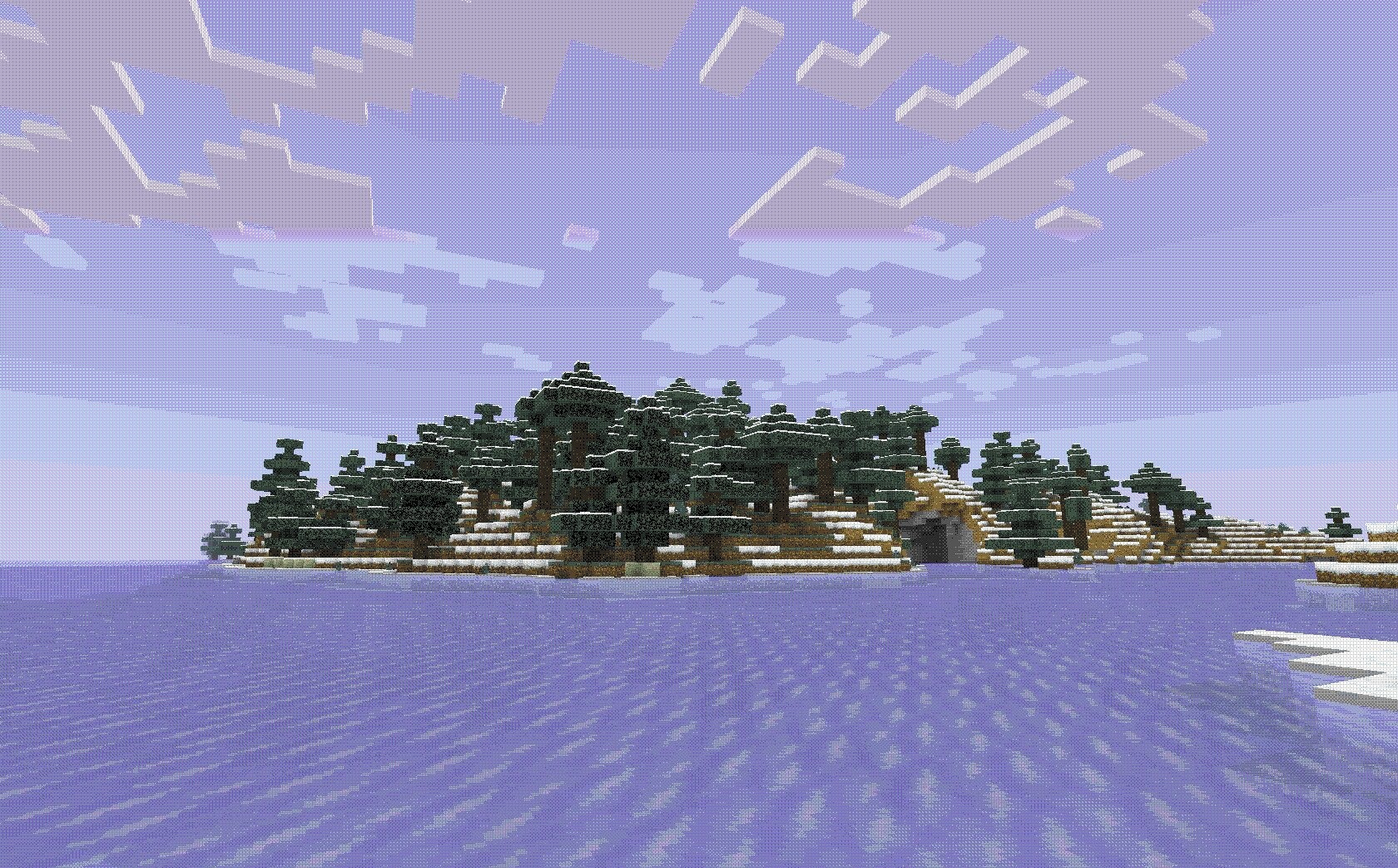
This approach forms a unique atmosphere in which familiar Minecraft starts to feel like a stylized digital simulation. Lighting here does not aim for realism, but instead emphasizes geometric shapes and the structural layout of space.
How to install a shader:
First step: download the shader package from the link below.
Second step: Unpack the downloaded archive and copy the Aeon Shaders folder to c:\Users\User\AppData\Roaming\.minecraft\shaderpacks\(if this folder does not exist, create it yourself) (For Windows)
Third step: In the game, go to Settings, then to Graphics Settings. Select the "shaders" section and activate the shader pack of your choice.
Comments (0)