



Aeon Shaders for Minecraft 1.21.11
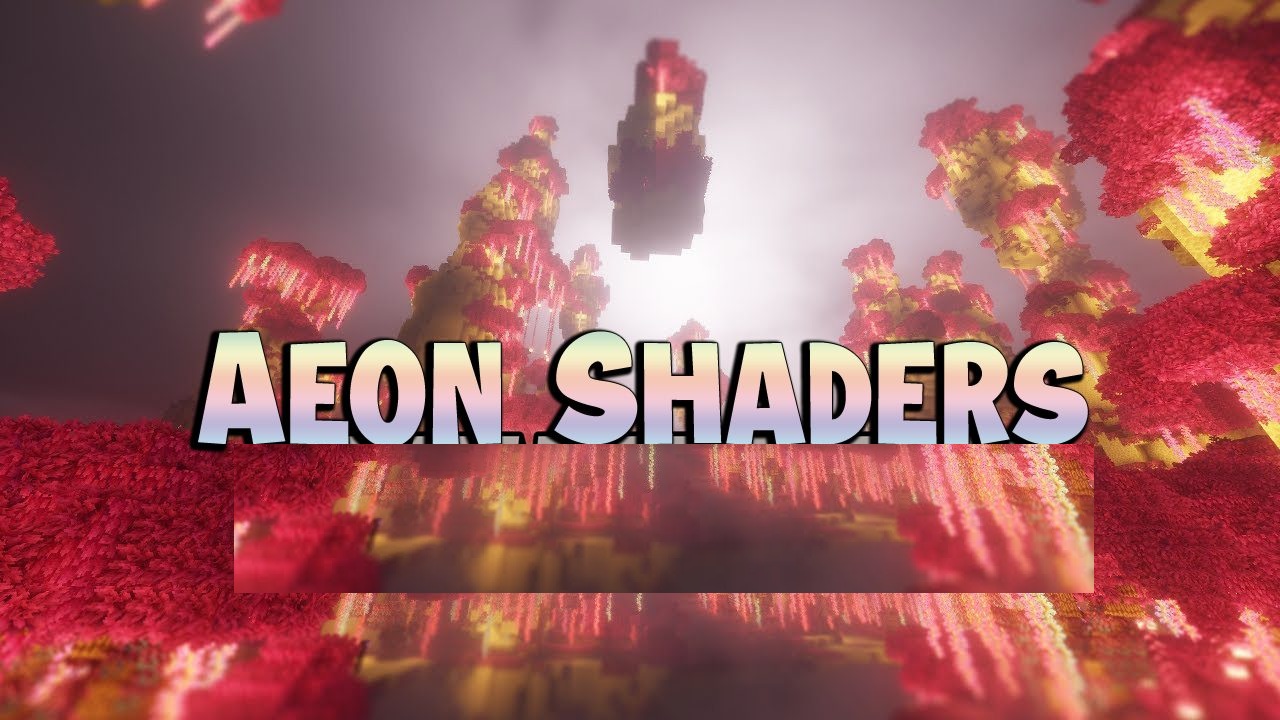
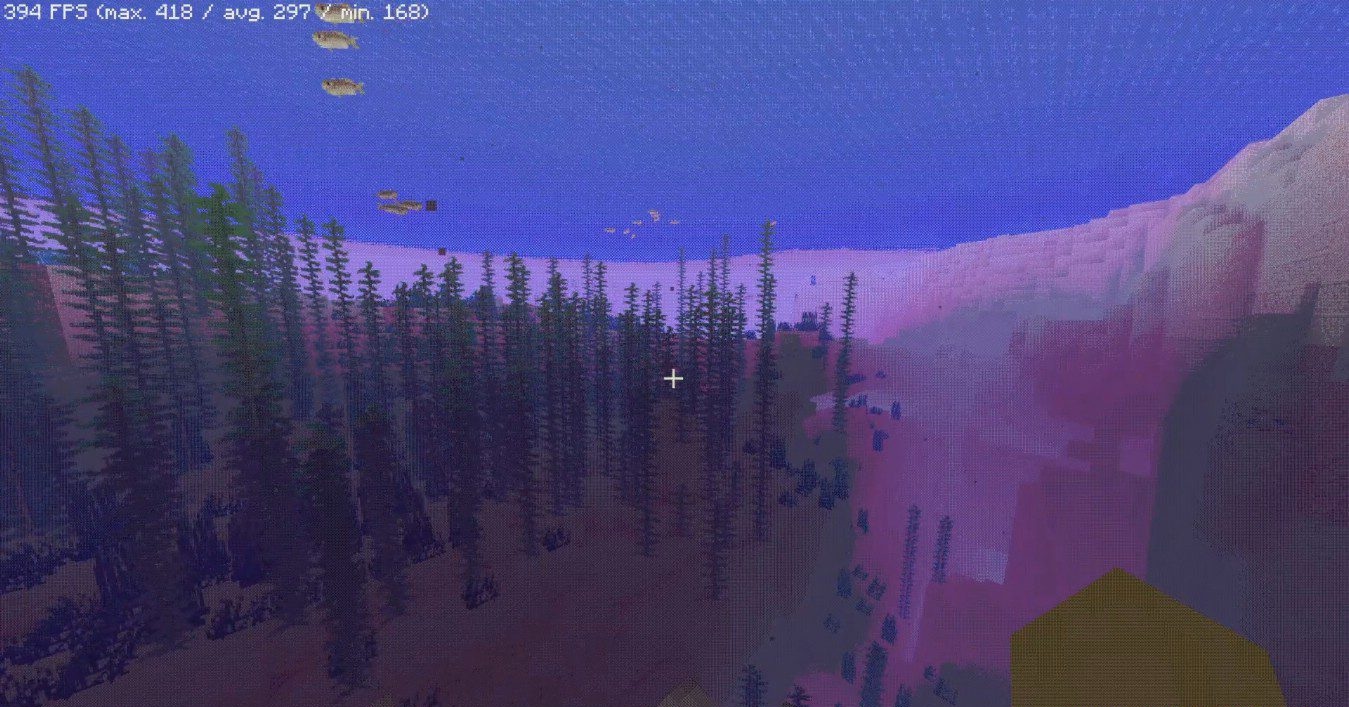
Sometimes Minecraft is better seen not as realistic, but as deliberately “broken” and stylized — and that is exactly what Aeon Shaders is designed for. It abandons the familiar smooth visuals in favor of a style reminiscent of early technologies, old science fiction films, and minimalist digital worlds. The image becomes grainy, with noticeable dithering and simplified colors, creating the feeling of an artificial, almost simulated reality.
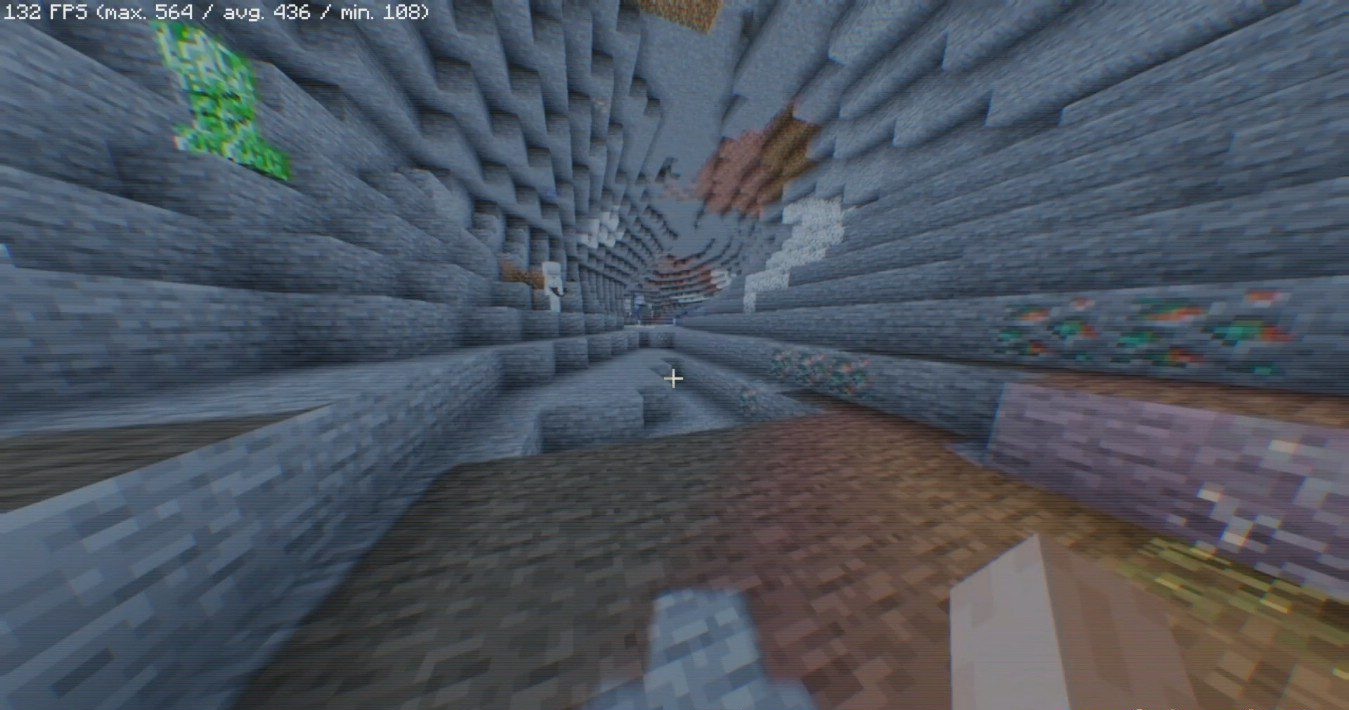
This shader does not try to beautify the game with lighting or reflection effects, but instead works on the level of artistic perception. It does not put strain on the system and is valued more for its style than for its technical sophistication.
How to install a shader:
First step: download the shader package from the link below.
Second step: Unpack the downloaded archive and copy the Aeon Shaders folder to c:\Users\User\AppData\Roaming\.minecraft\shaderpacks\(if this folder does not exist, create it yourself) (For Windows)
Third step: In the game, go to Settings, then to Graphics Settings. Select the "shaders" section and activate the shader pack of your choice.
Comments (0)