



AirLoocke42 Shaders for Minecraft 1.21.11
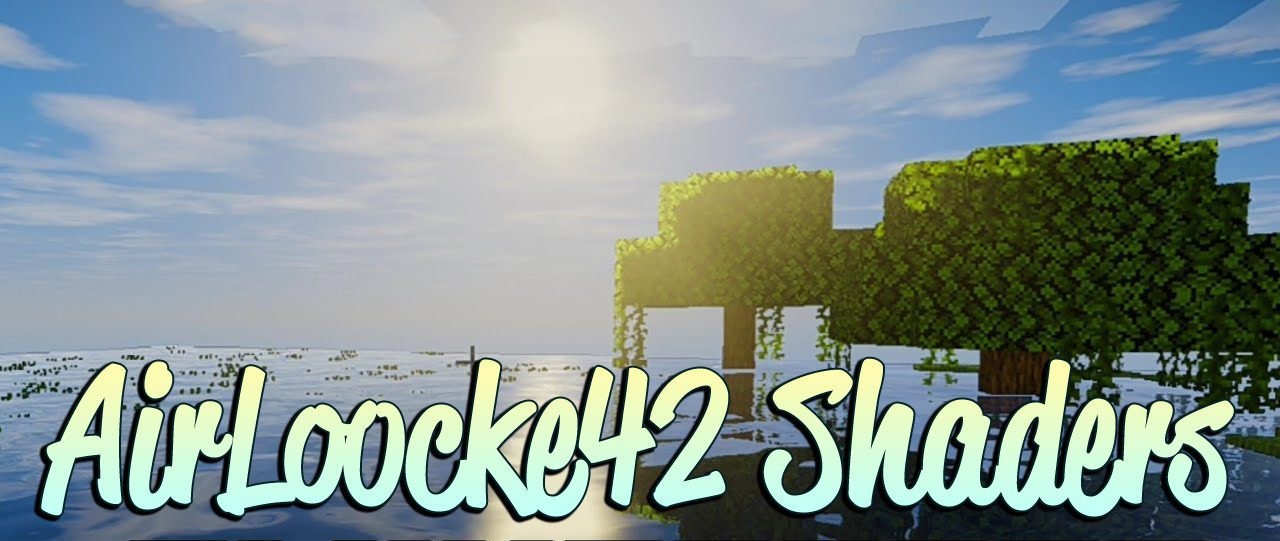
Smoothness, stability, and a neat visual style are the main features of AirLoocke42 Shaders. This shader makes the image noticeably softer, smooths out harsh transitions between light and shadow, and creates a more comfortable picture. Lighting looks natural, water and sky receive a pleasant visual upgrade, and overall FPS stability feels better than in many other heavy packs.
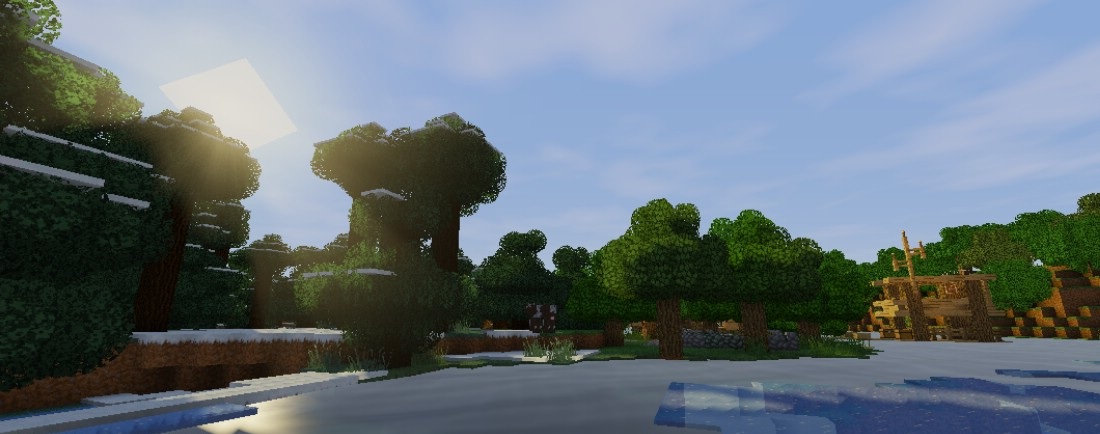
Despite the fact that the shader remains fairly demanding on the system, it tries to maintain a balance between quality and performance. A good choice for those who want a beautiful image without sharp performance drops.
How to install a shader:
First step: download the shader package from the link below.
Second step: Unpack the downloaded archive and copy the AirLoocke42 Shaders folder to c:\Users\User\AppData\Roaming\.minecraft\shaderpacks\(if this folder does not exist, create it yourself) (For Windows)
Third step: In the game, go to Settings, then to Graphics Settings. Select the "shaders" section and activate the shader pack of your choice.
Comments (3)