



Allium for Minecraft 1.21.8
If you enjoy large-scale changes in artistic style, we recommend the Allium addon for Minecraft. This improvement focuses on dramatic changes in atmospheric effects, glow, and lighting. Realistic clouds will now impress with their detail, and celestial bodies will receive a new level of illumination, significantly enhancing the quality of the environment.
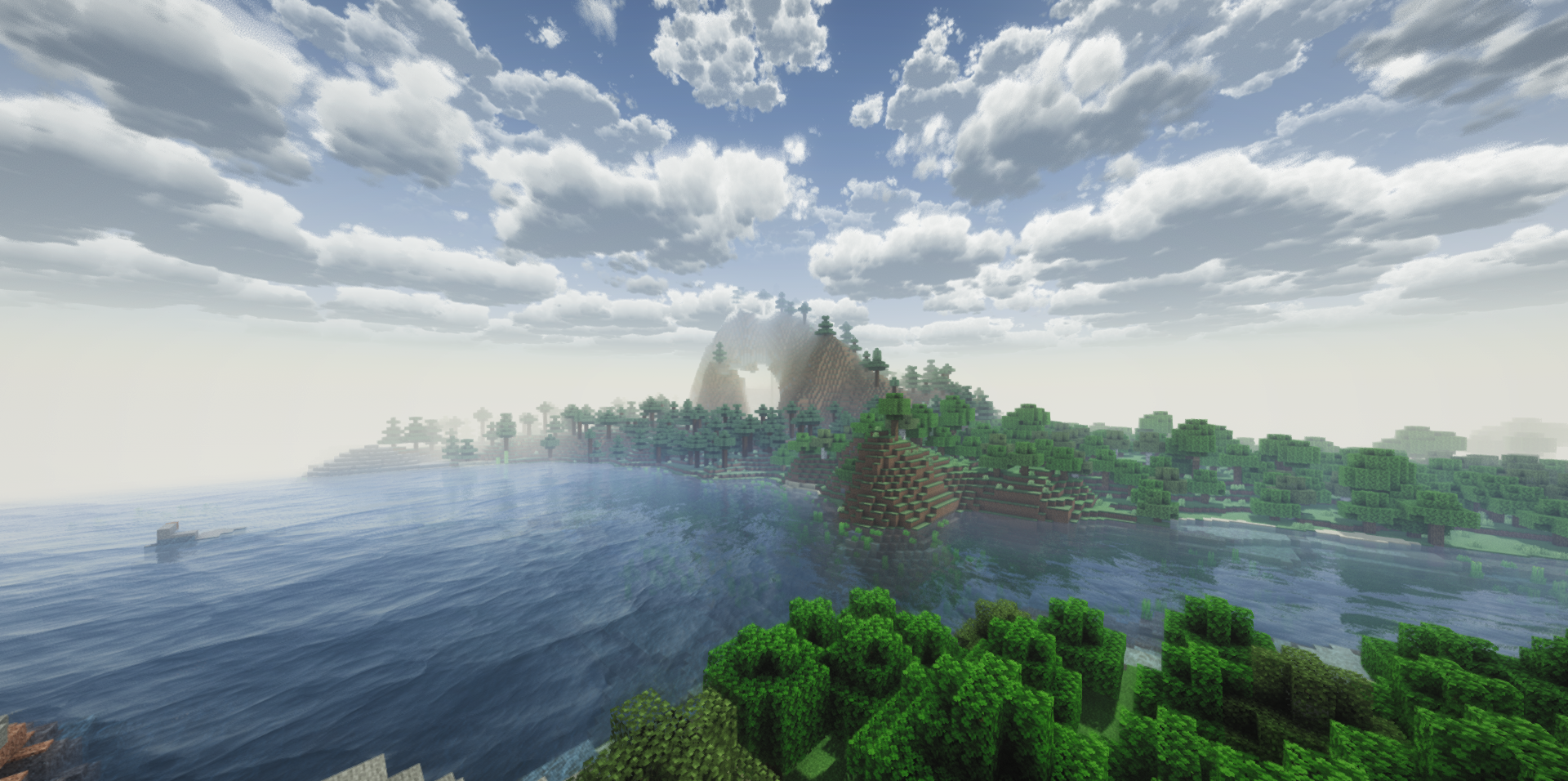
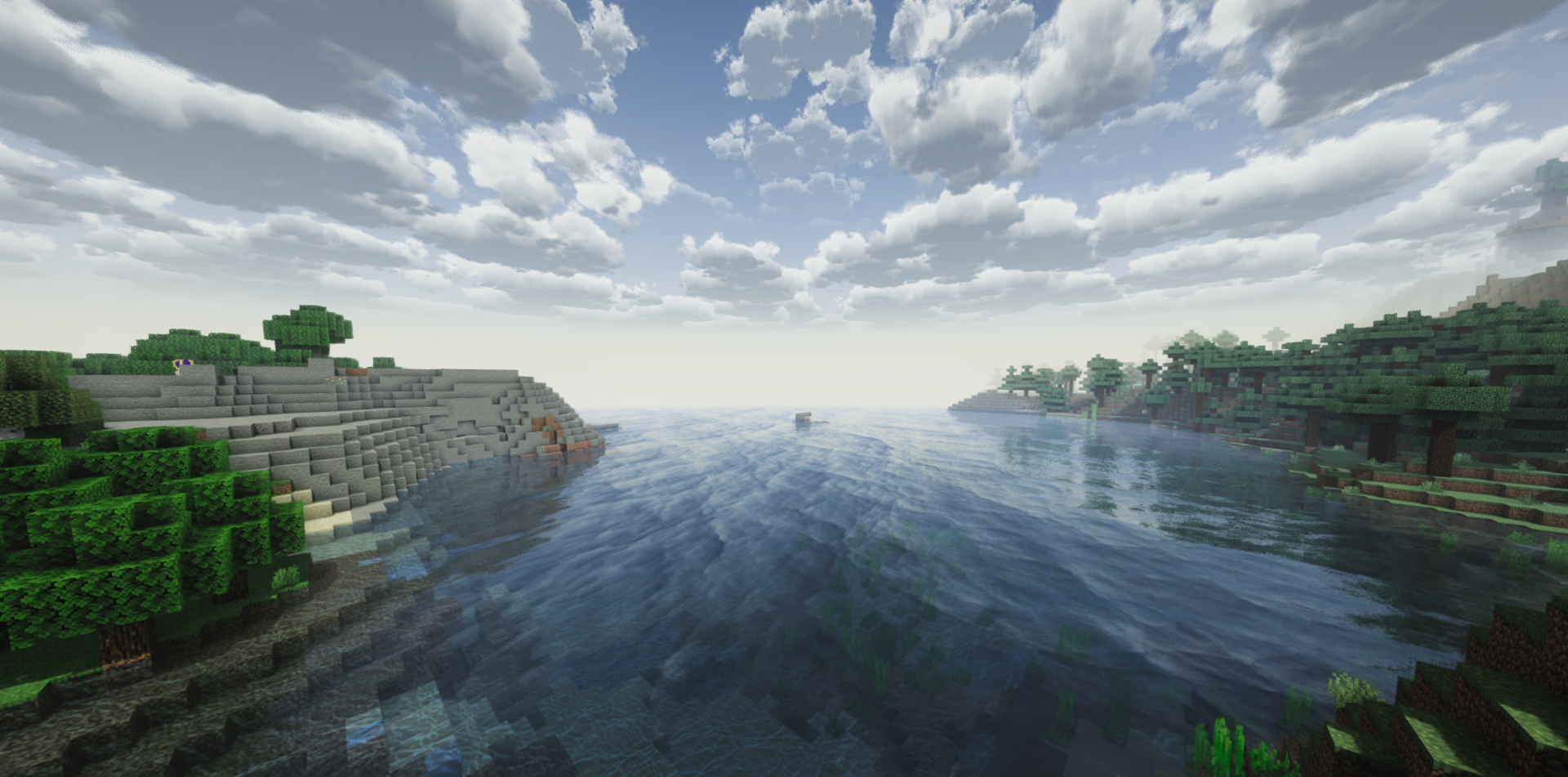
The time of day will look many times better, delight with its atmosphere, and positively affect the overall visuals. In addition, the author reworked ground-based light sources, so now blocks, torches, and items that emit light will look more realistic and visually pleasing.
How to install a shader:
First step: download the shader package from the link below.
Second step: Unpack the downloaded archive and copy the Allium folder to c:\Users\User\AppData\Roaming\.minecraft\shaderpacks\(if this folder does not exist, create it yourself) (For Windows)
Third step: In the game, go to Settings, then to Graphics Settings. Select the "shaders" section and activate the shader pack of your choice.
Comments (8)