



Alpha Piscium Shaders for Minecraft 1.21.11
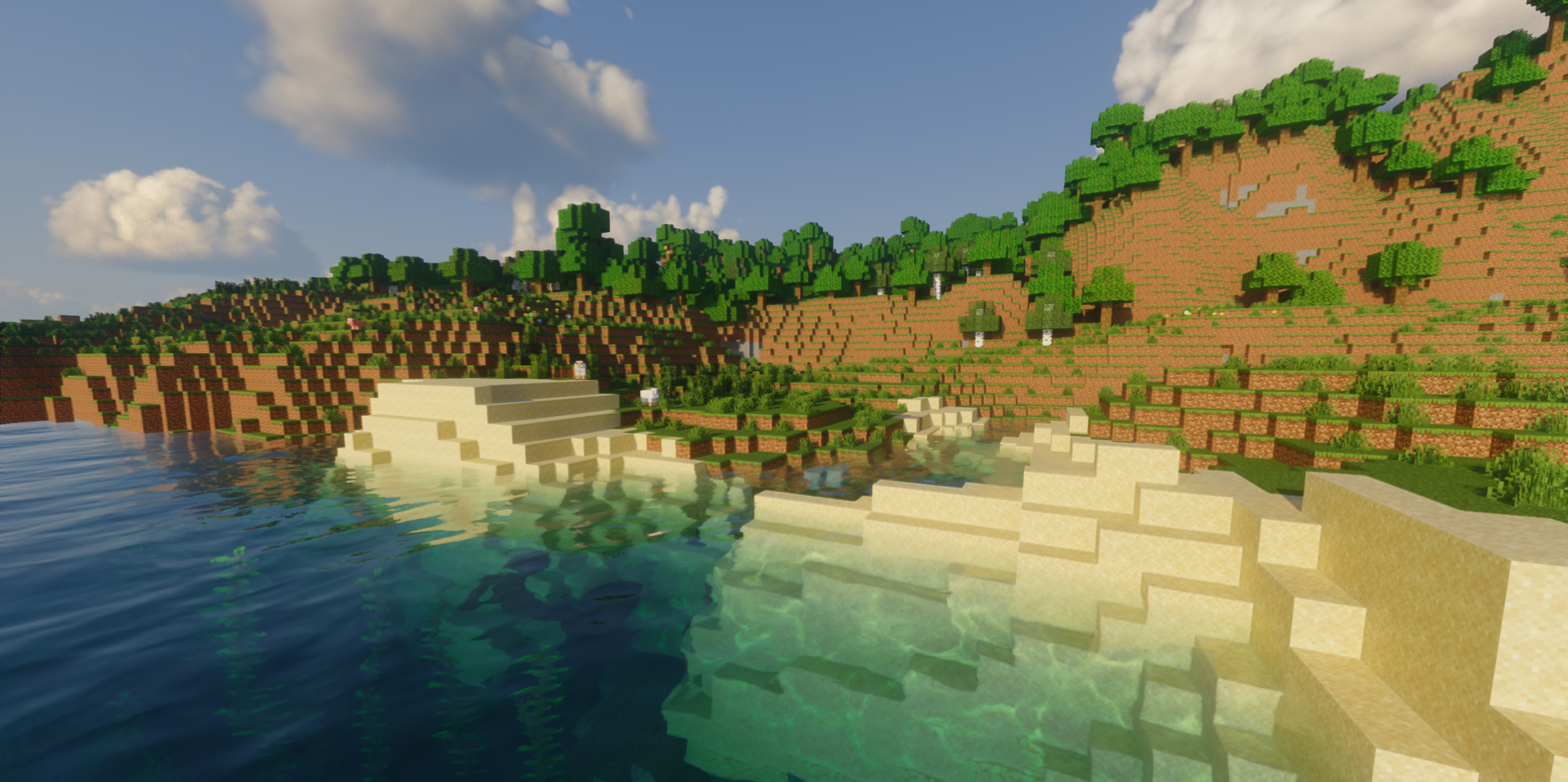
If what you want from a shader is, above all, technological sophistication, Alpha Piscium Shaders gives the impression of a very serious and modern solution. It is built around dynamic global illumination, which constantly adjusts to the time of day and weather conditions, thanks to which the world looks more voluminous and natural.
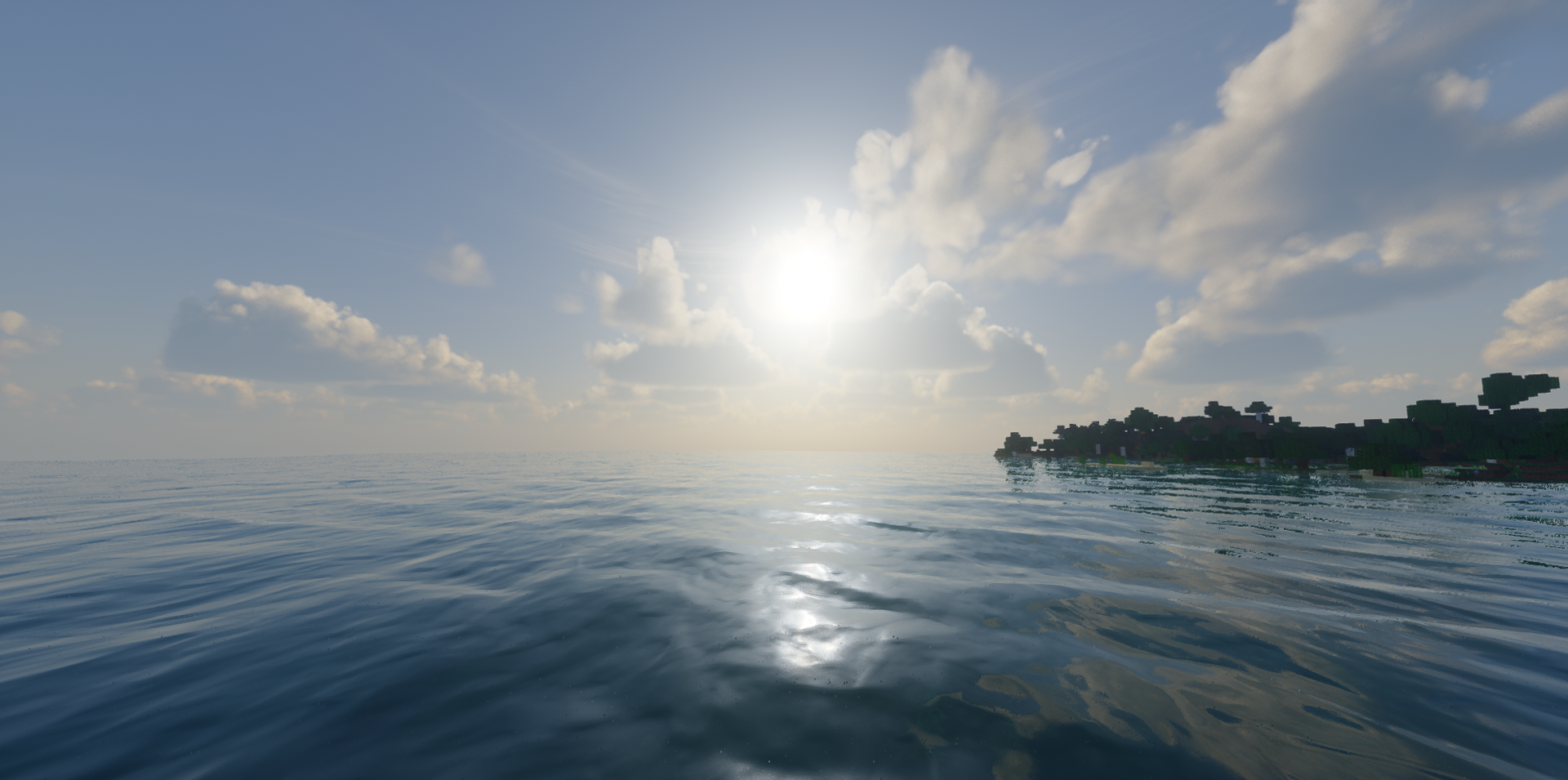
The light here does not simply decorate the scene, but shapes its mood: morning, day, rain, or cloudy weather truly feel different. The sky deserves special attention as well — atmospheric effects and clouds create a deep, living image that works especially well in open spaces.
How to install a shader:
First step: download the shader package from the link below.
Second step: Unpack the downloaded archive and copy the Alpha Piscium Shaders folder to c:\Users\User\AppData\Roaming\.minecraft\shaderpacks\(if this folder does not exist, create it yourself) (For Windows)
Third step: In the game, go to Settings, then to Graphics Settings. Select the "shaders" section and activate the shader pack of your choice.
Comments (10)