



AlternateCraft Shaders for Minecraft 1.21.11
There are shaders that make the world more beautiful, and there are those that deliberately break the familiar perception of space. AlternateCraft Shaders belongs to the second category. Its main feature is the feeling of an unstable, almost “living” reality: surfaces pulse slightly, textures sway, and smooth wave-like patterns move across blocks and the ground.
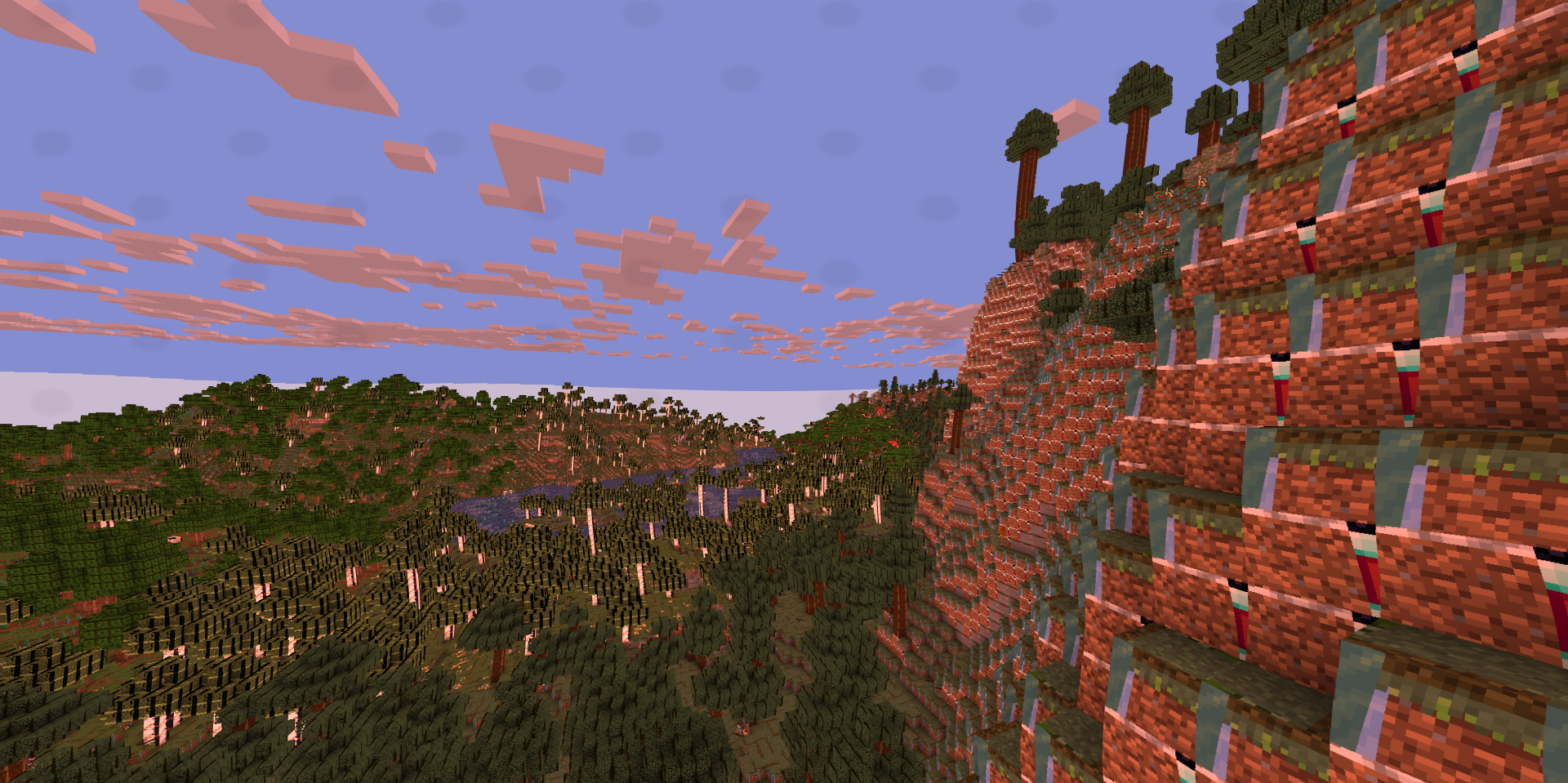
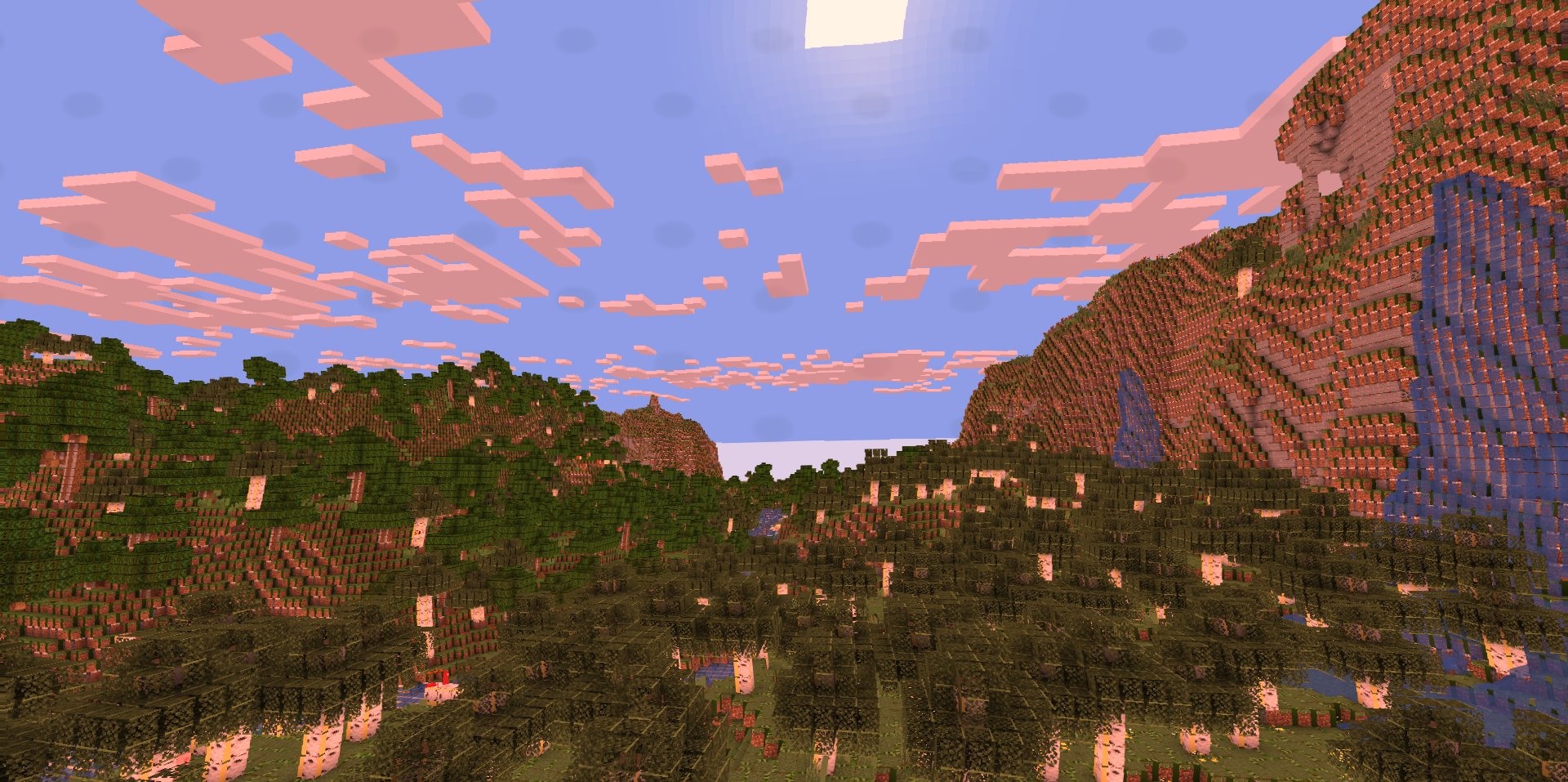
Because of this, even familiar biomes begin to look strange and almost surreal. Color processing also plays an important role: the shades shift, making the image fairy-tale-like, unreal, and at times even hypnotic. In some places, a slight glow is added, which strengthens the impression of a changed world.
How to install a shader:
First step: download the shader package from the link below.
Second step: Unpack the downloaded archive and copy the AlternateCraft Shaders folder to c:\Users\User\AppData\Roaming\.minecraft\shaderpacks\(if this folder does not exist, create it yourself) (For Windows)
Third step: In the game, go to Settings, then to Graphics Settings. Select the "shaders" section and activate the shader pack of your choice.
Comments (0)