



Apollo Shaders for Minecraft 1.21.10
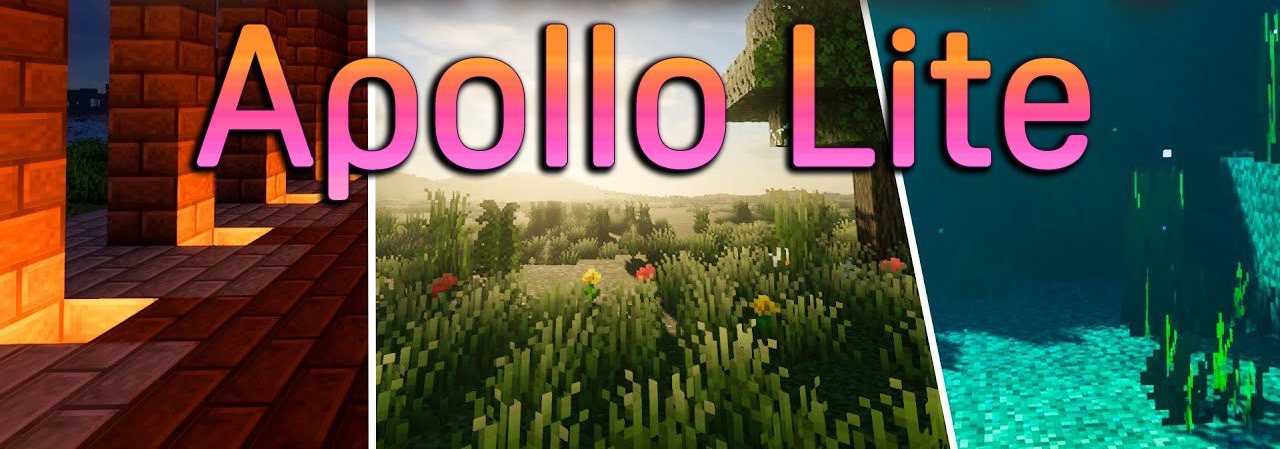
The first impression of Apollo Shaders is a sense of soft cinematic quality, achieved without heavy ray-tracing technologies. The pack makes the image more expressive through rich lighting and smooth transitions between light and shadow. Sun rays appear muted and artistic, while water reflects the surroundings with subtle highlights.
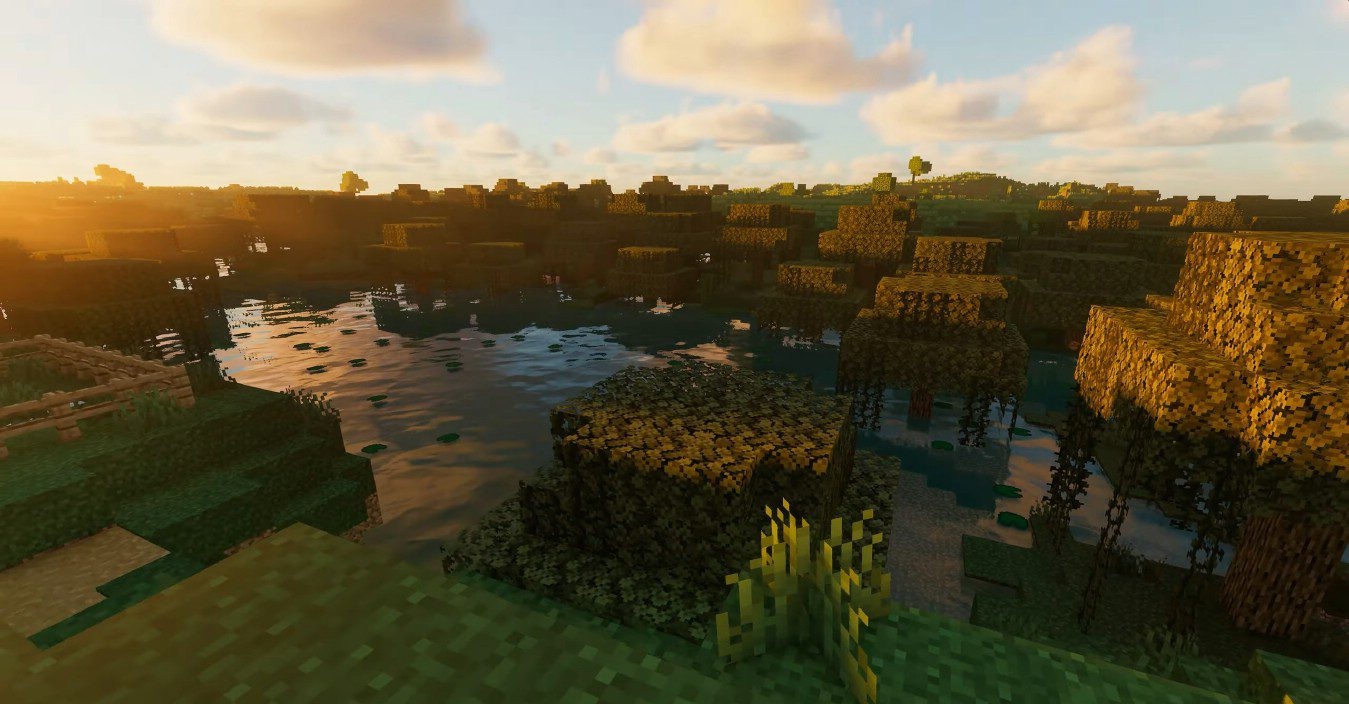
In nighttime scenes, gentle light diffusion emerges, emphasizing the terrain’s relief. However, certain details reveal the shader’s character: halos around mobs and moving objects give the image a distinctive “stage-like” stylistic feel. An excellent shader pack for Minecraft to enjoy the game in all its colors.

How to install a shader:
First step: download the shader package from the link below.
Second step: Unpack the downloaded archive and copy the Apollo Shaders folder to c:\Users\User\AppData\Roaming\.minecraft\shaderpacks\(if this folder does not exist, create it yourself) (For Windows)
Third step: In the game, go to Settings, then to Graphics Settings. Select the "shaders" section and activate the shader pack of your choice.
Comments (1)