



Arc Shaders for Minecraft 1.21.11

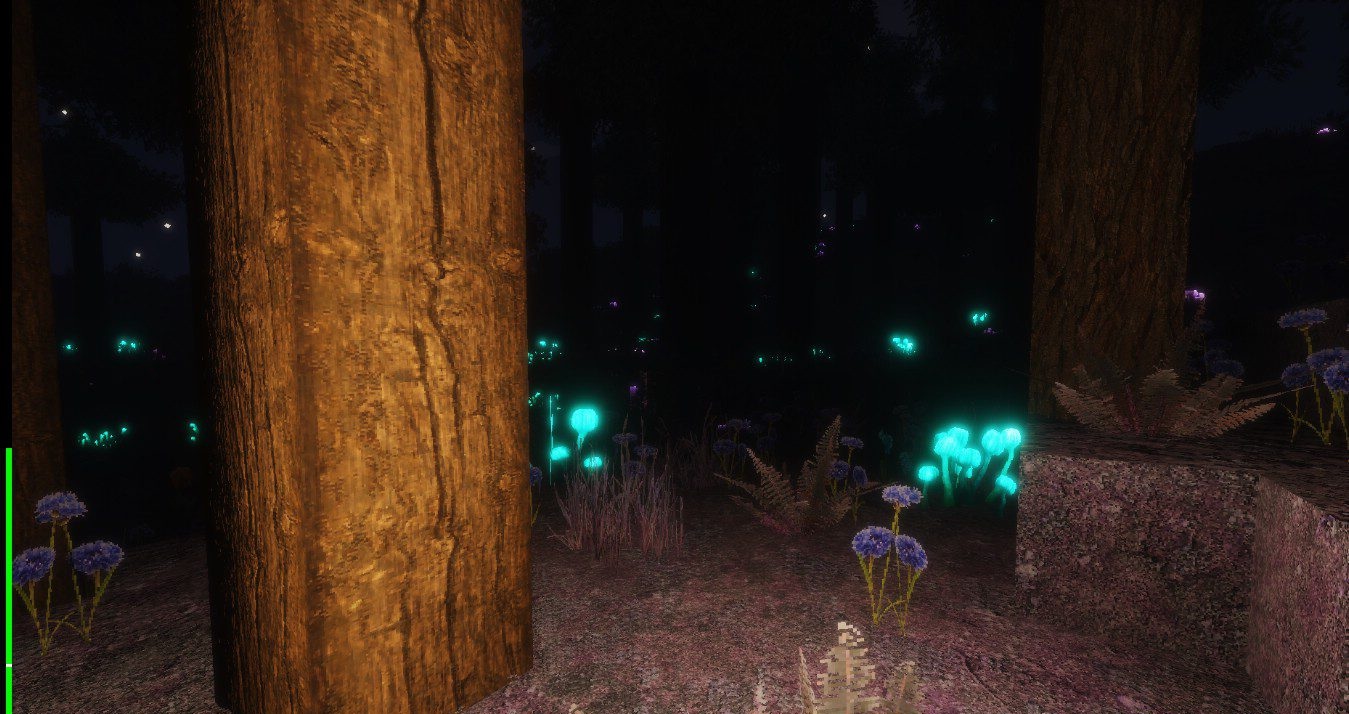
Arc Shaders is aimed at players who value flexibility and control over graphics. It offers high-quality lighting with support for volumetric light, fog, and reflections, while almost every effect can be precisely adjusted to match the system’s capabilities. This approach makes it possible to achieve a realistic appearance without significant performance loss.
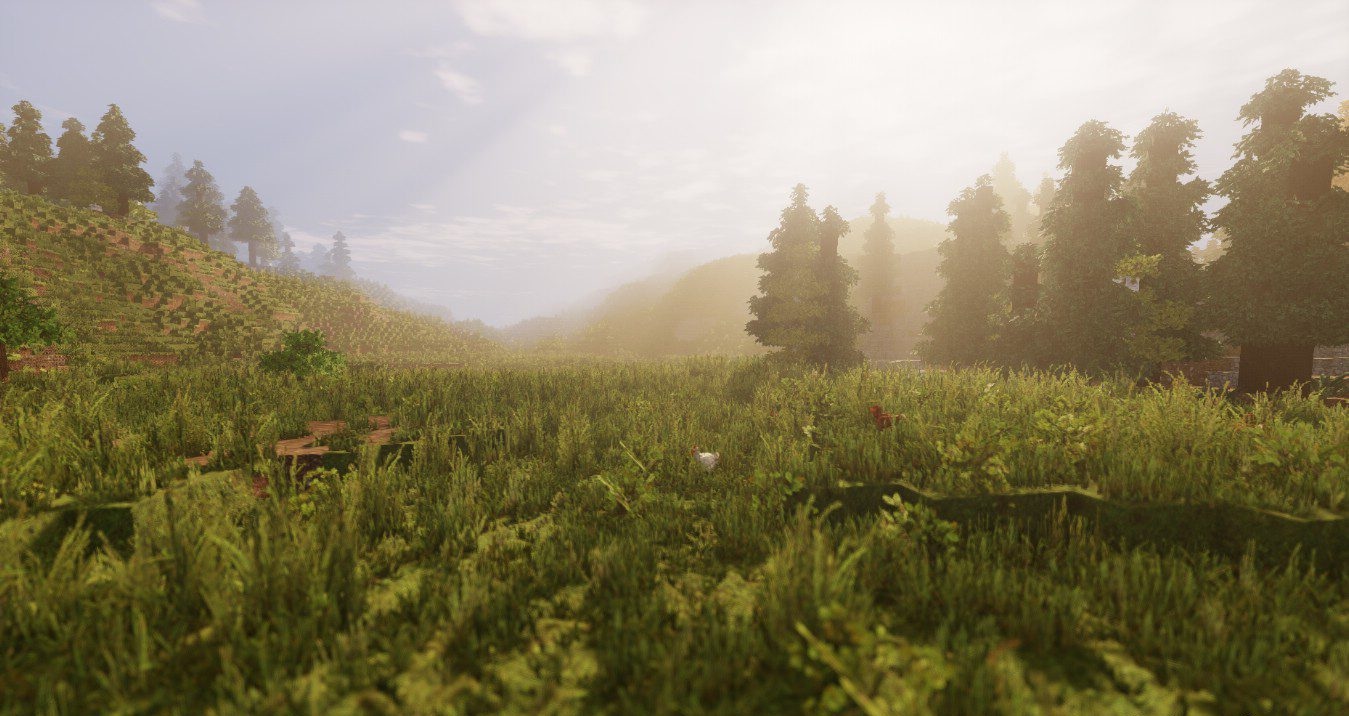
Water is especially well developed: waves, light refraction, and reflections create a strong sense of real depth. Shadows support multiple rendering modes, and exposure can be either automatic or manual.
How to install a shader:
First step: download the shader package from the link below.
Second step: Unpack the downloaded archive and copy the Arc Shaders folder to c:\Users\User\AppData\Roaming\.minecraft\shaderpacks\(if this folder does not exist, create it yourself) (For Windows)
Third step: In the game, go to Settings, then to Graphics Settings. Select the "shaders" section and activate the shader pack of your choice.
Comments (4)