



AstraLex Shaders for Minecraft 1.21.10
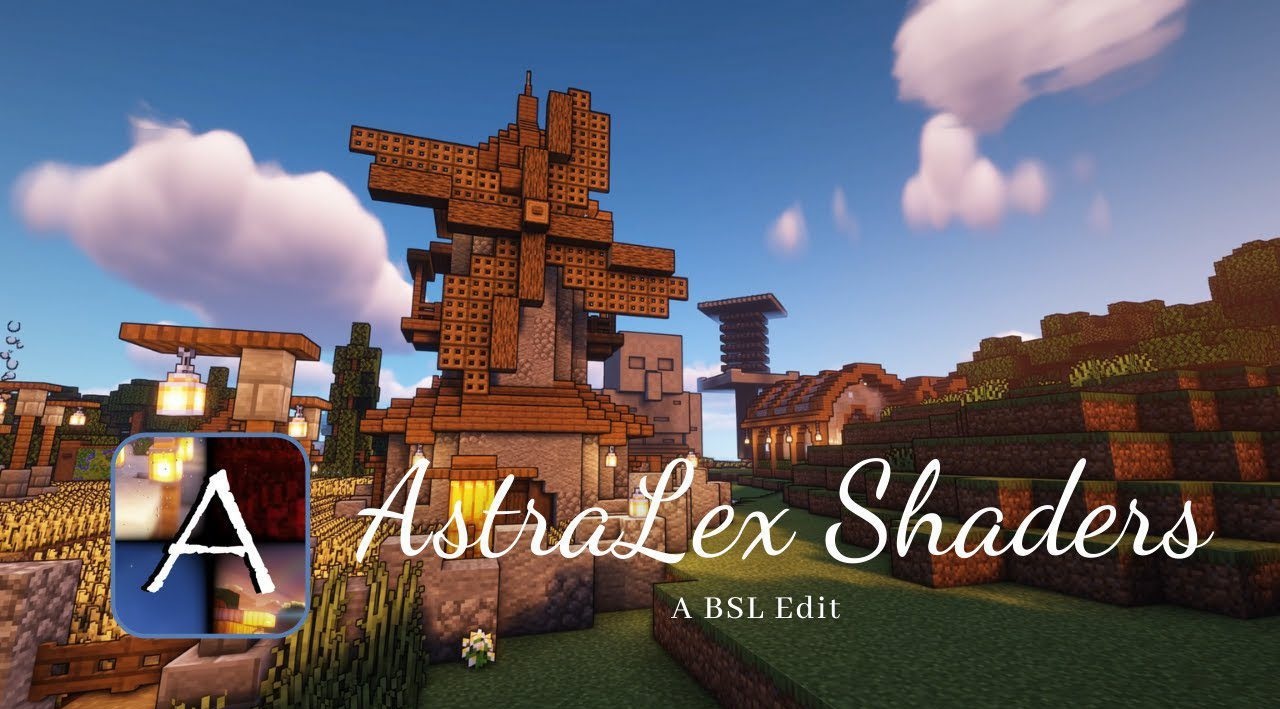
Bright effects, rich sun rays, and expressive light dynamics are what set AstraLex Shaders apart from many other packs. The world is literally filled with new shades: rays break through foliage, creating highlights, and the sky changes depending on the weather, adding drama to scenes. Lighting reacts to the position of the sun, creating a sense of immersion that is felt both during the day and at night.
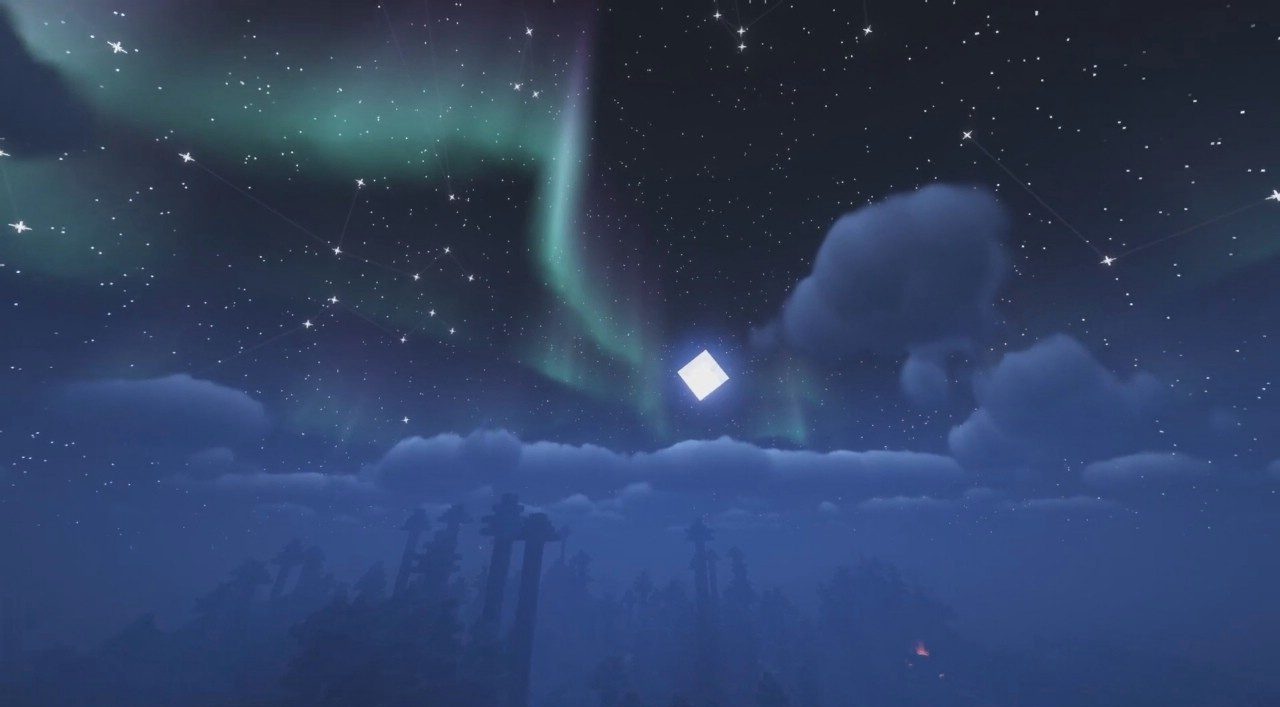
Moonlight becomes gentle and diffused, yet bright enough to define the outlines of objects. Through the settings, saturation can be finely adjusted so that each scene looks expressive in its own way.
How to install a shader:
First step: download the shader package from the link below.
Second step: Unpack the downloaded archive and copy the AstraLex Shaders folder to c:\Users\User\AppData\Roaming\.minecraft\shaderpacks\(if this folder does not exist, create it yourself) (For Windows)
Third step: In the game, go to Settings, then to Graphics Settings. Select the "shaders" section and activate the shader pack of your choice.
Comments (0)