



Boovlermentary Shaders for Minecraft 1.21.11
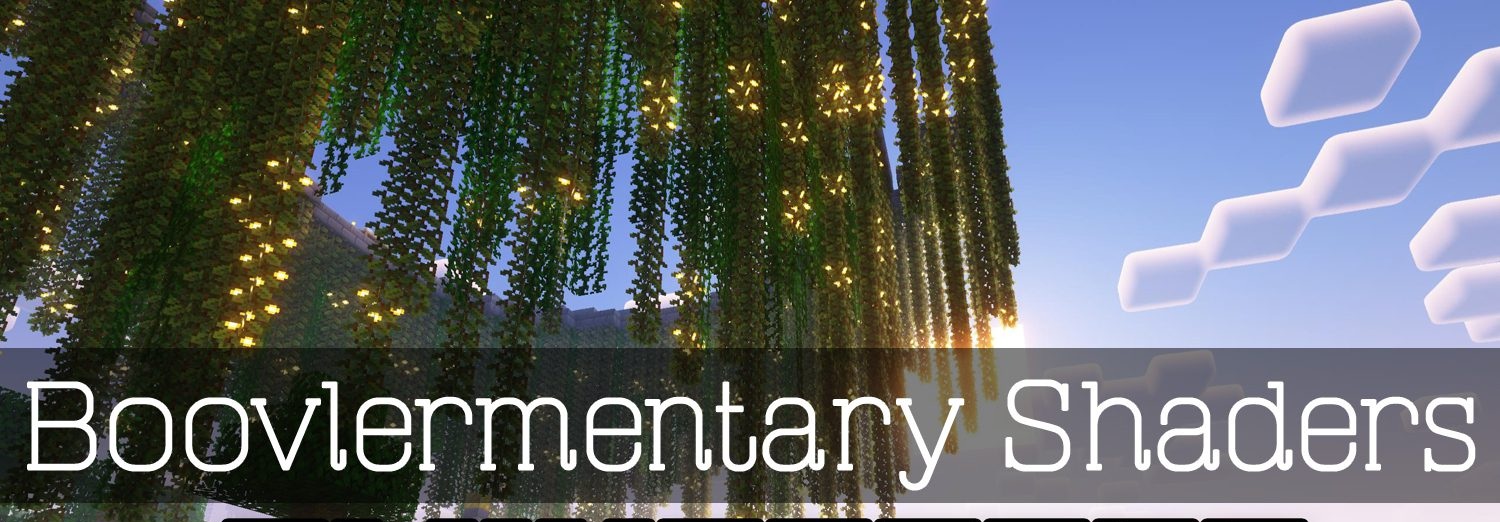
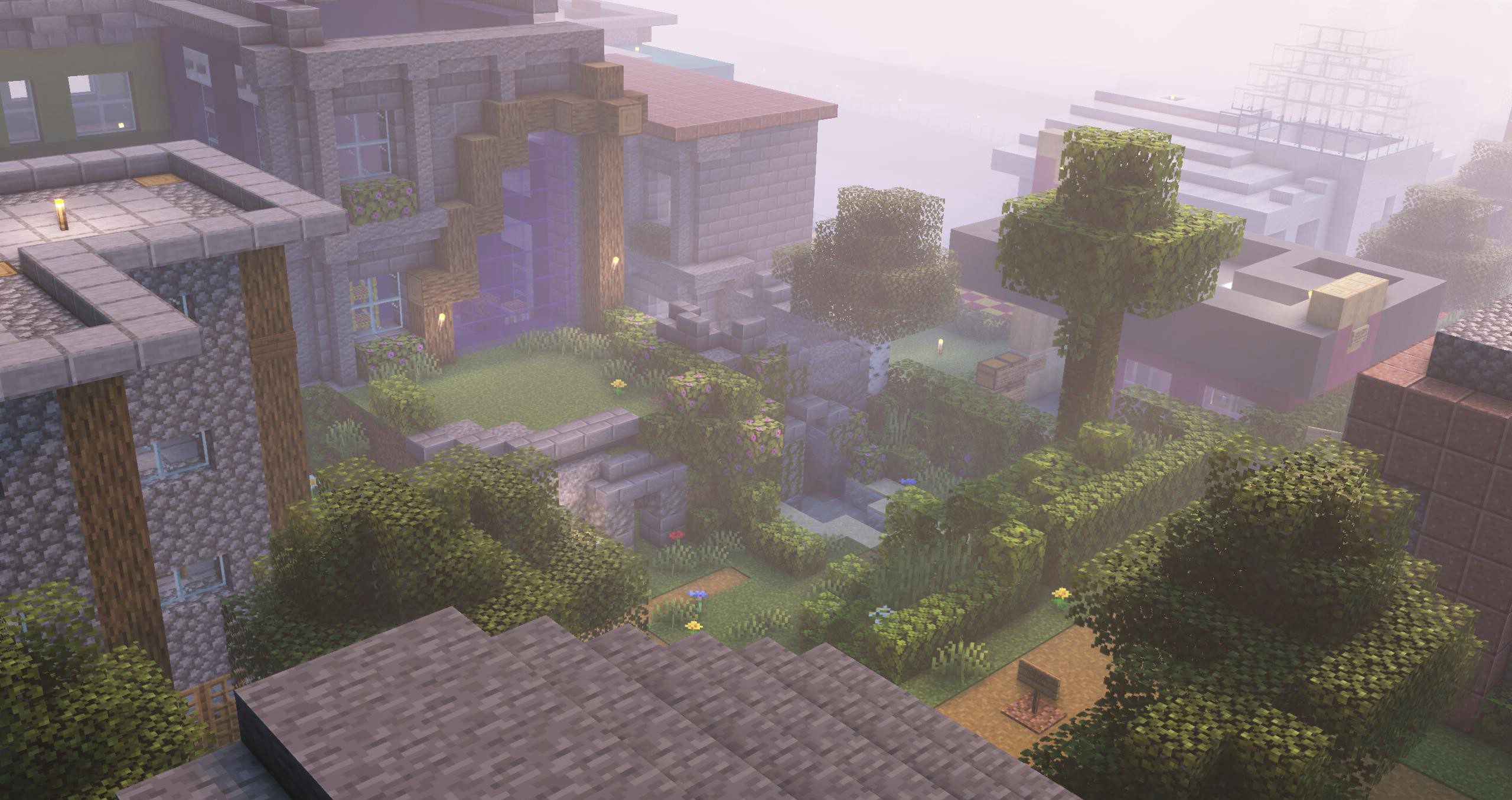
If you want to preserve the spirit of vanilla Minecraft while getting a noticeably more pleasant and modern look, Boovlermentary Shaders is an excellent choice. It carefully improves the lighting, making it softer and deeper, enhances color balance, and adds atmosphere without destroying the familiar style of the game.
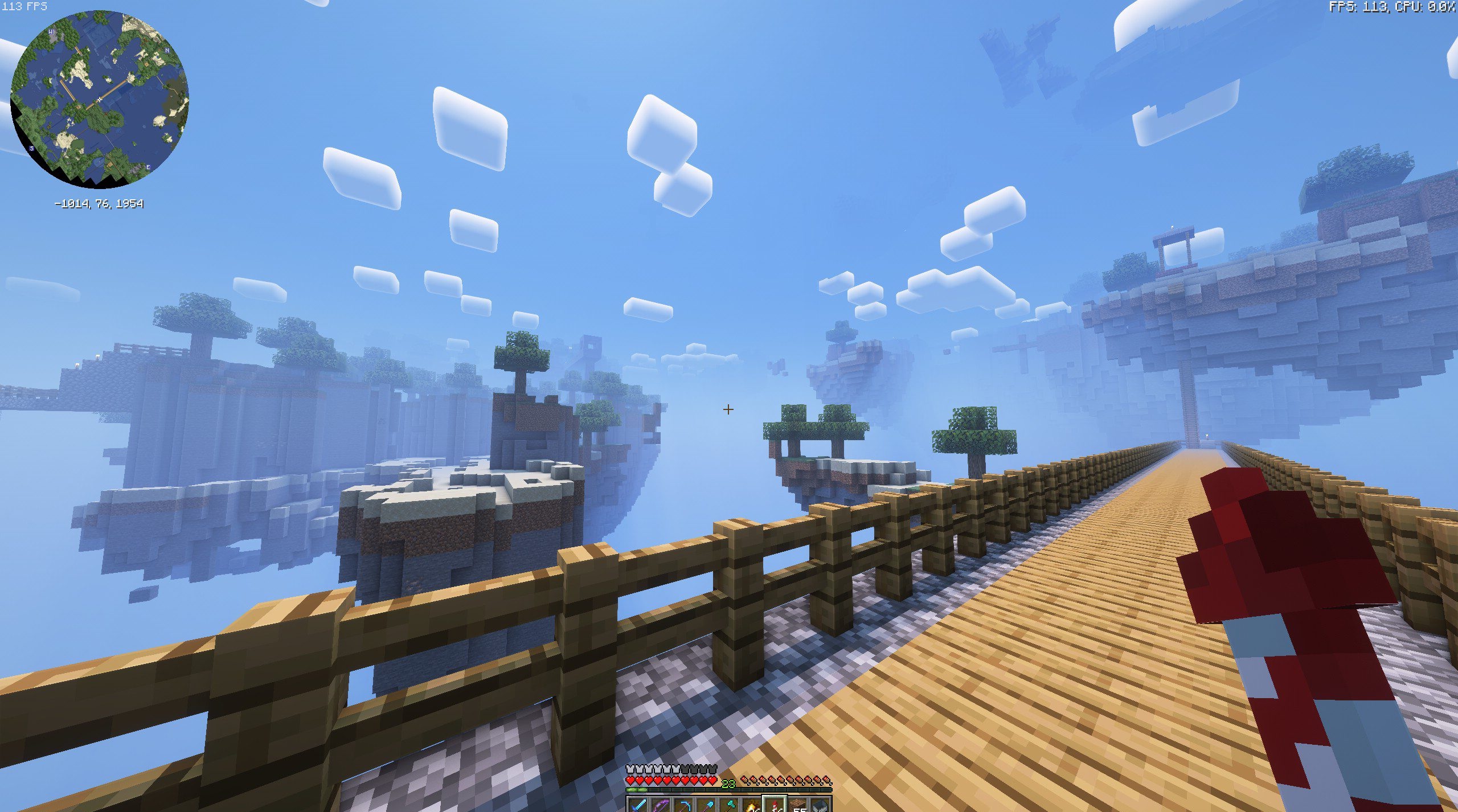
There is no excessive cinematography or aggressive effects here — everything looks like an “enhanced version” of the original visuals. The pack is suitable for survival, building, and long play sessions, where it is important that the graphics do not distract, but simply highlight the beauty of the world.
How to install a shader:
First step: download the shader package from the link below.
Second step: Unpack the downloaded archive and copy the Boovlermentary Shaders folder to c:\Users\User\AppData\Roaming\.minecraft\shaderpacks\(if this folder does not exist, create it yourself) (For Windows)
Third step: In the game, go to Settings, then to Graphics Settings. Select the "shaders" section and activate the shader pack of your choice.
Comments (1)