



BSL Classic for Minecraft 1.21.10

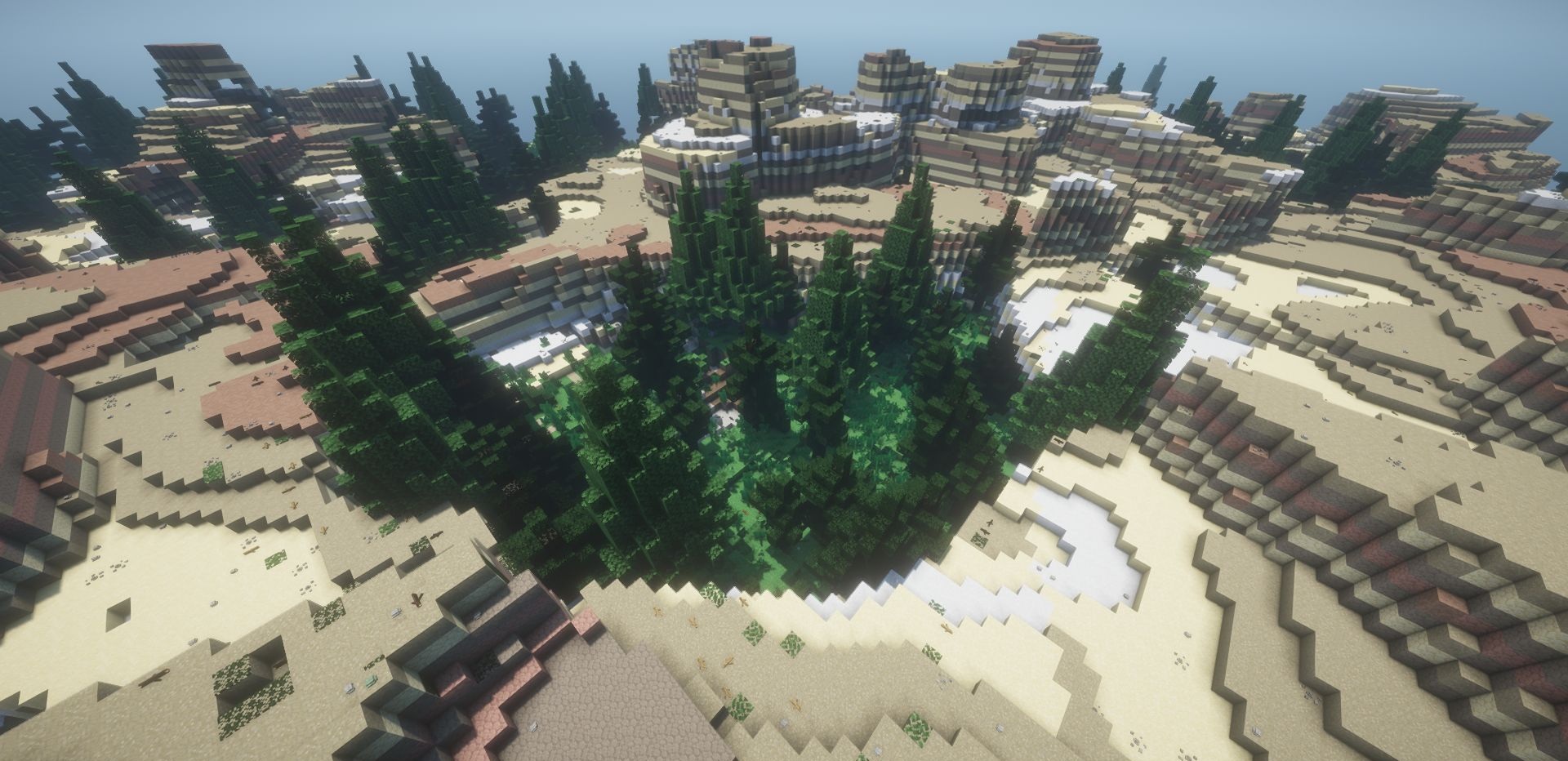
The foundation of BSL Classic Shaders is the desire to make the game visually richer without destroying Minecraft’s familiar look. This pack offers soft shadows, volumetric lighting, and the characteristic glow that creates a warm and cozy picture.
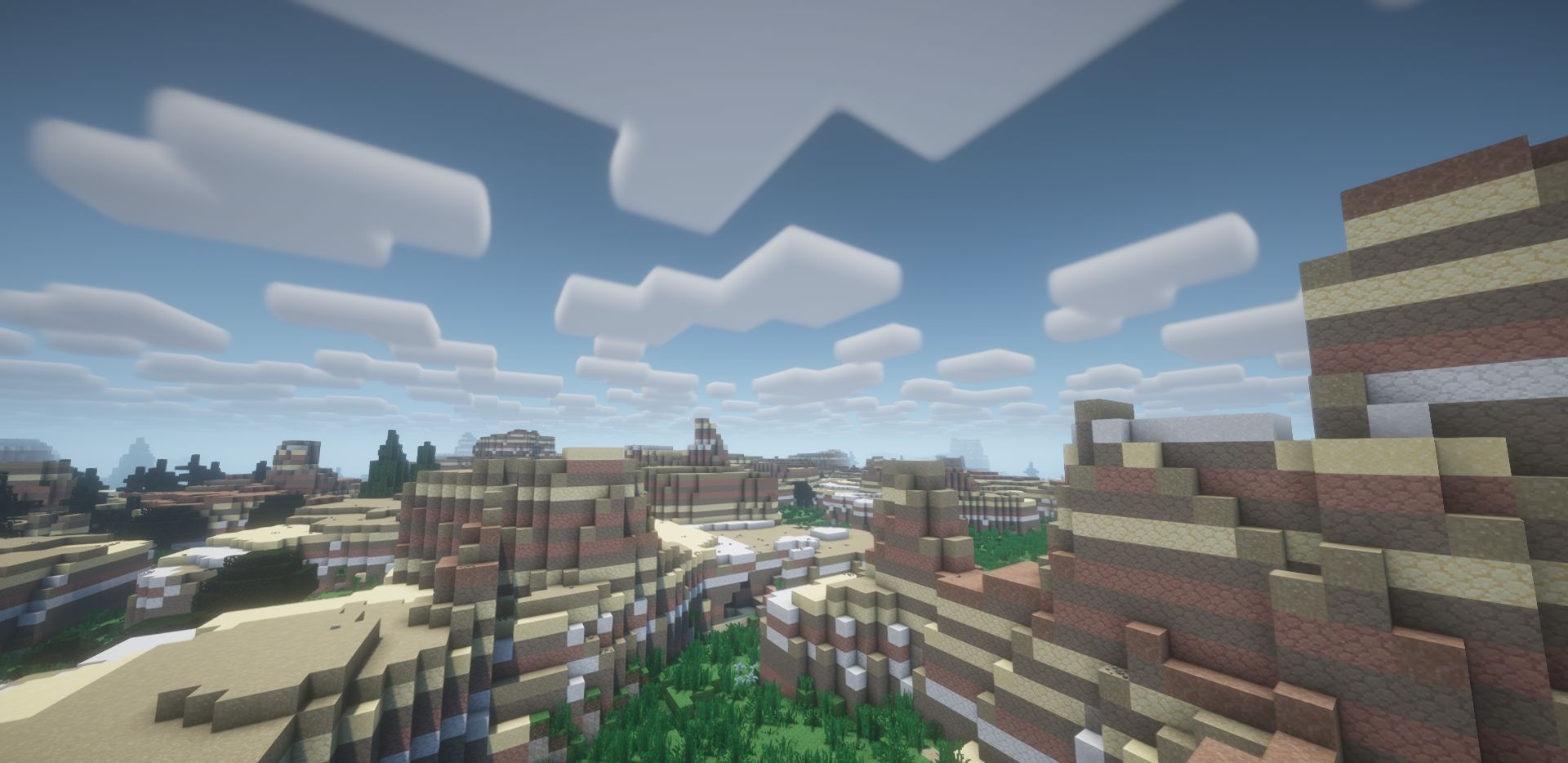
The colors remain close to vanilla but become more vivid and deeper. The shader gives the impression of professional post-processing, as if the game were running through a cinematic filter. It’s an ideal choice for those who want to improve graphics without excessive experimentation, preserving the natural and recognizable look of the world.
How to install a shader:
First step: download the shader package from the link below.
Second step: Unpack the downloaded archive and copy the BSL Classic folder to c:\Users\User\AppData\Roaming\.minecraft\shaderpacks\(if this folder does not exist, create it yourself) (For Windows)
Third step: In the game, go to Settings, then to Graphics Settings. Select the "shaders" section and activate the shader pack of your choice.
Comments (4)