



Builder’s Quality of Life Shaders for Minecraft 1.21.10
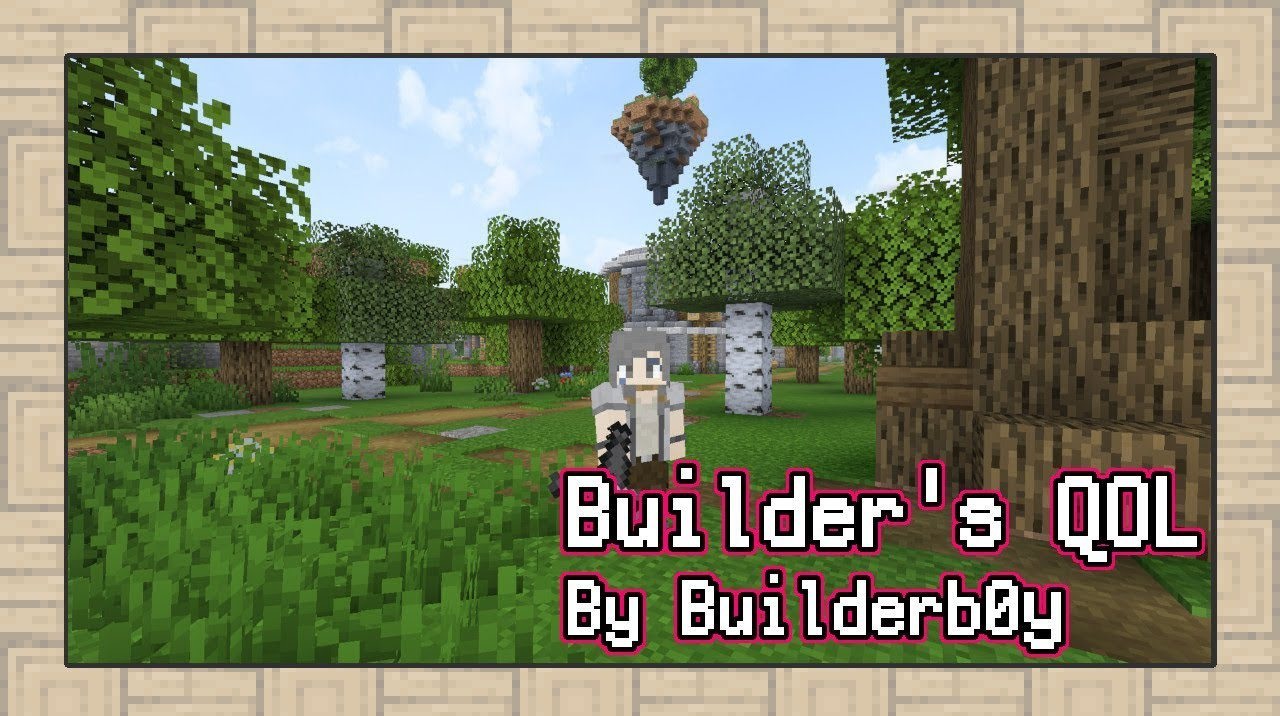
Sometimes, outstanding effects are not necessary to improve visual comfort—this is exactly the philosophy behind Builder’s Quality of Life Shaders. The pack feels as if it gently polishes the vanilla render, making the image cleaner, calmer, and more balanced. Colors gain clarity, lines become softer, and brightness is distributed in a way that prevents eye strain even during long play sessions.
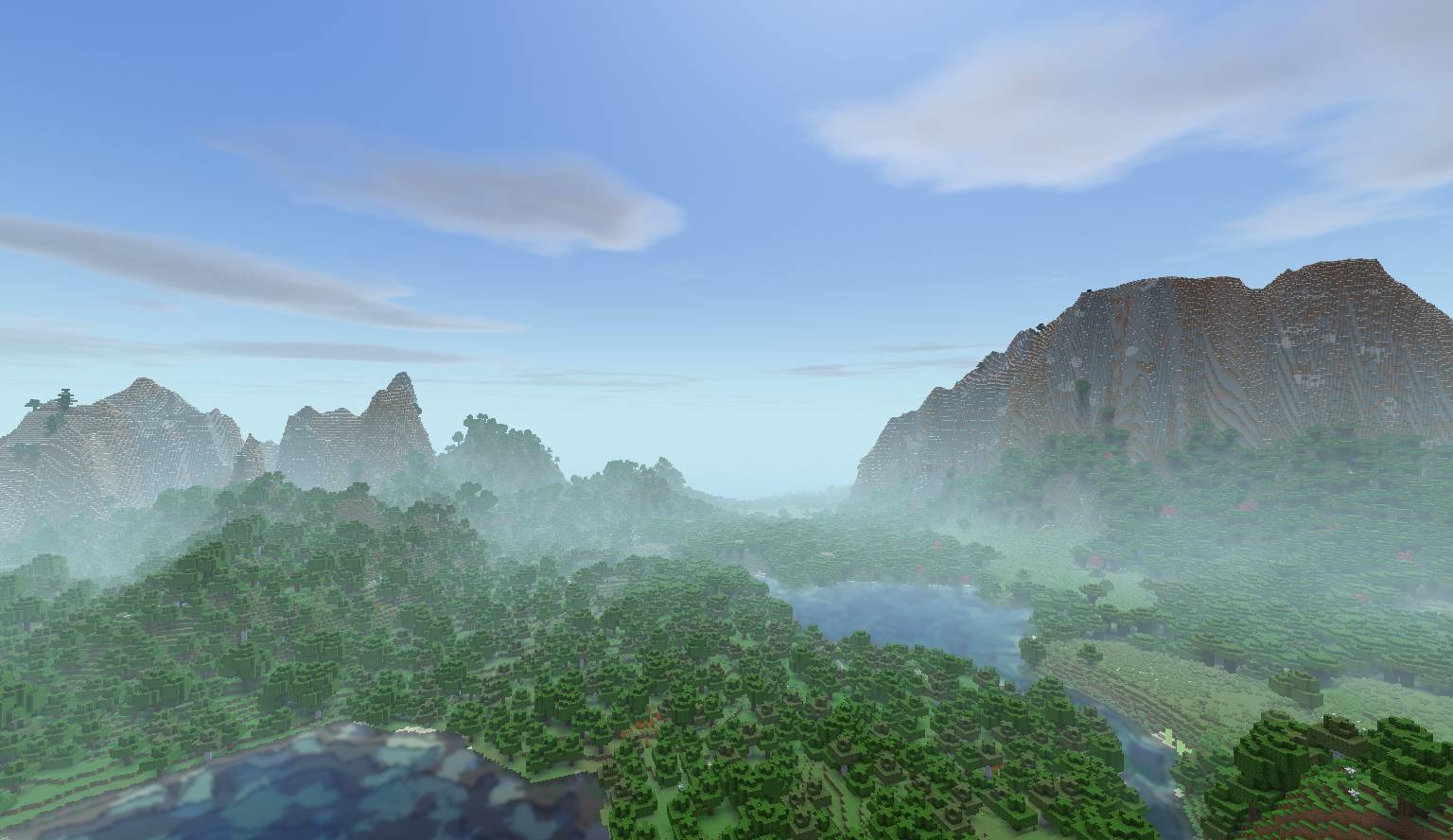
The world remains familiar but looks as though it has undergone light artistic processing. This approach allows players to enjoy Minecraft’s aesthetics without heavy resource demands and without distorting its signature style. In the end, it feels as if the game has taken a fresh breath without losing its essence.

How to install a shader:
First step: download the shader package from the link below.
Second step: Unpack the downloaded archive and copy the Builder’s Quality of Life Shaders folder to c:\Users\User\AppData\Roaming\.minecraft\shaderpacks\(if this folder does not exist, create it yourself) (For Windows)
Third step: In the game, go to Settings, then to Graphics Settings. Select the "shaders" section and activate the shader pack of your choice.
Comments (0)