



Chocapic13 Shaders for Minecraft 1.21.10
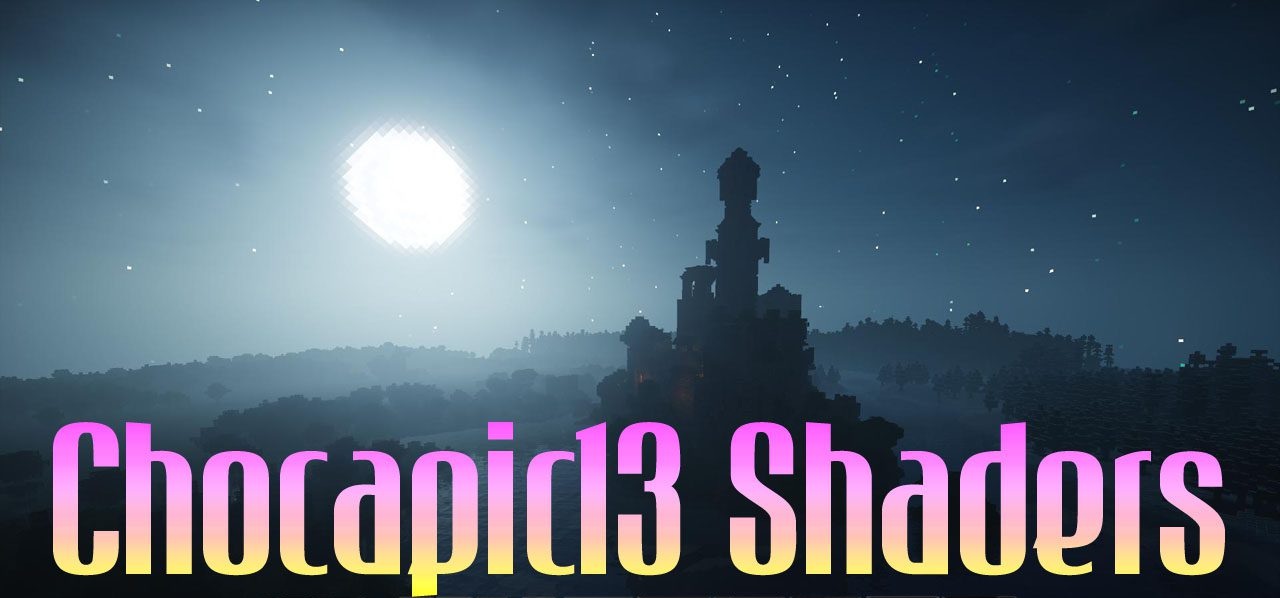
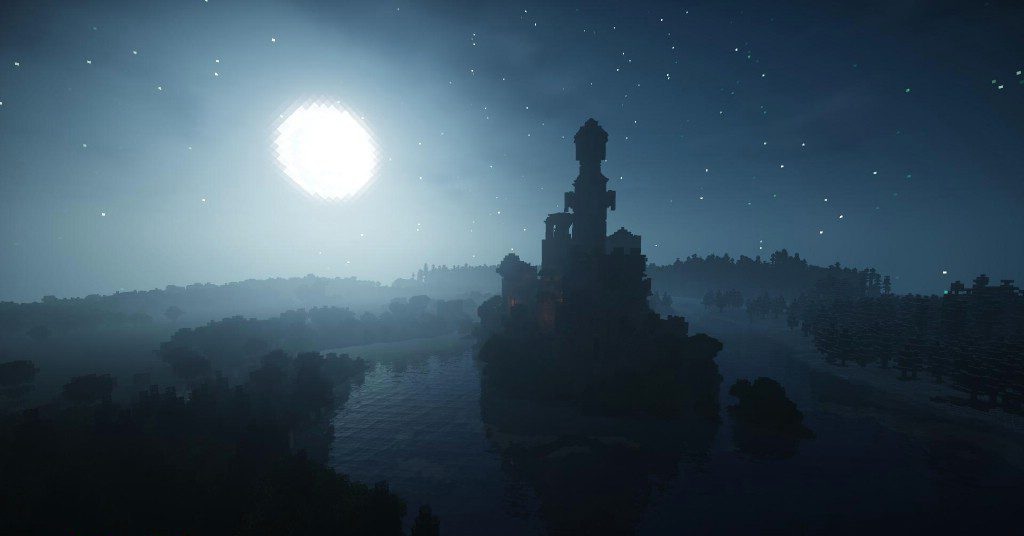
What makes the game’s visual world so atmospheric and alive? The answer can be found within Chocapic13 Shaders, which from the very first minutes demonstrate impressive image depth. Sunlight passes smoothly through the clouds, shadows fall naturally and create convincing volume, and dynamic fog adds soft cinematic qualities to scenes.
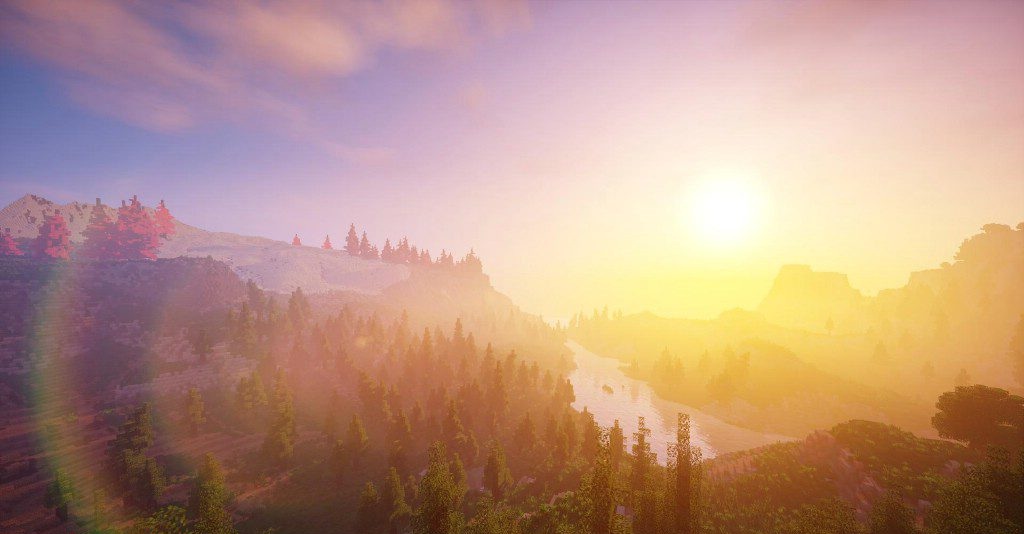
Water impresses with its combination of reflections, refractions, and water fog, turning every body of water into a striking feature of the landscape. Vegetation responds to the wind with gentle movement, as if the world truly lives by its own natural laws.
How to install a shader:
First step: download the shader package from the link below.
Second step: Unpack the downloaded archive and copy the Chocapic13 Shaders folder to c:\Users\User\AppData\Roaming\.minecraft\shaderpacks\(if this folder does not exist, create it yourself) (For Windows)
Third step: In the game, go to Settings, then to Graphics Settings. Select the "shaders" section and activate the shader pack of your choice.
Comments (2)