



CilokGaming Shaders for Minecraft 1.21.11
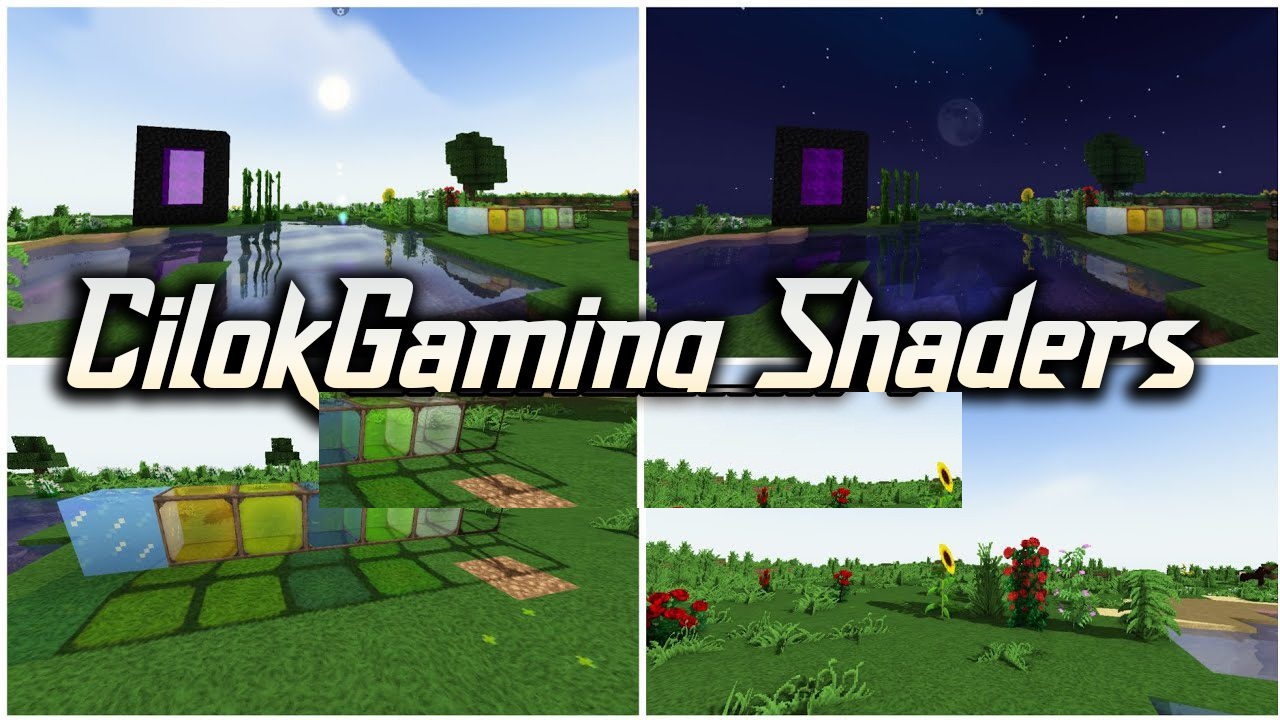
When performance comes first, but you still want to slightly refresh the game’s appearance, CilokGaming Shaders turns out to be a very successful compromise. It does not aim to radically change Minecraft’s style, instead carefully enhancing key visual elements: lighting becomes softer, water more pleasant, and the sky deeper.
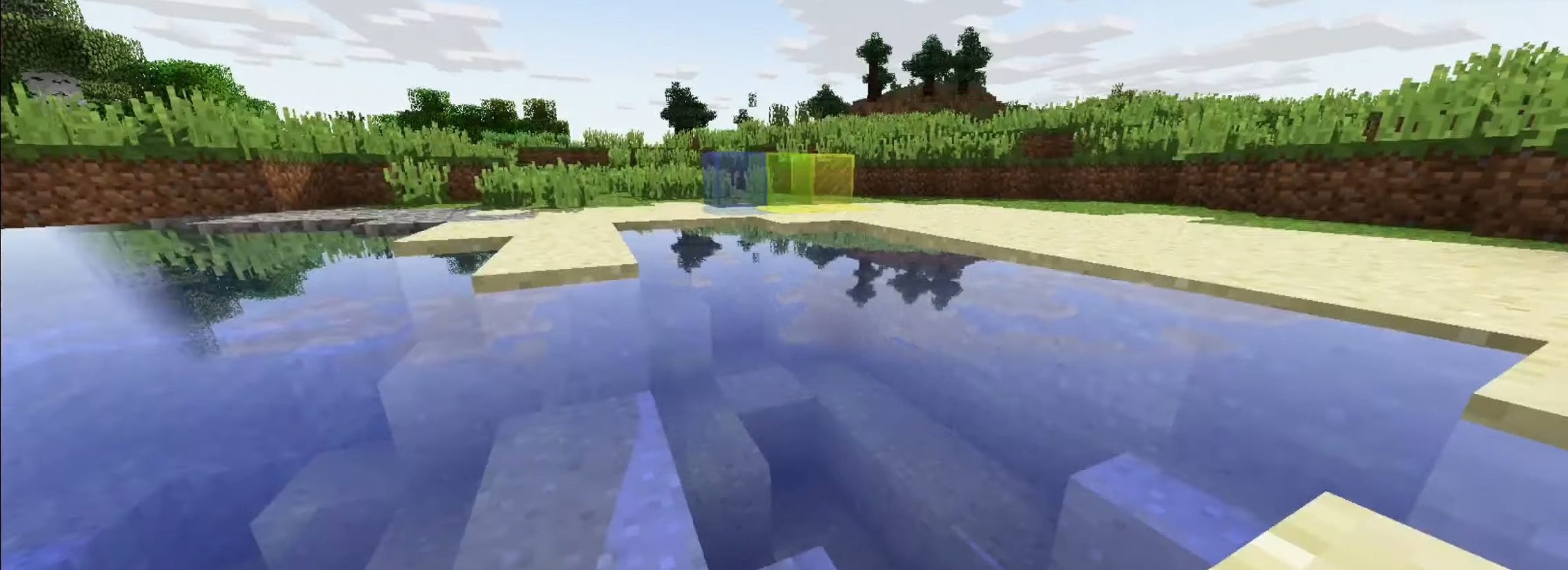
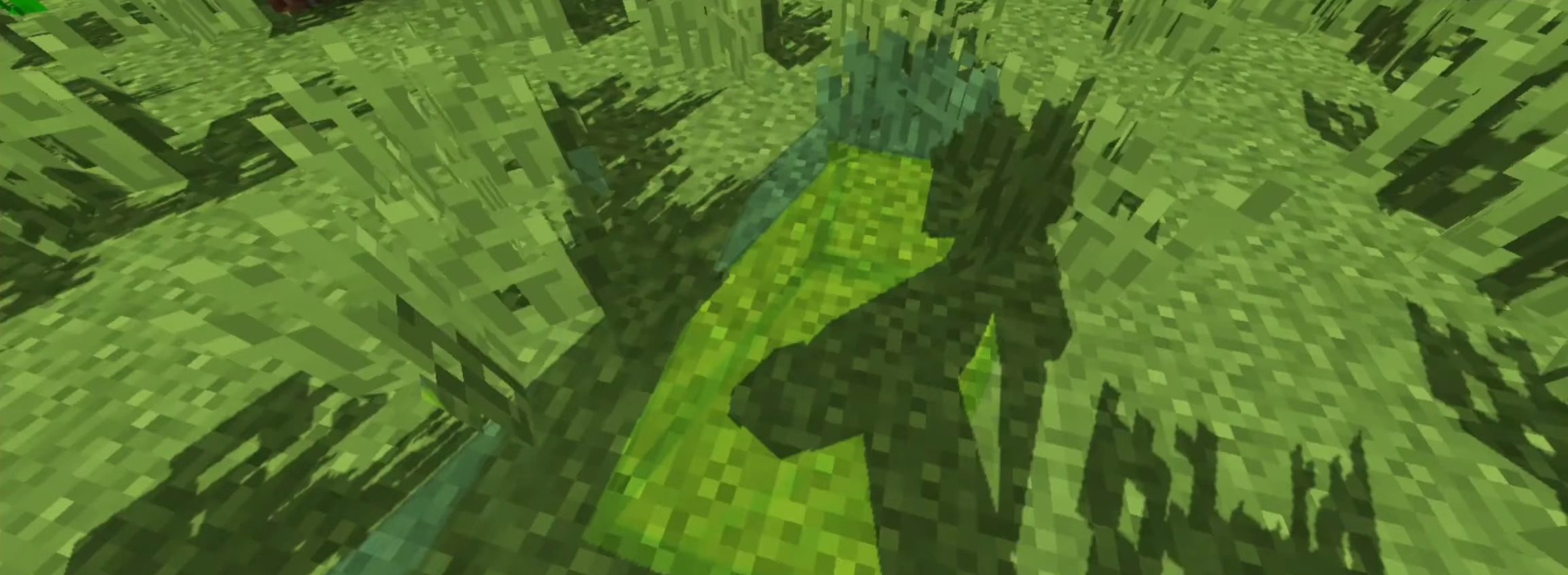
Shadows emphasize the shape of objects, adding volume without putting strain on the system. As a result, the player gets an updated image that remains stable even on low-end computers. This is a case where small changes produce a noticeable effect without sacrificing game smoothness.
How to install a shader:
First step: download the shader package from the link below.
Second step: Unpack the downloaded archive and copy the CilokGaming Shaders folder to c:\Users\User\AppData\Roaming\.minecraft\shaderpacks\(if this folder does not exist, create it yourself) (For Windows)
Third step: In the game, go to Settings, then to Graphics Settings. Select the "shaders" section and activate the shader pack of your choice.
Comments (0)