



Cinematic Color Correction for Minecraft 1.21.11

Cinematic Color Correction does not work with the physics of light, but with the perception of the image. This shader changes color balance, increases contrast, and adds a soft glow effect, making scenes look like frames from a movie. Warm tones become deeper, cool tones more saturated, and the overall image gains expressive “cinematic” qualities. The glow highlights light sources, reflections, and bright objects, creating soft halos without harsh overexposure.
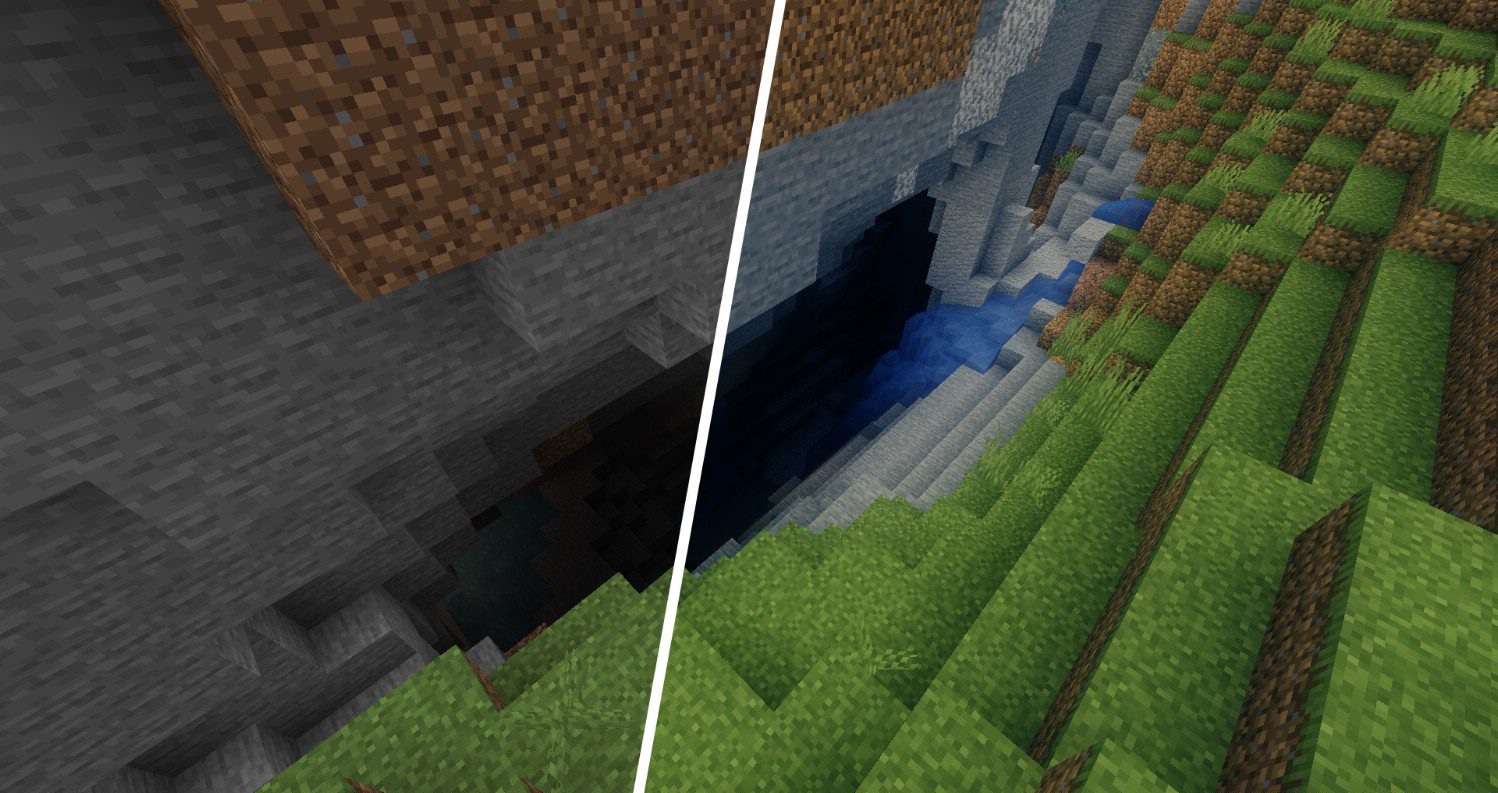
When the glow effect is disabled, the shader places almost no load on the system, leaving only color correction active. The world begins to look more dramatic, contrast-rich, and visually cohesive, as if every scene has gone through professional color grading.

How to install a shader:
First step: download the shader package from the link below.
Second step: Unpack the downloaded archive and copy the Cinematic Color Correction folder to c:\Users\User\AppData\Roaming\.minecraft\shaderpacks\(if this folder does not exist, create it yourself) (For Windows)
Third step: In the game, go to Settings, then to Graphics Settings. Select the "shaders" section and activate the shader pack of your choice.
Comments (2)