



Complementary Unbound Shaders for Minecraft 1.21.11
When a shader develops for a long time, at some point it stops being just a set of effects and turns into a large, cohesive system. That is exactly the impression left by Complementary Unbound Shaders. This major update noticeably expands the familiar style through reworked clouds, an improved atmosphere, more expressive water, and serious changes to weather effects.
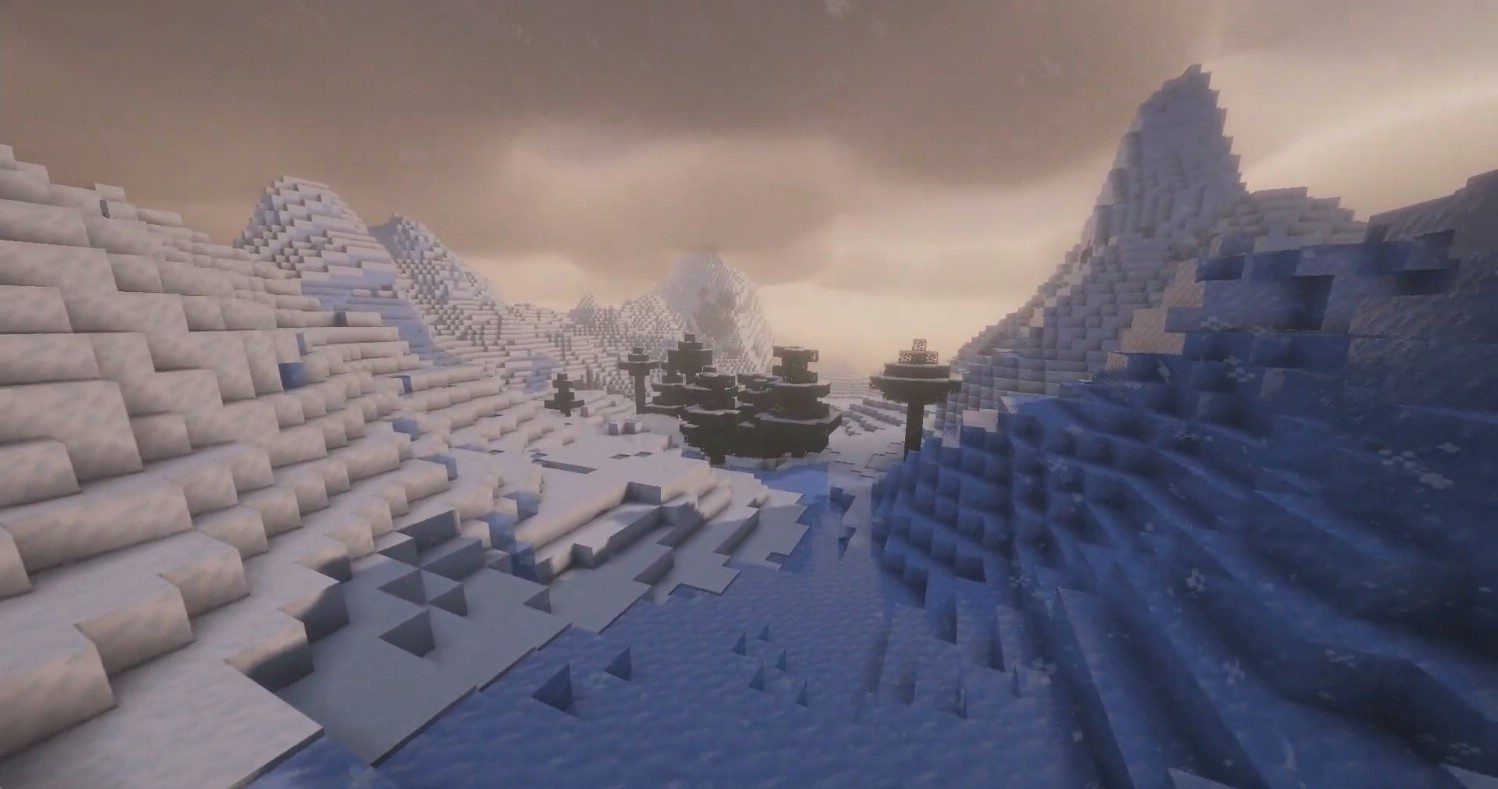
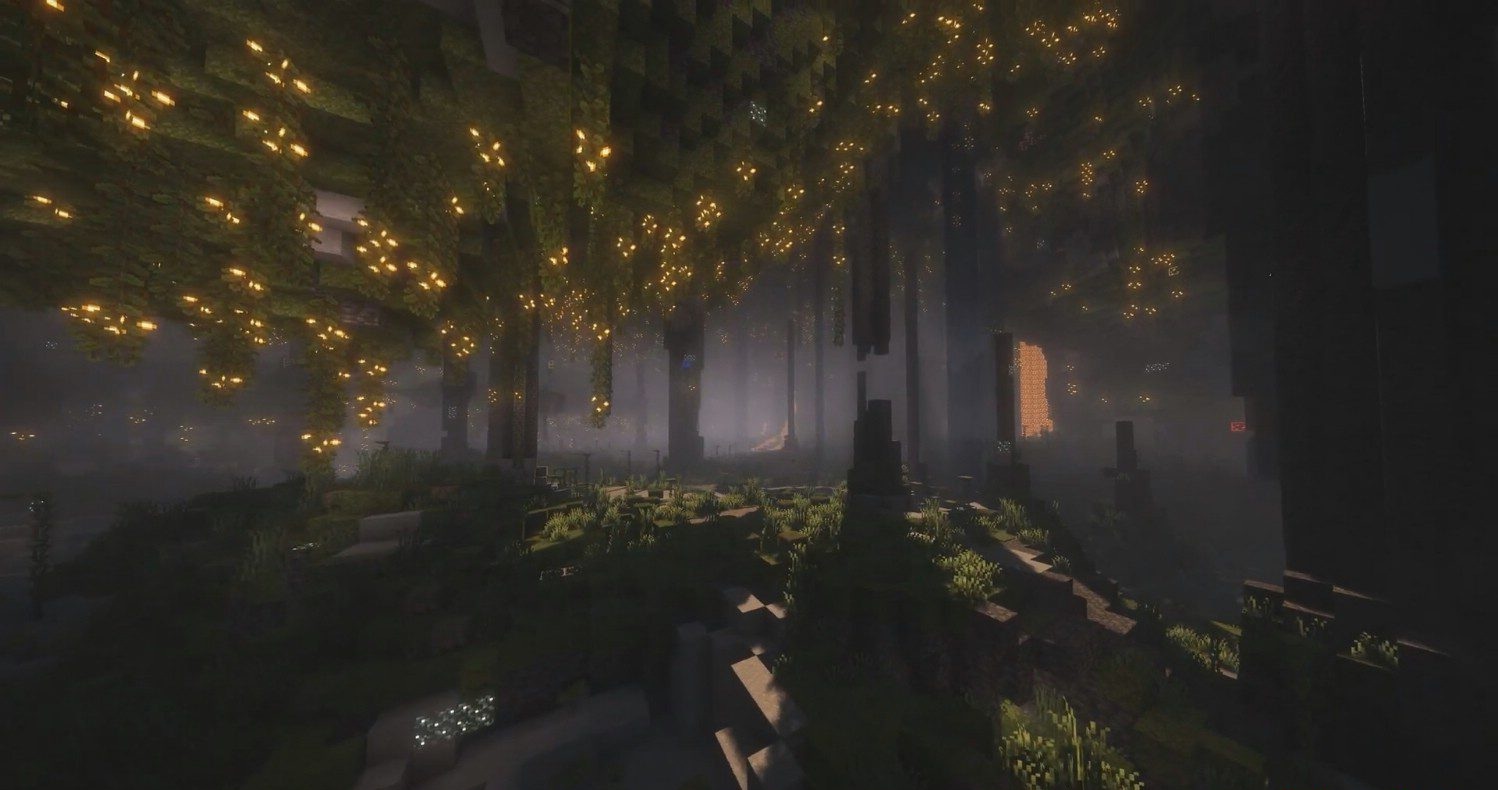
The work done on the sky and volume is felt especially well: the clouds look deeper and more convincing, while rain and snow have become visually richer and more natural. The Nether has not been forgotten either, where the atmosphere has become darker, clearer, and more impressive at the same time.
How to install a shader:
First step: download the shader package from the link below.
Second step: Unpack the downloaded archive and copy the Complementary Unbound Shaders folder to c:\Users\User\AppData\Roaming\.minecraft\shaderpacks\(if this folder does not exist, create it yourself) (For Windows)
Third step: In the game, go to Settings, then to Graphics Settings. Select the "shaders" section and activate the shader pack of your choice.
Comments (7)