



Continuum Shaders for Minecraft 1.21.11
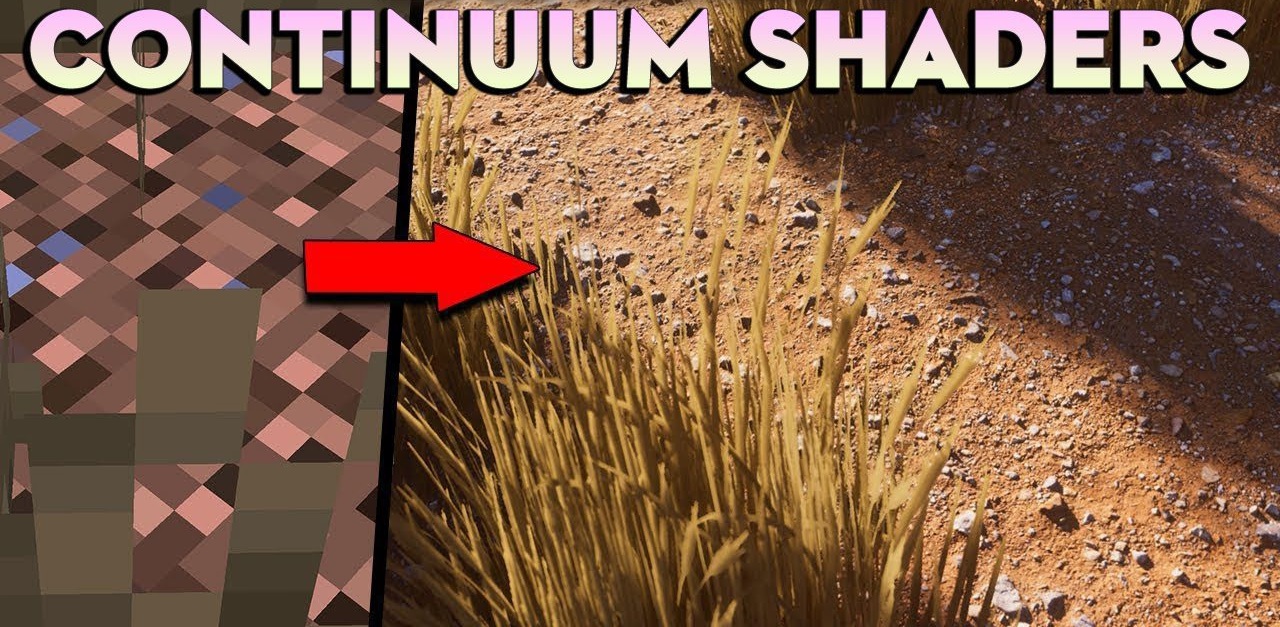
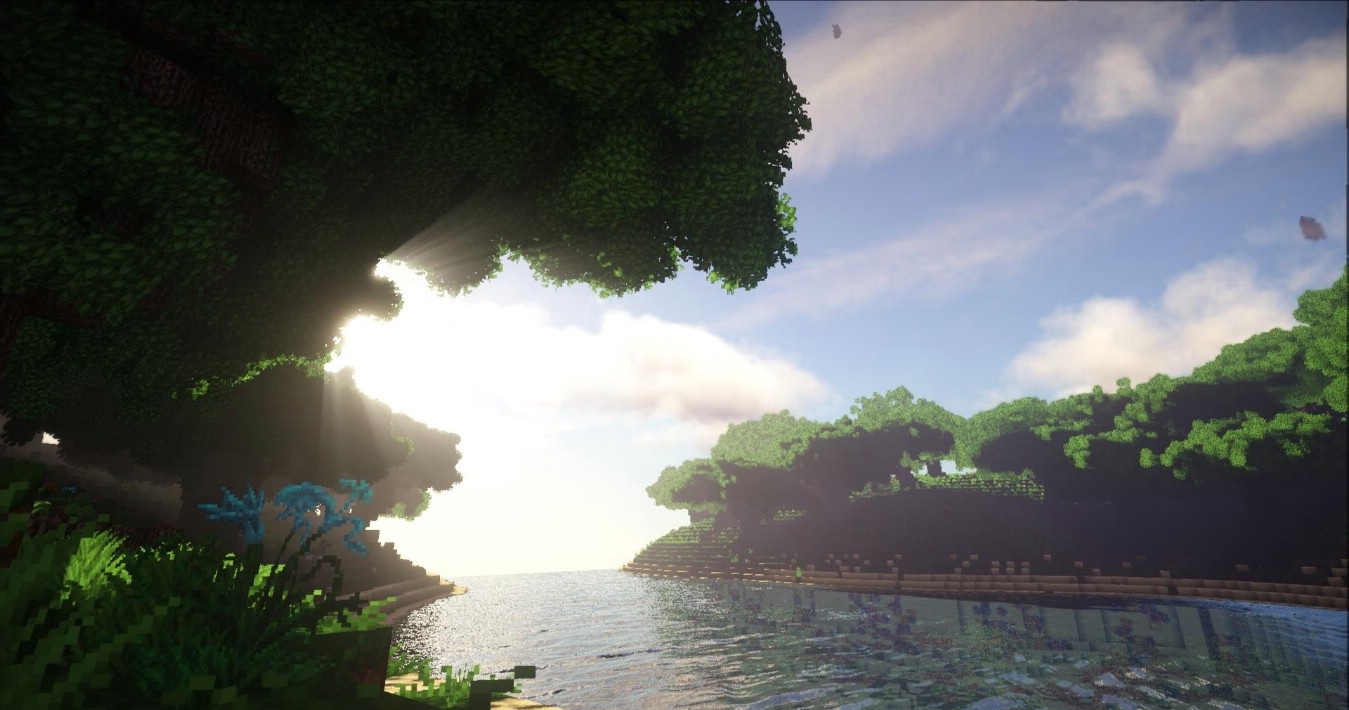
Continuum Shaders is focused on maximum visual impact and cinematic presentation. Light plays a key role here: sun rays are dazzling, shadows look deep, and clouds create the feeling of a real sky. Every frame resembles a staged screenshot. The shader uses complex lighting methods, detailed reflections, and advanced water with realistic light refraction. The weather changes dynamically, affecting the overall mood of the world.
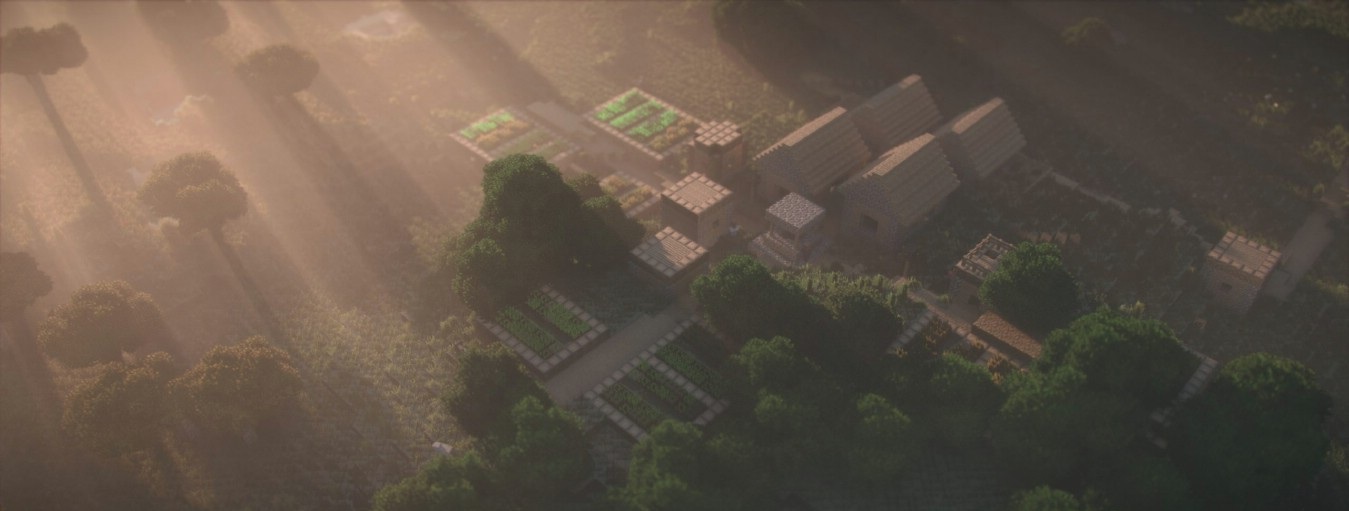
This shader pack requires a powerful computer and is more suitable for beautiful videos or screenshots than for regular gameplay. It is a choice for those who want to see Minecraft at the level of a high-budget render.
How to install a shader:
First step: download the shader package from the link below.
Second step: Unpack the downloaded archive and copy the Continuum Shaders folder to c:\Users\User\AppData\Roaming\.minecraft\shaderpacks\(if this folder does not exist, create it yourself) (For Windows)
Third step: In the game, go to Settings, then to Graphics Settings. Select the "shaders" section and activate the shader pack of your choice.
Comments (6)