



CTMPOMFIX for Minecraft 1.21.10

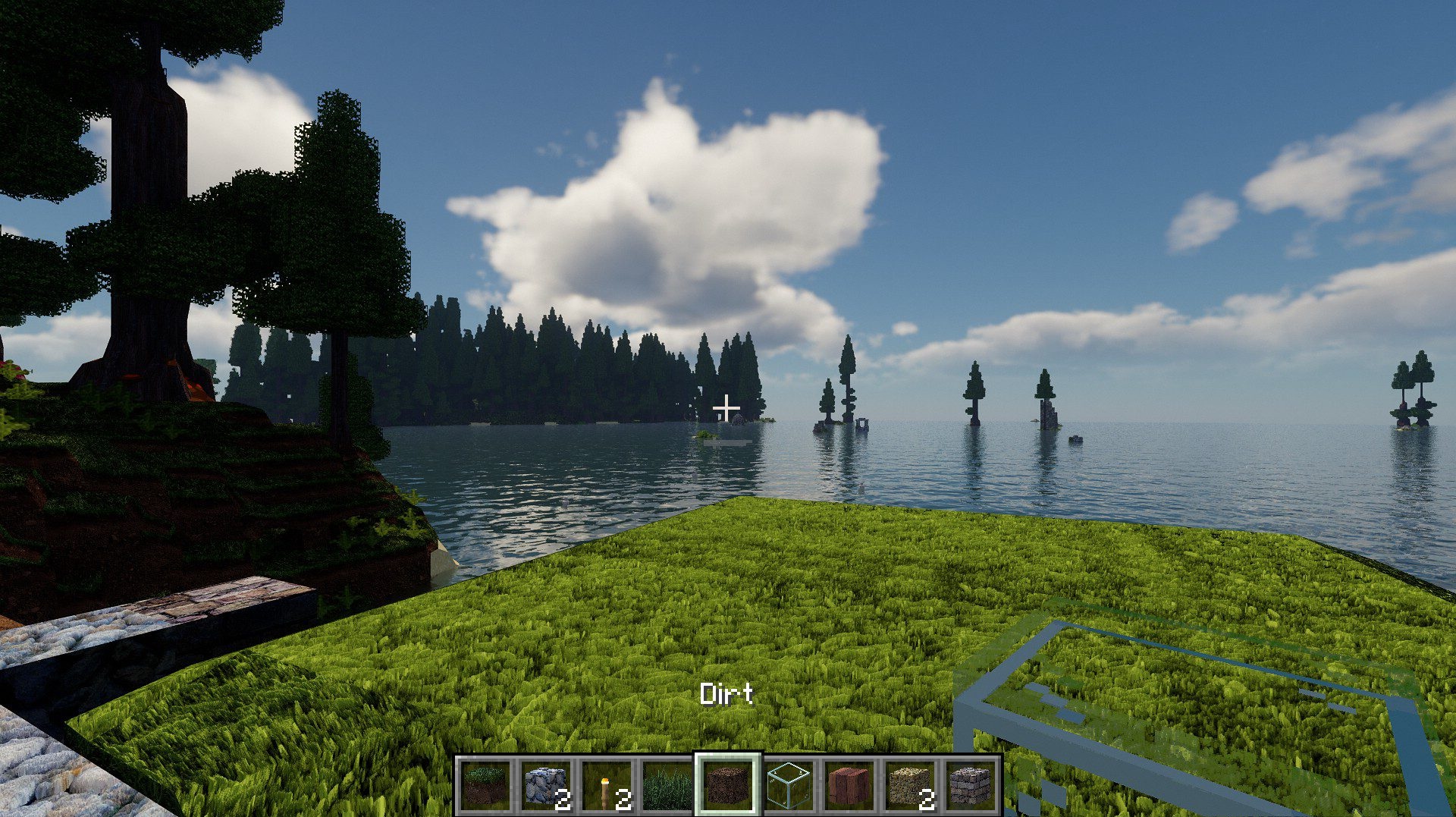
CTMPOMFIX shaders are primarily a tool for those who appreciate detailed textures and terrain. This pack is based on Chocapic13, but its main feature is CTMPOMFIX support, which allows seamless connected textures with POM. As a result, block surfaces look unified, and transitions between texture variants appear natural, with no visible boundaries.

This is especially noticeable on stone, wood, and brick textures: they gain realistic volume, as if rendered in 3D. The lighting follows the classic Chocapic13 model: soft shadows, pleasant sunlight, and a carefully balanced color palette.
How to install a shader:
First step: download the shader package from the link below.
Second step: Unpack the downloaded archive and copy the CTMPOMFIX folder to c:\Users\User\AppData\Roaming\.minecraft\shaderpacks\(if this folder does not exist, create it yourself) (For Windows)
Third step: In the game, go to Settings, then to Graphics Settings. Select the "shaders" section and activate the shader pack of your choice.
Comments (4)